81
Installation
14.6.1 Control elements
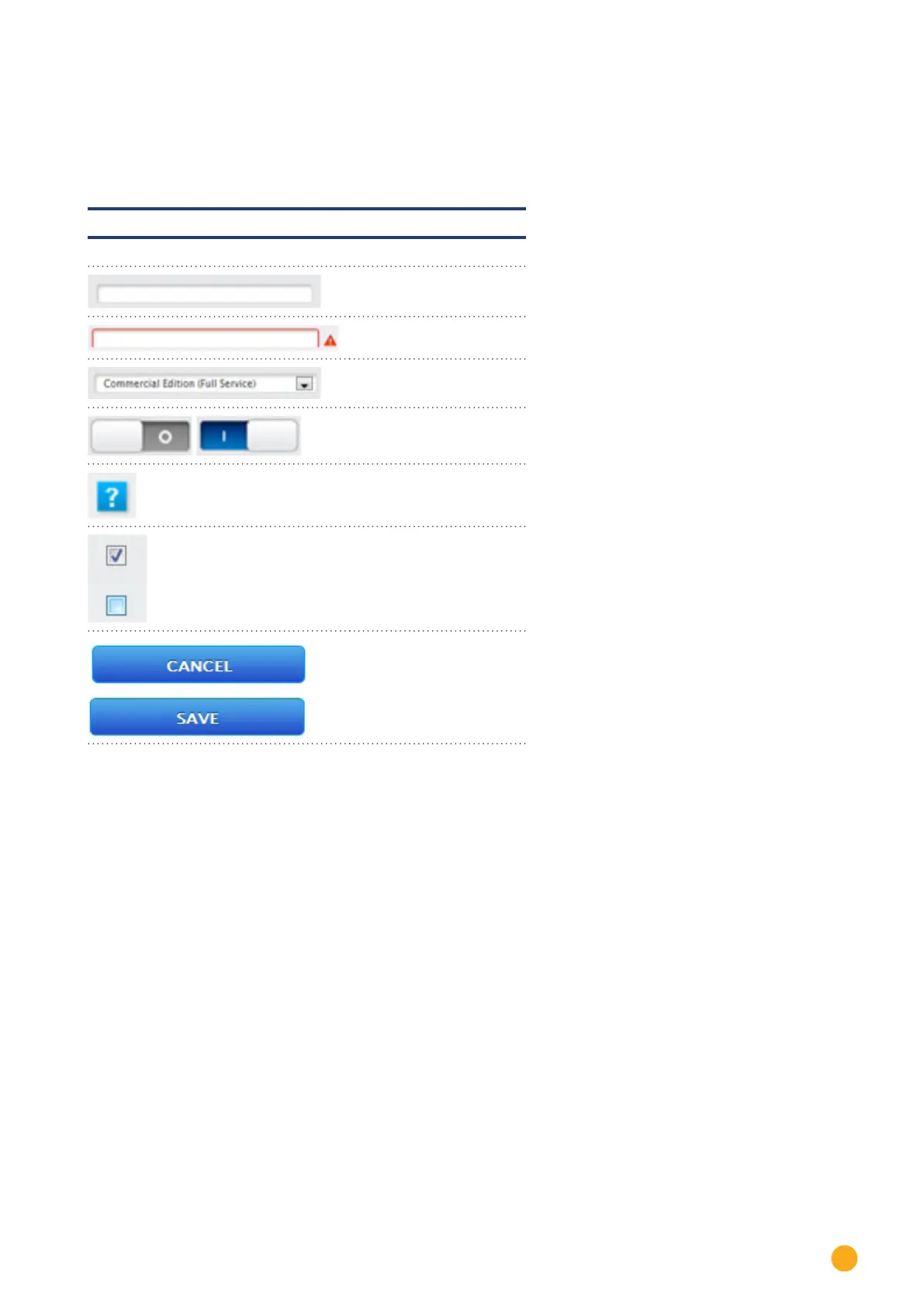
The following control elements are used:
Control elements in the browser menu
Control element Meaning
Text eld
Text eld with incorrect or
missing entry
Drop-down selection list
Virtual switch
deactivated and activated
The question mark boxes
display additional informa-
tion
Check boxes
Several boxes can be selec-
ted at one time
Command buttons for vari-
ous functions
Fig.: Control elements in the browser menu
After making changes in the browser menu, the follow message is displayed at the bottom of the page:
The changes have not been saved.
After clicking on the Save button the following message is displayed:
The changes have been saved.



 To Next Page