141
Configuration Menu
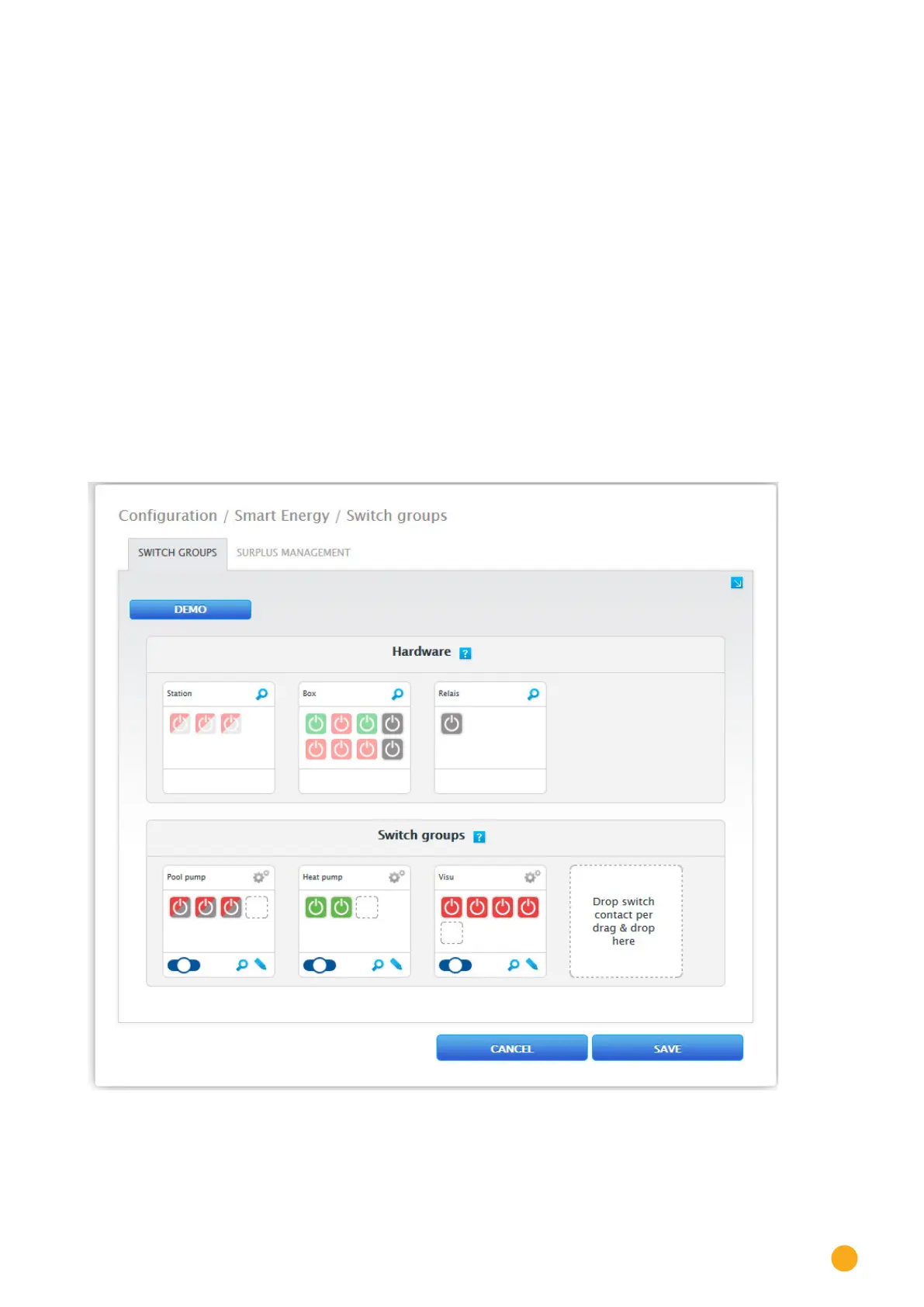
Creating switching groups
There are two ways to create a switching group:
The first method:
•
Left-click on the “Create switch contact here via Drag & Drop” box.
The second method:
•
Drag a defined switch from the hardware section to the “Create switch contact here via Drag &
Drop” box.
The next steps are identical for both methods.
•
A new window with settings appears. Here, the switching group can be given a name and assigned
the operating mode “consumer” or “generator.”
•
Save the settings by clicking on “Continue.”
•
The switch group is now visible.
(See illustration: “Creating switching groups”)
Click on the
Demo box to start the corresponding help for the procedures. (The Demo box is only visible
once a switch has already been created.)
Fig.: Creating switching groups



 To Next Page