291
Faults
21.2.9 Special cases
The e-mail symbol blinks
There are unread notifications. These can be read from
•
the display (only Solar-Log 1200 and 2000) or
•
in the browser from the Diagnostic | Event Log
menu.
Firmware update
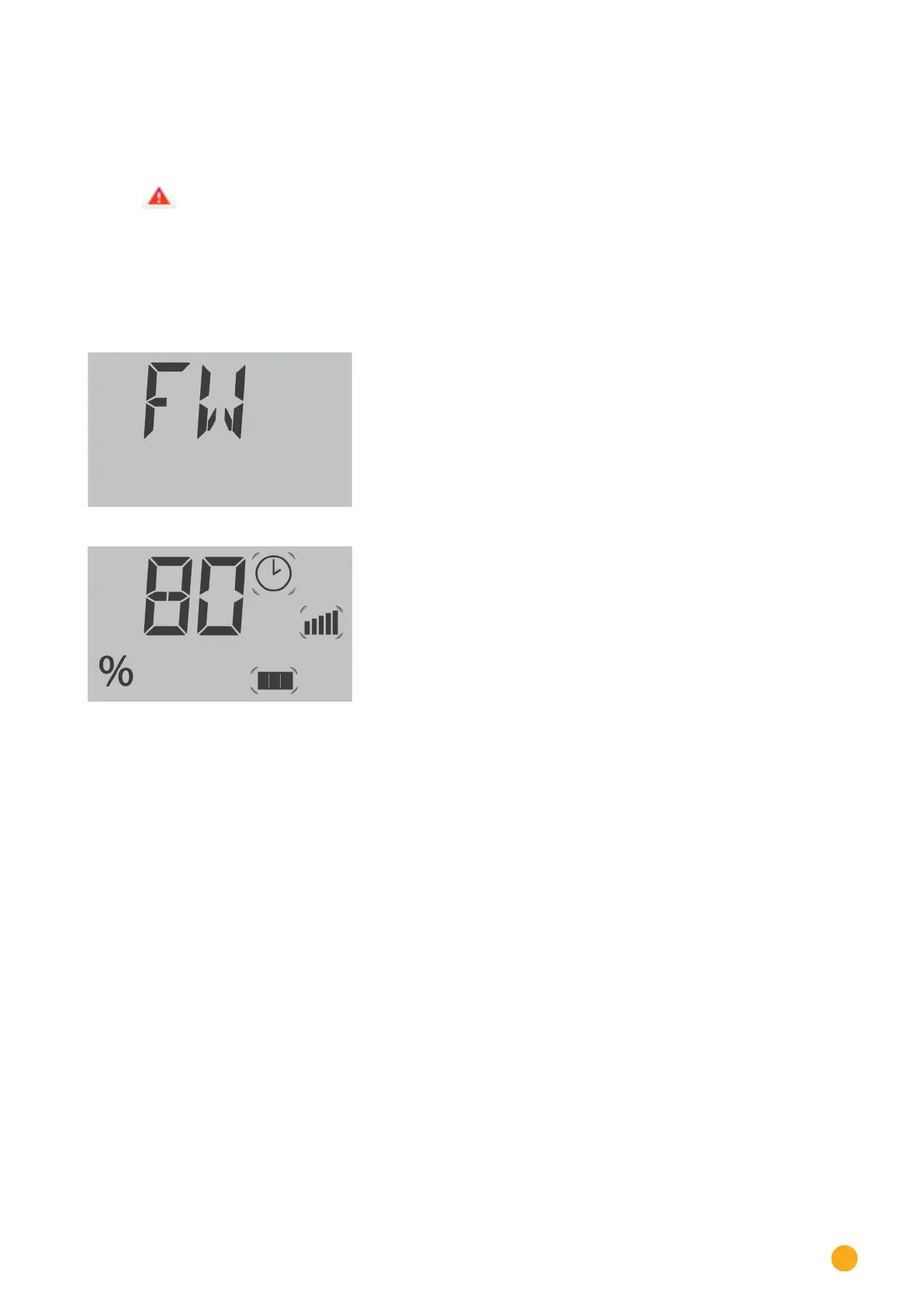
During a firmware update, the installation status is shown on the LCD display.
Step 1 of the firmware update:
Step 2 of the firmware update: The progress is displayed as a
percentage.
After the firmware has been completely imported, the Solar-Log™ reboots itself and BOOT in displayed in
the text field.



 To Next Page