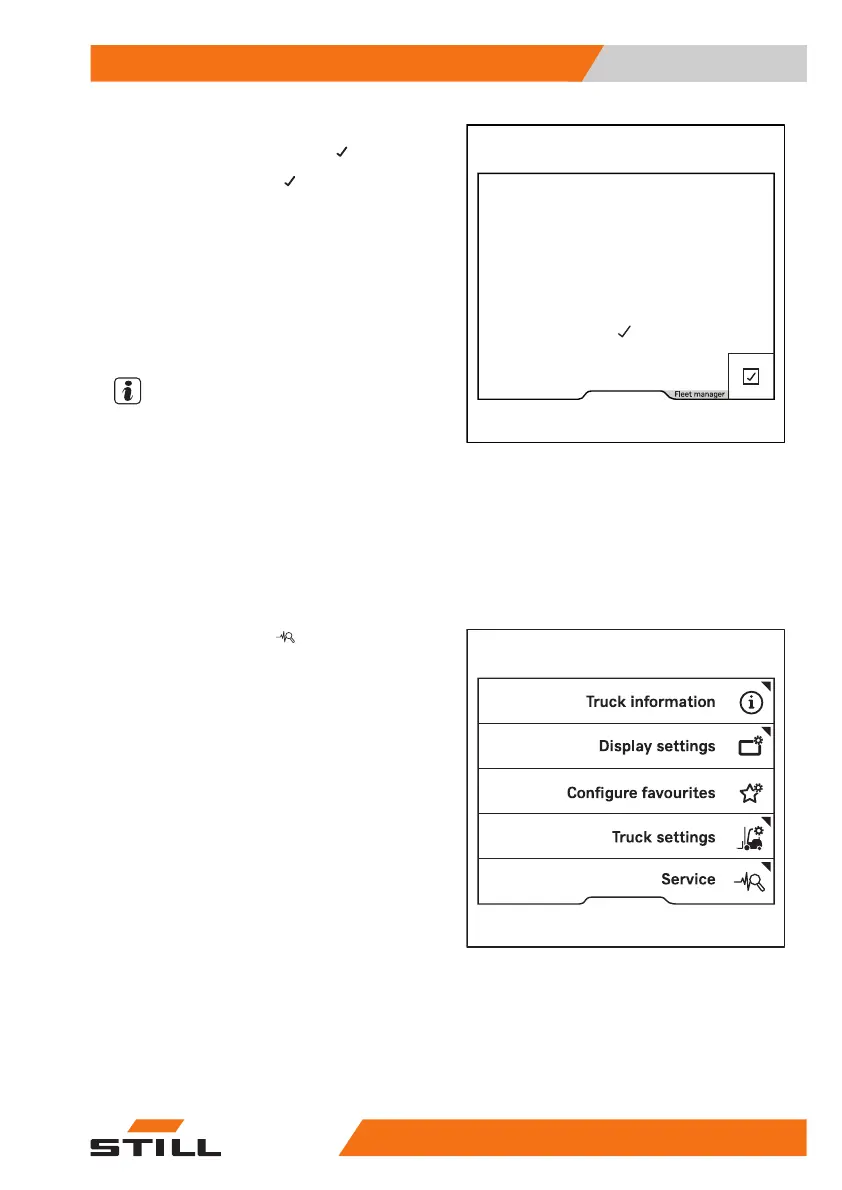
The message
Fleet manager access
authorisation granted
appears.
– To confirm, press the
softkey.
"Access authorisation for the fleet manager" is
activated. The display returns to the settings
menu.
If the password entered was incorrect, the
message
Password incorrect
is dis-
played.
– If this happens, enter the password again.
NOTE
While the "Access authorisation for the fleet
manager" is activated,
Fleet manager
is
displayed in an orange bar at the bottom of
the screen. When the users switches to the
main display, the access authorisation expires
again.
Changing the fleet manager password
– Activate the "Access authorisation for the
fleet manager".
– Press the
Service
softkey.
Fleet manager
access authorisation
granted
6219_003-208
Operation
4
Display-operating unit
12756368011531 EN - 01/2021 - 05



 To Next Page