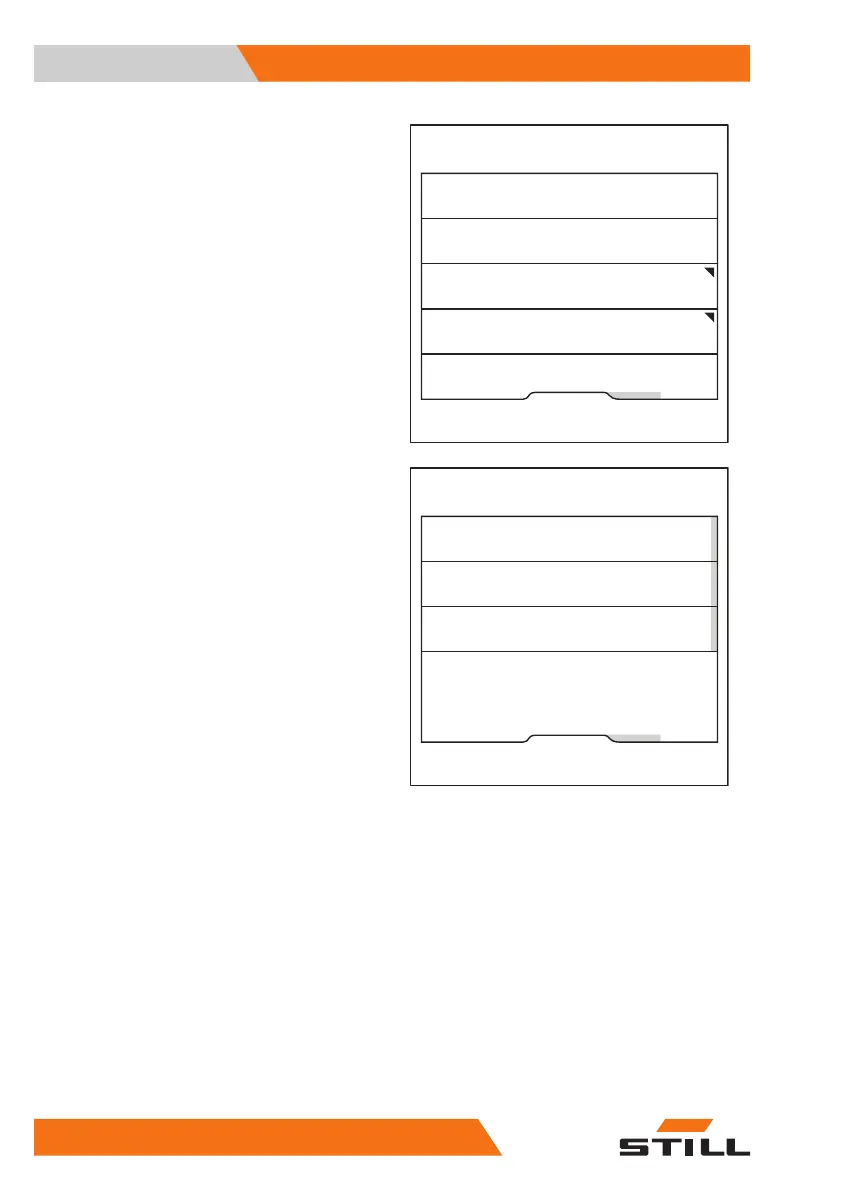
The Pre-Shift Check menu appears.
– Press the "Shift start" softkey.
In this menu, you can call up the shift to be
defined and its start time.
The orange activation bar indicates which
shifts are activated.
– To edit a shift, press the corresponding soft-
key.
Fleet manager
Reset restriction
Shift start
Question sequence
History
6219_003-269_en
Fleet manager
Shift start 2
Shift start 3
Shift start 1
6219_003-271_en
Operation
4
Pre-shift check
138 56368011531 EN - 01/2021 - 05



 To Next Page