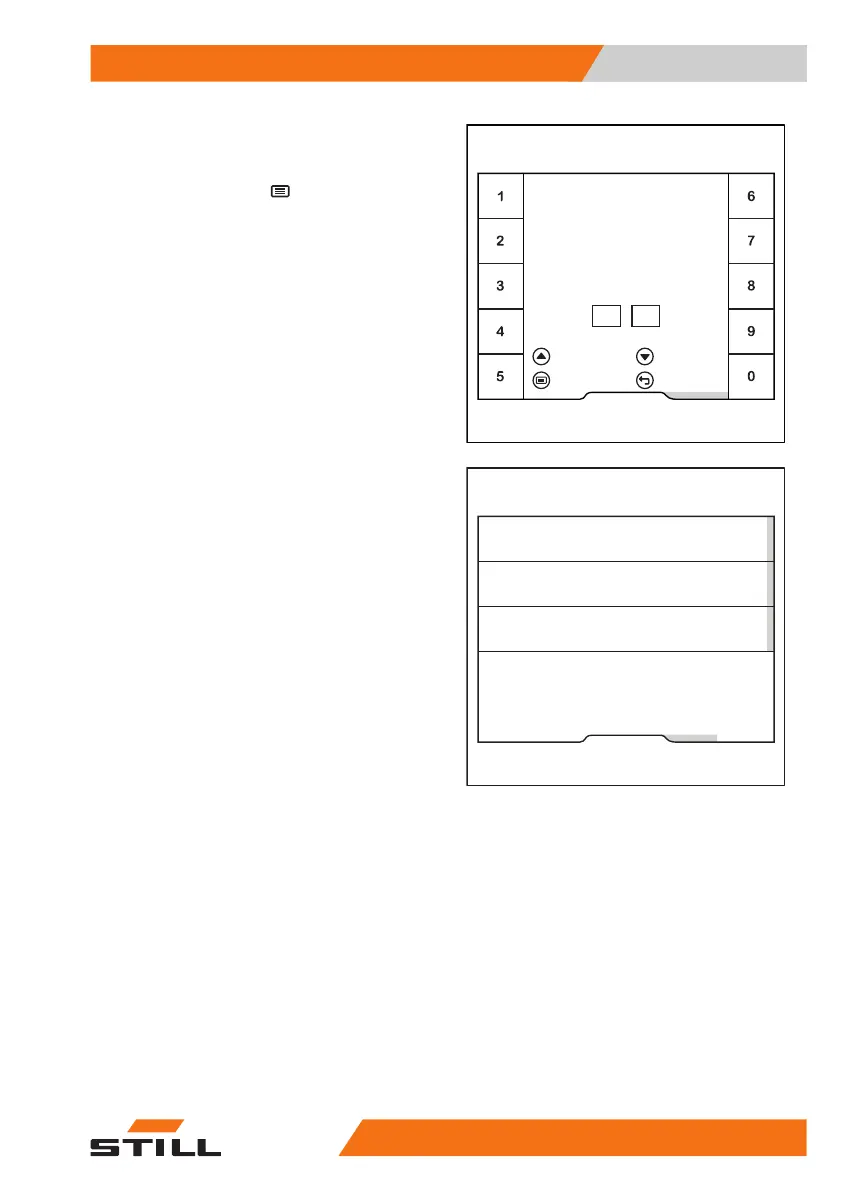
In this menu you can define the shift start.
– Enter the time using softkeys "0 to 9".
– To
save
, press the button.
The shift start is now defined. The Pre-Shift
Check is always requested from this shift start
time.
The display returns to the previous menu.
– To deactivate a certain shift start, select the
relevant shift.
Fleet manager
Enter shift start
= Clear
06
Shift start 1
00:
= Deactivate
= Save = Cancel
6219_003-272_en
Fleet manager
Shift start 2
Shift start 3
Shift start 1
6219_003-271_en
Operation
4
Pre-shift check
13956368011531 EN - 01/2021 - 05



 To Next Page