DOC-06810 Rev. A 6–29
Objet1000 Plus User Guide
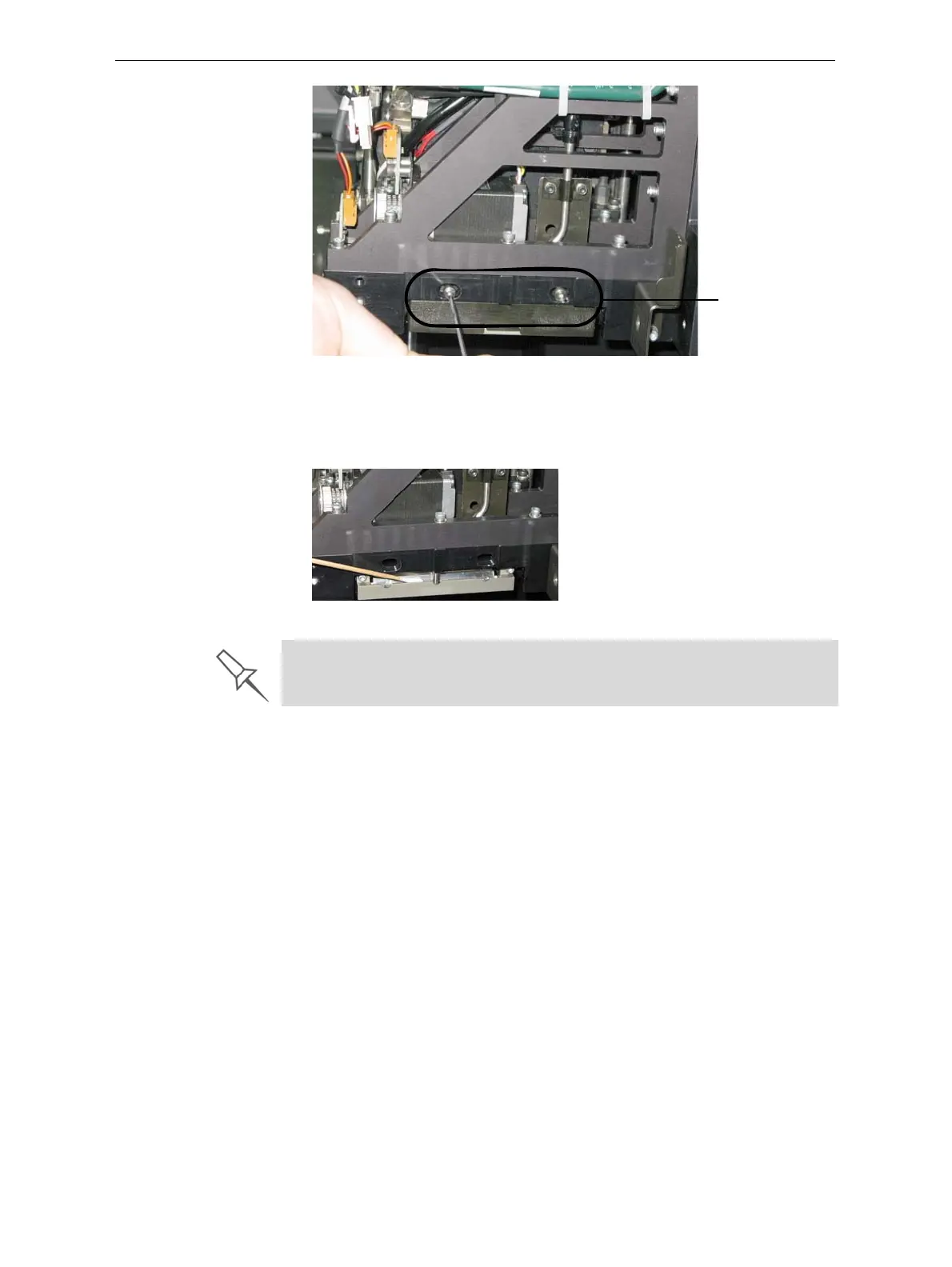
Figure 6-32: Removing the roller waste collector covering
8. Removethecoveringbypullingitout,andthenlowerit.
9. Cleantherollerwastecollectorandthescraperbladesurfaceusing
cottonswabs.Makesuretoremoveanyremainingprintingmaterials.
Figure 6-33: Cleaning the roller waste collector
To check the effectiveness of the roller scraper:
1. Putonthecleaninggloves.
2. Wetaclothwithisopropanol.
3. Usetheclothtowetthebottomoftheroller.
4. Turntherollerslowlywithyourhand.Asthebladescrapestheroller,
makesuretheisopropanolisspreadevenlyovertheentirelengthof
theblade.
5. Inspecttheroller.Ifitis
notdry,replacetheblade.(See“Replacingthe
RollerScraper”onpage 31.)
Roller waste
collector screws
Before replacing the covering, you can check the effectiveness of the roller
scraper—see below.













 To Next Page