Operating & Maintaining the Objet1000 Plus 3D Printer
6–34
DOC-06810 Rev. A
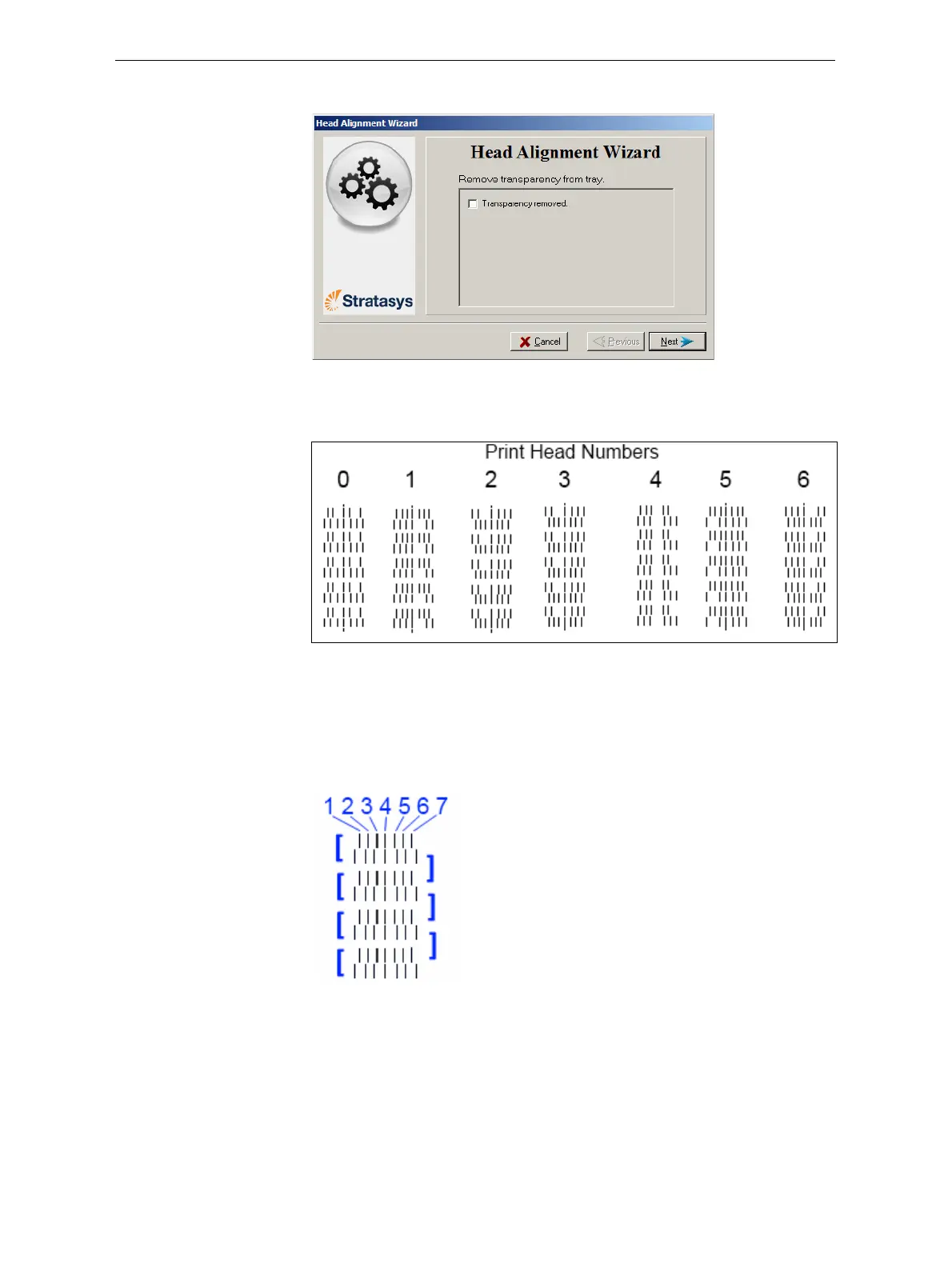
8. Whenthefollowingscreenappears,removethetransparency.
Figure 6-42: Head Alignment wizard—steps 8–10
Thetransparencysheetisprintedwithsetsofverticallinesinseven
columns,eachshowingtheresultsfromadifferentprinthead.
Figure 6-43: Sample head-alignment test
Note: There is no column for head H7 because its alignment is used as a
reference for aligning all other heads.
9. Foreachcolumnoflines,useamagnifyingglassorloupetoinspect
pairsofconsecutiverowsprintedonthetransparencytoseewherethe
verticallinesalign.
Figure 6-44: Comparing rows of alignment lines
Note: It does not matter which pair of lines you inspect, since they were all
printed by the same head. Choose a pair of clearly printed lines for the
inspection. (Since some nozzles may not print clearly, you may have to
inspect several pairs of lines to properly view the alignment.)













 To Next Page