Operating & Maintaining the Objet1000 Plus 3D Printer
6–38
DOC-06810 Rev. A
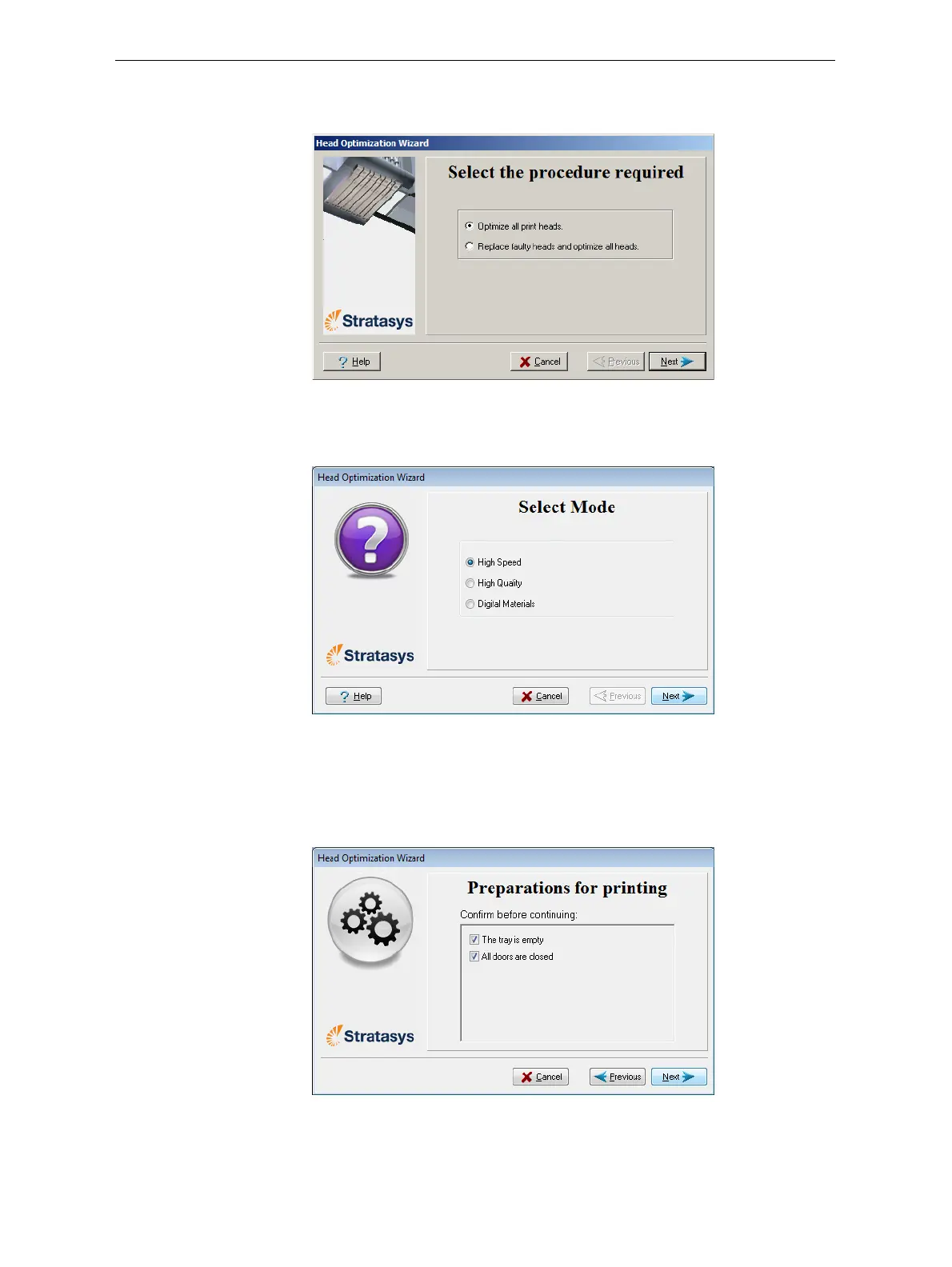
6. Inthefollowingscreen,makesureOptimizeallprintheadsisselected
andclick
Next.
Figure 6-50: Procedure selection screen
7. Selecttheprintingmodeforwhichyouwanttooptimizetheprint
headsandclick
Next.
Figure 6-51: Printing mode selection
8. Checkthatthebuildtrayisemptyandthattheprinterdoorsare
closed.
9. Inthewizardscreen,selecttheconfirmationcheck boxesandclick
Next.
Figure 6-52: Preparation check













 To Next Page