DOC-06810 Rev. A 6–39
Objet1000 Plus User Guide
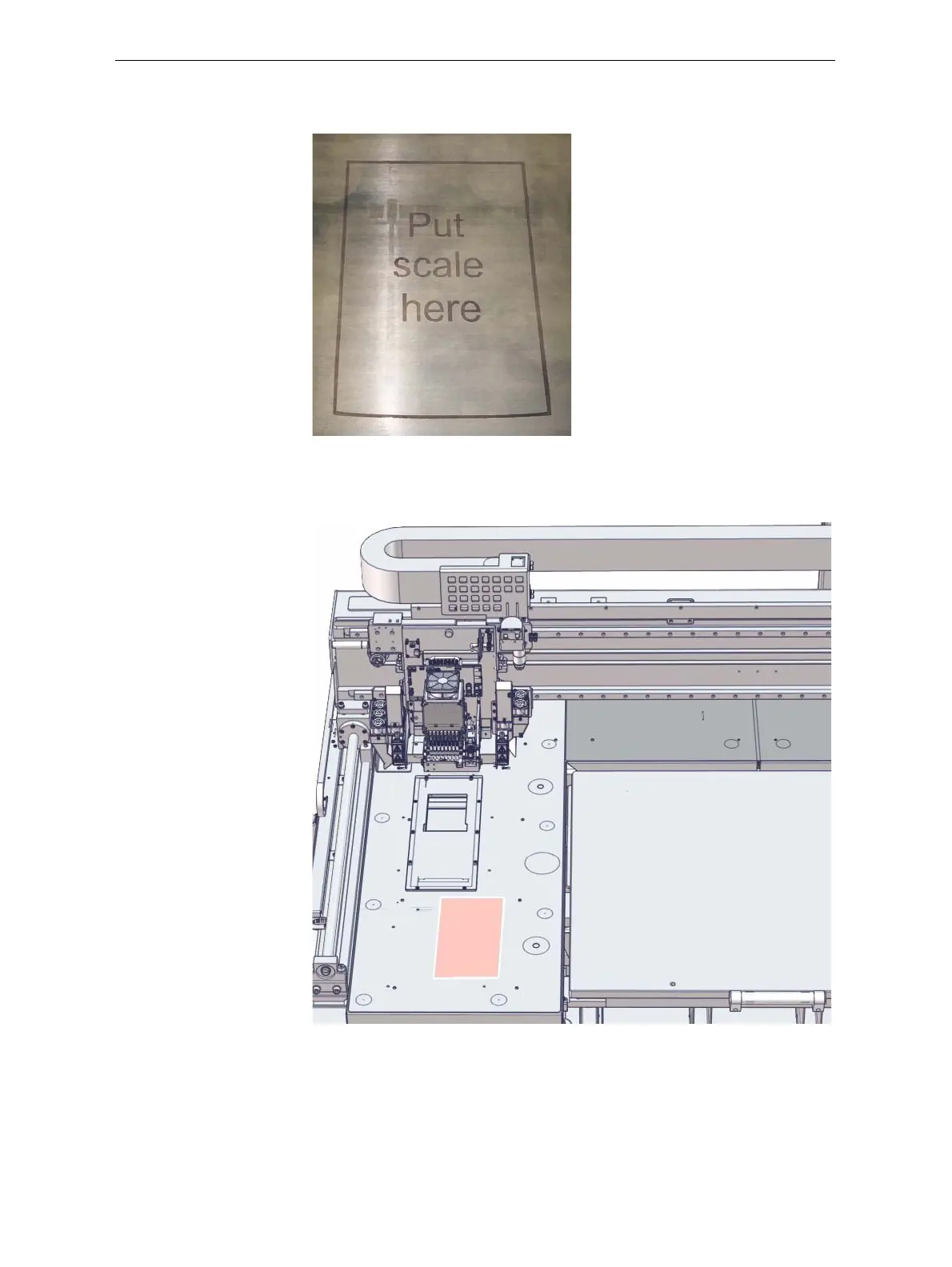
AfterwarmingtheprintblockandturningontheUVlamps,theprinter
printsaframeonthebuildtrayforpositioningthescale.
Figure 6-53: Scale positioning frame on the build tray
10. Whenthe“PreparationforPatternTest”screenappears,tapeasheetof
pinkpapertothesurfaceleftofthebuildtray,asshownbelow.
Figure 6-54: Pattern Test paper positioned next to the build tray
11. ClosetheprinterdoorsandclickNextinthewizardscreen.













 To Next Page