DOC-06810 Rev. A 5–51
Objet1000 Plus User Guide
3. ClickNext.
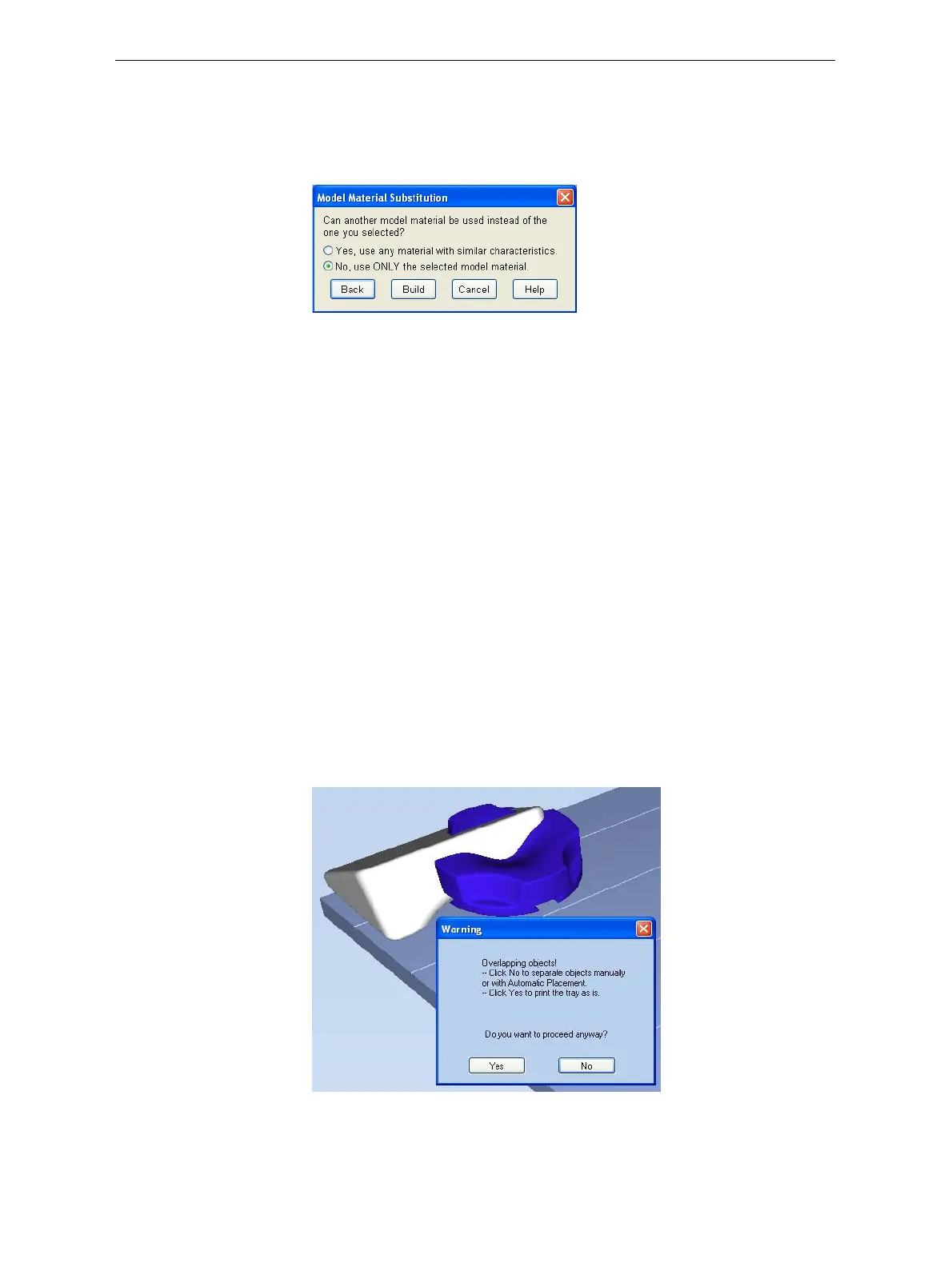
TheModelMaterialSubstitutiondialogboxopens—ifthisisrelevantfor
thetray.(Ifnot,theJobSummarydialogboxopens—continuewith
step 4.)
Model Material
Substitution
Figure 5-73: Model Material Substitution dialog box
Ifyouallowtheuseofsubstitutemodelmaterials,theprinterwilluse
differentmaterialswhose characteristics(strength,flexibility,etc.)are
similartothoseofthematerialyouassignedtotheobjectwhen
designingthebuildtray—underthefollowingconditions:
• Thematerialyouassignedisnotinstalledintheprinteratthetime
ofprinting.
Inthiscase,thetrayisprintedwitheitheroneortwosubstitute
materials(dependingonthematerialsinstalledintheprinteratthe
timeofprinting).Ifpossible,HighSpeedmodeisused.
• Inadditiontothematerialyouselected,thereisanother(similar)
materialinstalledintheprinteratthetimeofprinting.
Inthiscase,HighSpeedmodeisused,byprintingwithamixtureof
thetwomaterials(asiftheywerethesamematerial).
4. Click
Build.
Ifthebuildtrayfilehasnotbeensaved,theSaveAsdialogboxopensfor
youtosaveitnow.
ObjetStudiochecksifthereisaproblemwiththepositioningofobjects
onthetray.Ifso,theaffectedobjectsaredisplayedwithspecialcolors
(see“TrayValidation”on
page 46),andawarningmessageappears.
Figure 5-74: Tray validation warning message













 To Next Page