SVAN 948 USER MANUAL
4 - 85
Setting parameters in channels and for octave analysis - CHANNELS SETUP
The user enters the CHANNELS SETUP sub-list after pressing the <ENTER> push-button on the
displayed inversely CHANNELS SETUP text. This sub-list in the case of sound or vibration level meter
mode consists of four CHANNEL x sub-lists (each for one channel).
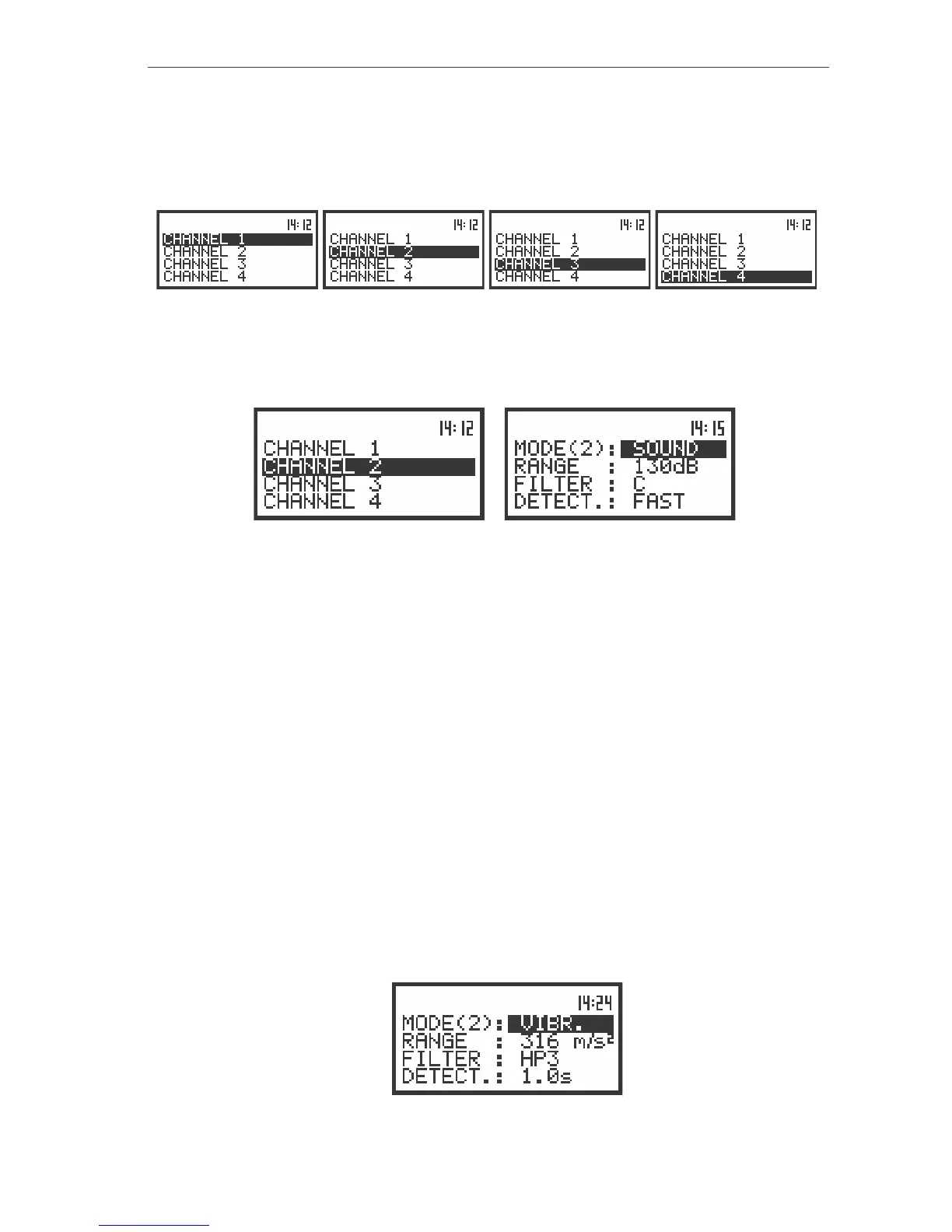
The view of the displays with the CHANNELS SETUP (path: MENU / INPUT / CHANNELS SETUP) sub-list
opened; the selection of a channel
The next pressing of the <ENTER> push-button opens the sub-list for a channel which number is
displayed inversely.
a)
b)
The view of the sub-lists: CHANNELS SETUP (a) and CHANNEL 2 (b)
Setting parameters in a channel - CHANNEL x
In the CHANNEL x sub-list the following parameters can be programmed independently for each
channel:
- mode,
- range,
- weighting filter,
- RMS detector type.
Passing throughout the sub-list is possible by pressing the <
>, <
> push-buttons. The settings
made in CHANNEL x sub-list are different for the measurement of sound and the measurement of
vibration. Below, the settings in the SLM mode are presented.
Selection of the instruments mode - MODE
The instrument work in parallel four independent sound / vibration level meters channels,
which perform the measurement of the signal with the selectable combination – user can configure each
channel separately.
In the case of WBV and HAV measurements, the user has to select in CHANNEL x (path: MENU /
INPUT / CHANNELS SETUP / CHANNEL x) sub-list in MODE position the VIBRATION mode. It has to be
selected for all three channels, which are used to measurement.
The view of the displays in the CHANNEL x sub-list; the selection of the VIBRATION mode



 To Next Page