SVAN 948 USER MANUAL .
4 - 4
4.1.1. The calibration by the sensitivity introduction
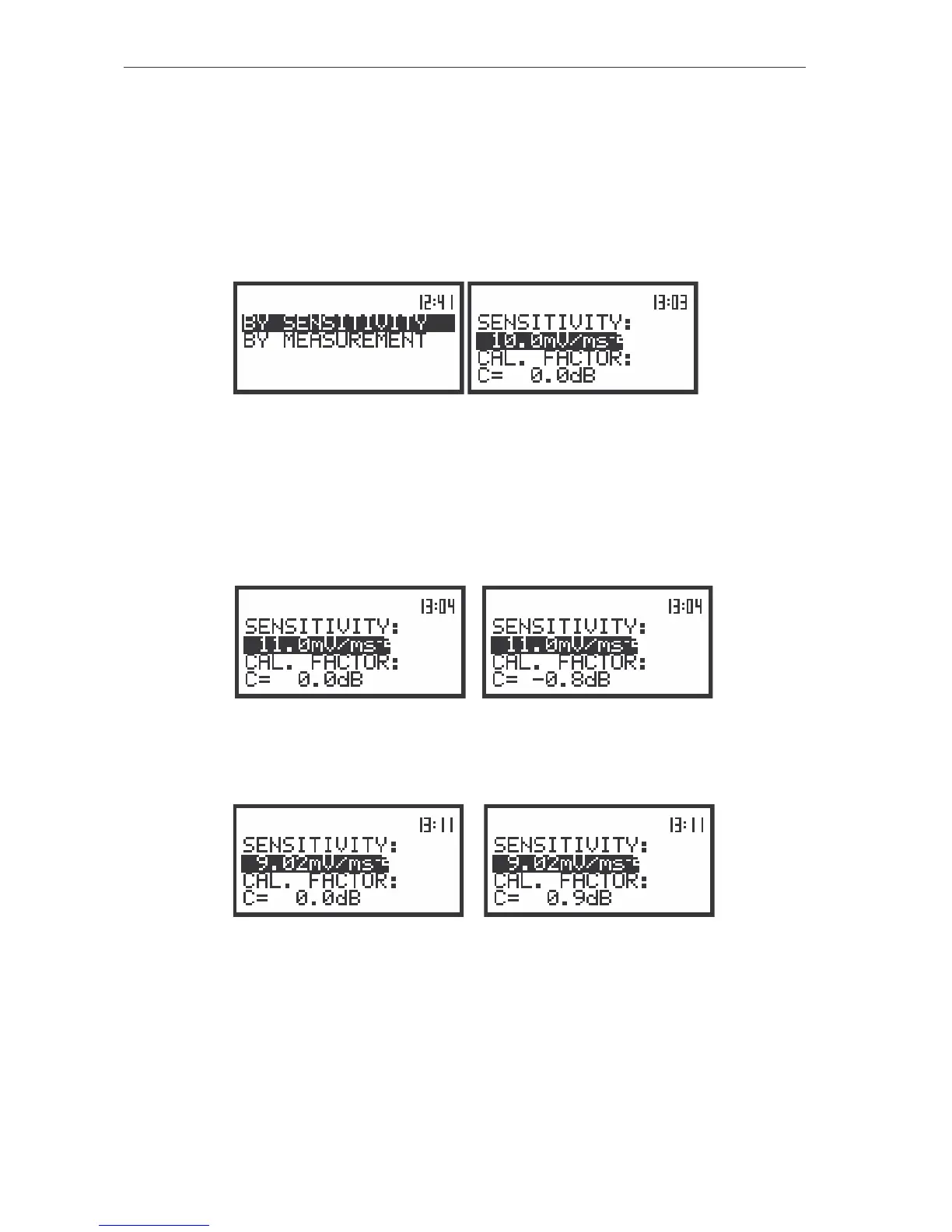
Calibration BY SENSITIVITY in the case of vibration signal
The calibration by the accelerometer’s sensitivity introduction can be conducted in the following
way:
1. Select this type of the calibration (highlight the text BY SENSITIVITY) from the CALIBRATION
sub-list and press the <ENTER> push-button.
The view of the displays with the selected calibration mode and after entering this mode
2. Set the sensitivity of the accelerometer taken from its calibration card using the <
>, <
>
push-buttons and then press the <ENTER> one.
The calibration factor is calculated, after pressing the <ENTER> push-button, in the relation to
10.0 mV / ms
-2
. In order to avoid the calculation the user has to leave the CALIBRATION without pressing
<ENTER>. For the sensitivity of the accelerometer greater then 10.0 mV / ms
-2
the calibration factor is
negative.
a)
b)
The view of the displays during setting the sensitivity greater then 10.0 mV / ms
-2
(a) and after pressing the
<ENTER> push-button with the calibration factor calculated (b)
For the sensitivity of the accelerometer smaller then 10.0 mV / ms
-2
the calibration factor is positive.
a)
b)
The view of the displays during setting the sensitivity smaller then 10.0 mV / ms
-2
(a) and after pressing the
<ENTER> push-button with the calibration factor calculated (b)
The lowest value of the sensitivity to be able to introduce is equal to 10.0 µV / ms
-2
(it conforms to
the calibration factor equal to 60.0 dB) and the greatest one - 10.0 V / ms
-2
(calibration factor equal to -
60.0 dB).
In order to return to the CALIBRATION sub-list the user has to press the <ESC> push-button.



 To Next Page