SVAN 948 USER MANUAL _
5 - 22
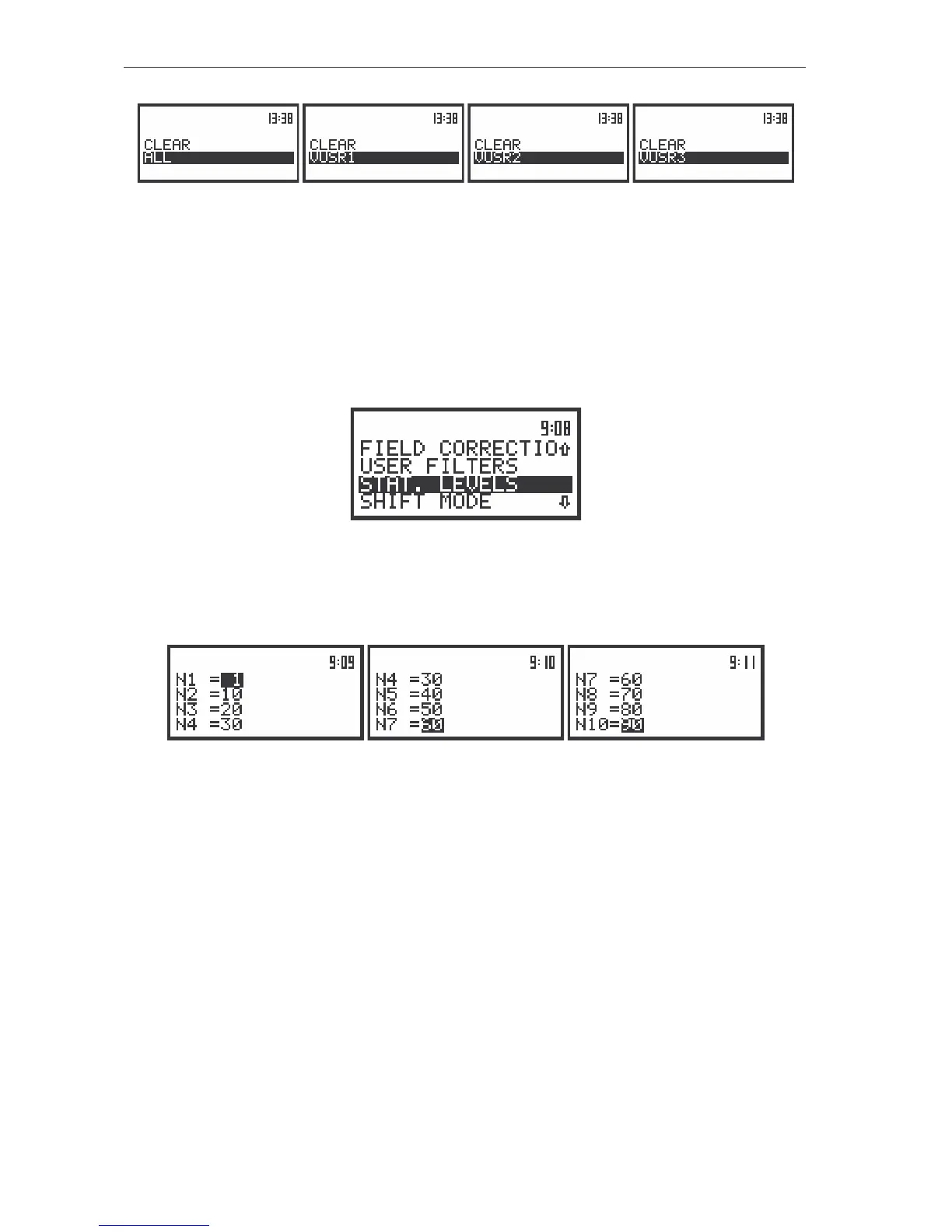
The view of the displays in the CLEAR position in vibration measurements
Selection of statistics levels to be saved in a file - STAT. LEVELS
The STAT. LEVELS (path: MENU / SETUP / STAT. LEVELS) sub-list enables the user to select ten
statistics from one hundred calculated in the instrument to be saved in a file together with the main results
of the measurements. This sub-list is available only in sound mode; in vibration mode it is taken off from
the SETUP list.
The view of the display in the SETUP list in sound measurements, the STAT. LEVELS text highlighted
(displayed inversely)
In order to enter this sub-list the user has to select the STAT. LEVELS text in the SETUP list, using
the <
>, <
> (or <
>, <
>) push-buttons and press the <ENTER> one.
The view of the displays in the STAT. LEVELS sub-list
The selection of the position in the sub-list (the proper Ni, where i = 1,…, 10) is performed by
means of the <
>, <
> push-buttons. The selection of a number from 1 to 99 in all ten Ni positions is
done by means of the <
>, <
> push-buttons (with the step equal to 1) or by means of the <
>, <
>
push-buttons together with the <SHIFT> one (with the step equal to 10). The sub-list is closed and the
instrument returns to the SETUP list after pressing the <ENTER> (with the confirmation of all settings
made in the sub-list) or <ESC> push-button (ignoring all settings made in the sub-list).
Selection of the external mode - EXT. I/O SETUP
The EXT. I/O SETUP sub-list (path: MENU / SETUP / EXT. I/O SETUP) enables the user to select the
output or input device. The additional output socket, called AC / Int, enables one to connect meter with
another device. On this socket the signal from the input or output of the analogue / digital converter
(before the correction) is available. This signal can be registered with using the magnetic recorder,
observed on the oscilloscope or trigger measurement. It is possible to connect three types of input/output
devices: ANALOG, DIGITAL IN and DIGITAL OUT.



 To Next Page