SVAN 948 USER MANUAL
4 - 87
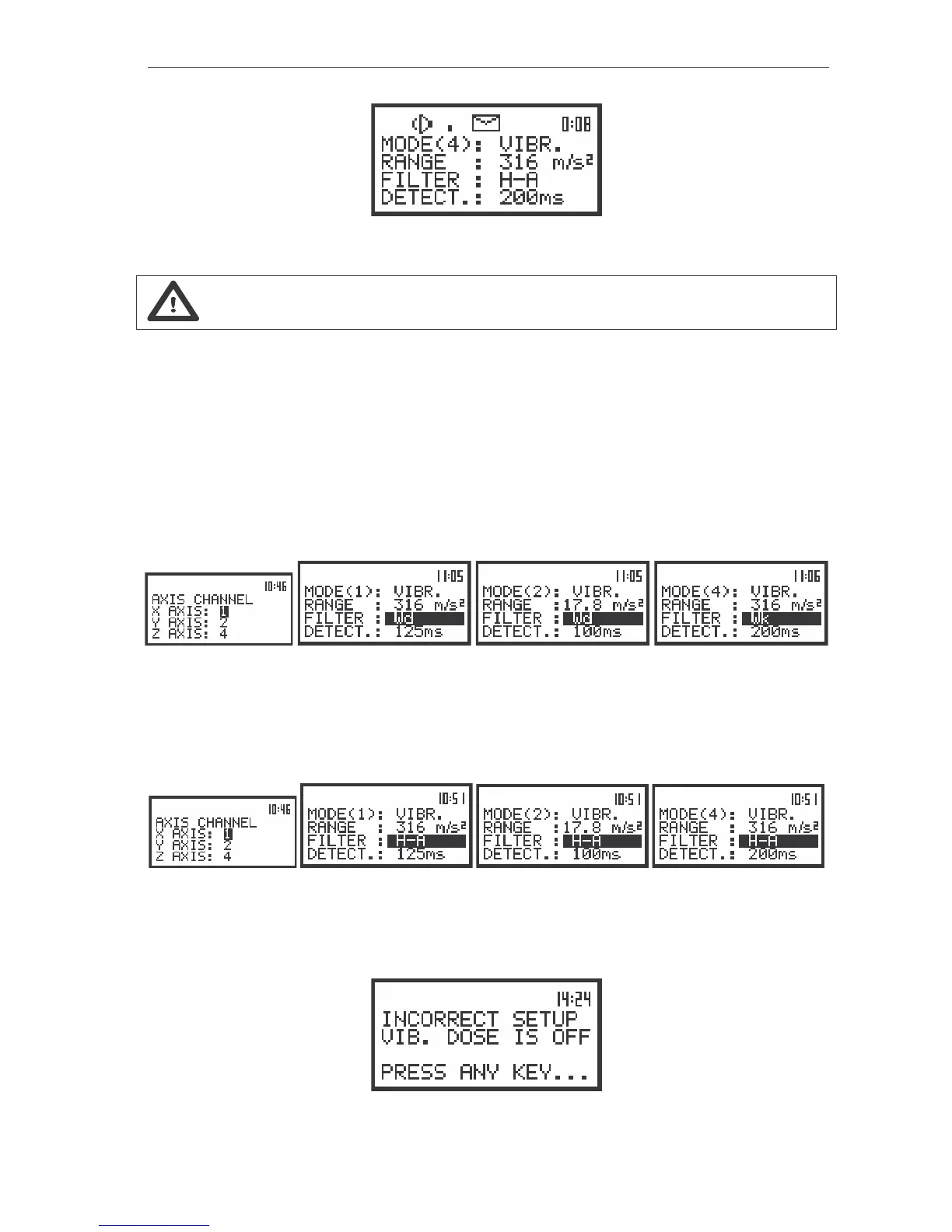
The view of the displays with RANGE position (path: MENU / INPUT / CHANNEL x / RANGE) not accessible.
Notice: If an OVERLOAD occurs it is signalled by the ”Bell” icon (cf. Chapter 3 for details).
Selection of the weighting filter in VLM - FILTER
In the case of WBV DOSE measurements, the user should choose proper filter in CHANNEL x
(path: MENU / INPUT / CHANNELS SETUP / CHANNEL x / FILTER) sub-list in the FILTER position of the
VIBRATION mode. It has to be: Wd FILTER for X and Y axis and Wk FILTER for Z axis. To each axis
user should assign a proper channel in AXIS SETUP (path: MENU / SETUP / HAV/WBV DOSE /
AXIS SETUP).
The view of the displays with the RANGE (path: MENU / INPUT / CHANNEL x / FILTER) position selected
For the HAV DOSE measurements the user should set H–A in FILTER position in CHANNEL x
(path: MENU / INPUT / CHANNELS SETUP / CHANNEL x / FILTER) sub-list in the VIBRATION mode. Those
settings have to be configured in all three channels, which are assign to AXIS X, Y and Z in AXIS SETUP
(path: MENU / SETUP / HAV/WBV DOSE/ AXIS SETUP).
The view of the displays with the RANGE (path: MENU / INPUT / CHANNEL x / FILTER) position selected
If the user selects wrong FILTER, the text: INCORRECT SETUP, VIB. DOSE IS OFF appears on
the display before the execution and measurements of dose will not be done. Otherwise the measurement
continues.
The view of the displays informed about wrong selected setting



 To Next Page