SVAN 948 USER MANUAL
5 - 43
pressing the <
>, <
> push-buttons. This position was also established in order not to waist too much
memory of the instruments when the self saving is not necessary.
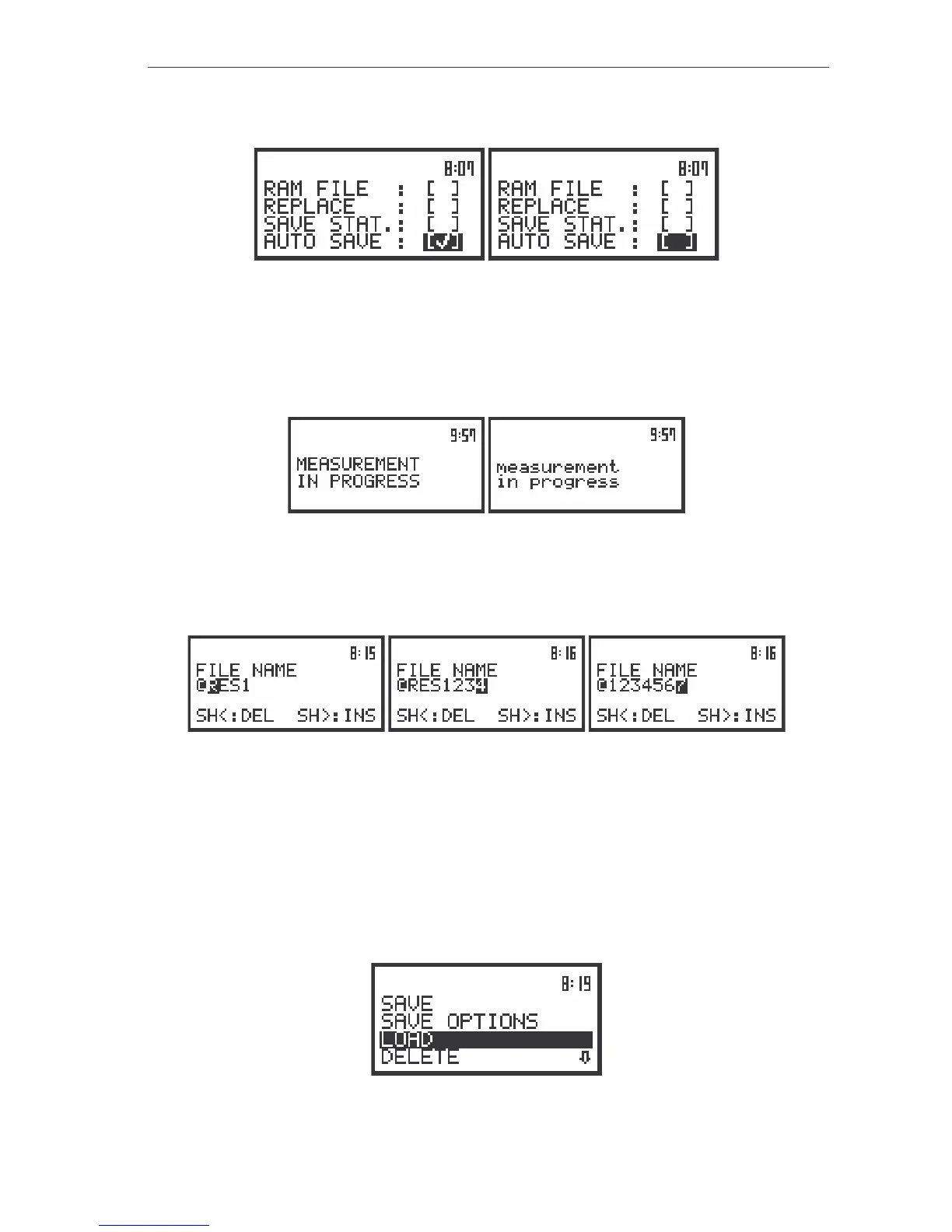
The displays during the execution of the SAVE OPTIONS – the selection of the AUTO SAVE parameters
The window for the edition of the base name for the self saved files is opened (the FILE NAME)
after pressing the <ENTER> push-button in the case when the AUTO SAVE position is activated. This
window is not accessed in the case when the instrument is performing the measurements or when they
are paused. In such a case the message with the changing letters is displayed (see below) and the
instrument returns to the list from which the SAVE OPTION sub-list was called.
The view of the displays with the message stating the reason for unfeasibility of the required operation
When the AUTO SAVE option is not active ([ ]), after pressing the <ENTER> push-button the
instrument returns to the FILE list. The name of the AUTO SAVE files is up to eight characters long
starting with the special character @.
The view of the displays after entering the FILE NAME edition mode for the files saved with the
AUTO SAVE option active (after pressing the <ENTER> push-button in the SAVE OPTIONS sub-list, the
AUTO SAVE switched on)
Loading the files with the measurement results – LOAD
The LOAD position (path: MENU / FILE / LOAD) is used for loading data file from the FLASH DISC
(e.g. for the verification or comparison). The position is opened after pressing the <ENTER> push-button
when the LOAD text in the FILE list is displayed inversely (selected using the <
>, <
> (or <
>, <
>)
push-buttons). The return to the FILE list is possible after pressing the <ESC> push-button.
The view of the displays in the FILE sub-list with the LOAD text highlighted (displayed inversely)



 To Next Page