SVAN 948 USER MANUAL
5 - 1
5. AUXILIARY FUNCTIONS
5.1. DATA AVAILABLE ON THE DISPLAY - DISPLAY LIST
In order to open the DISPLAY list the user has to:
• press the <MENU> push-button,
• select from the main list, using the <
>, <
> (or <
>, <
>) push-buttons, the DISPLAY text
(highlight it inversely),
• press finely the <ENTER> push-button.
Pressing the <SHIFT> and <
> (or <SHIFT> and <
>) results in a movement to the first position
of the opened list and pressing the <SHIFT> and <
> (or <SHIFT> and <
>) results in a movement to
the last position of the opened list.
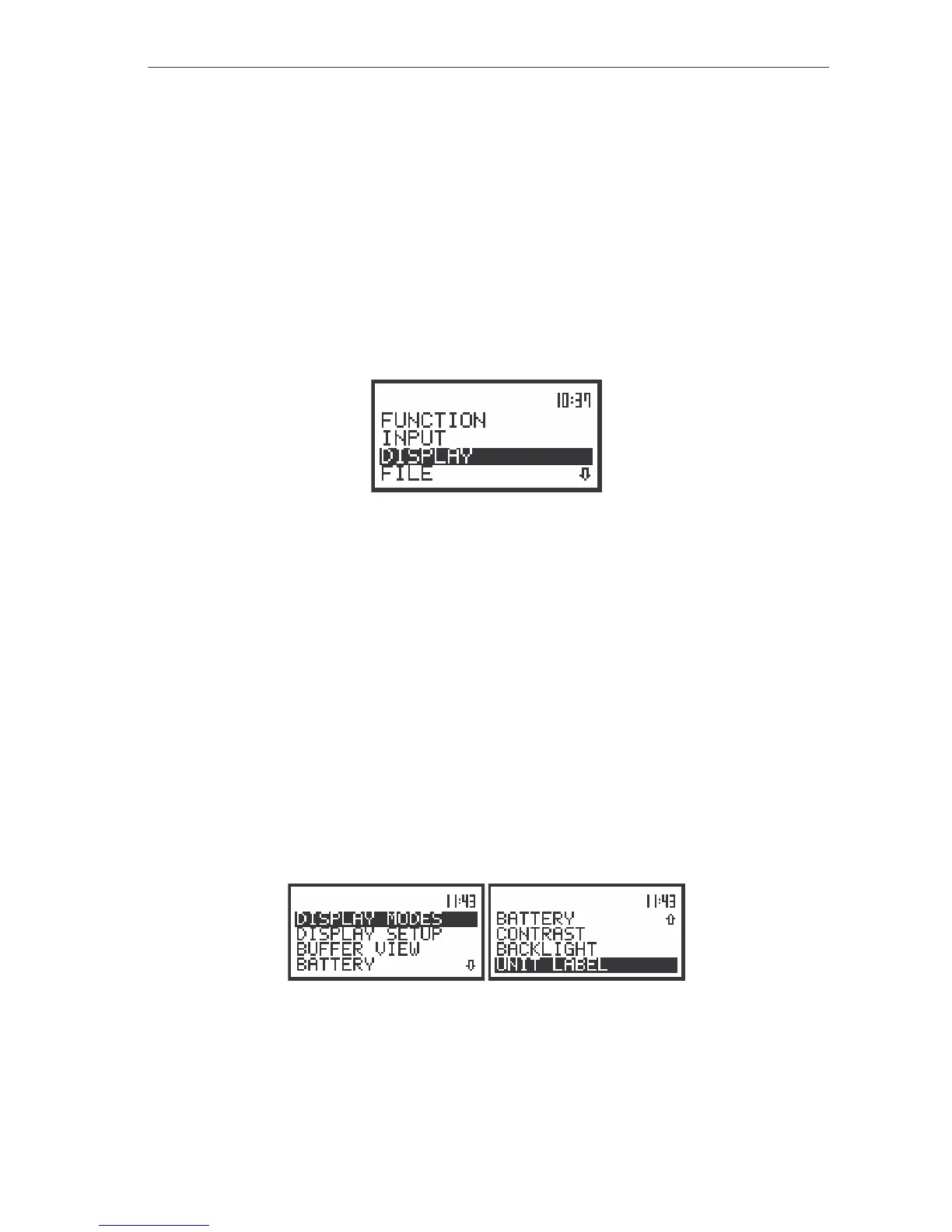
The view of the display in the main list; the DISPLAY text highlighted (displayed inversely)
The DISPLAY list is used for setting the various parameters which are mainly dedicated for the
control of the display. The following items are present on this list:
DISPLAY MODES enables one to select the mode of the measurement results presentation;
DISPLAY SETUP enables one to change the scale in the graphical modes of result’s presentation,
select the results presented as Total values, choose the type of the presented
spectrum for each channel separately;
BUFFER VIEW enables one to view at the results stored in the files of the buffer;
BATTERY enables one to check the state of the internal battery of the unit;
CONTRAST enables one to set the contrast of the unit’s display;
BACKLIGHT enables one to set the brightness of the backlight of the display and the keyboard;
UNIT LABEL informs the user about the serial number of the unit, the version of the internal
software and the standards to which conform the measurement results.
In each available position any change is performed by means of the <
>, <
> push-buttons. In
order to confirm the selection the <ENTER> push-button has to be pressed. After this confirmation the
opened window or list is closed. In order to ignore any changes made in the opened window or list the
user has to press the <ESC> push-button.
The view of the displays with the DISPLAY list
Selection of the modes of measurement results presentation - DISPLAY MODES
The DISPLAY MODES (path: MENU / DISPLAY / DISPLAY MODES) sub-list enables one the
selection of the currently available modes of displaying the results of measurement. The selection



 To Next Page