SVAN 948 USER MANUAL _
5 - 2
is made by placing or replacing the special character in the inversely displayed position of the
DISPLAY MODES sub-list by means of the <
>, <
> push-buttons. In order to confirm the selection the
user has to press the <ENTER> push-button. The mode of the displaying the results is related with the
selection of the instrument’s function (SLM or VLM, 1/1 OCTAVE, 1/3 OCTAVE or FFT analyser). Only
One Profile mode cannot be switched off independently from the current mode of the instrument.
For the Sound Level Meter or Vibration Level Meter the following possibilities of the
measurement results presentation are available:
- One Profile,
- 3 PROFILES,
- STATISTICS,
- PLOT (time history).
The SPECTRUM position is never available for the Sound Level Meter or Vibration Level Meter
(it is never displayed inversely).
a)
b)
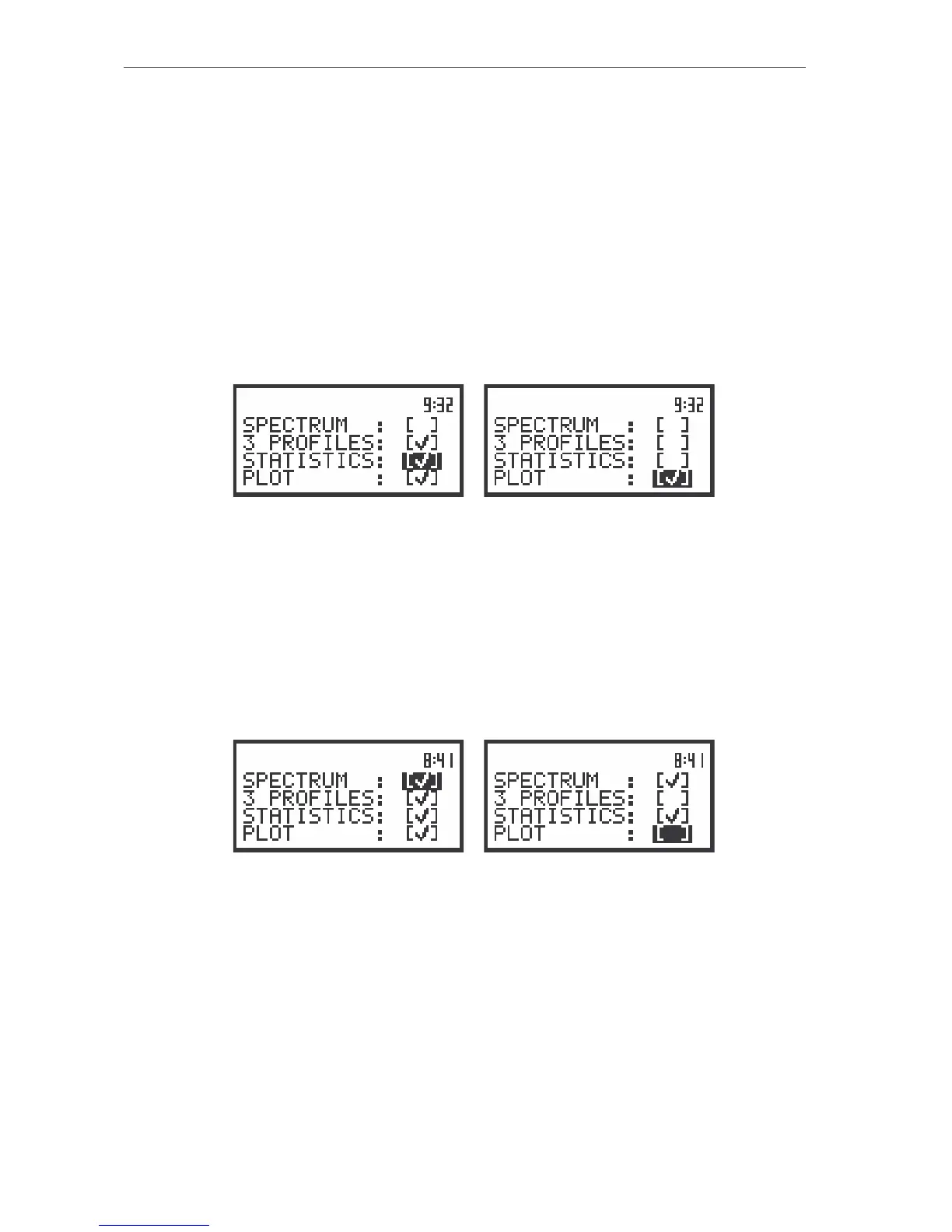
The view of DISPLAY MODES (path: MENU / DISPLAY / DISPLAY MODES) sub-list for the SLM or VLM with
all possibilities switched on (a) and STATISTICS and PLOT switched off (b)
For the frequency analysis of the measured signal (1/1 OCTAVE, 1/3 OCTAVE the following modes
of the measurement results presentation are available:
- One Profile,
- SPECTRUM,
- 3 PROFILES,
- STATISTICS,
- PLOT (time history).
a)
b)
The view of the DISPLAY MODES sub-list with all possibilities of results presentation for the frequency
analysis switched on (a) and STATISTICS and PLOT switched off (b)
The PLOT mode of results presentation is available if data from at least one channel are logged in
the buffer’s file. If the BUFFERS position, in BUFFERS SETUP sub-list, is switched ON but there was
nothing stored in the buffer’s file (in the selected channel there was nothing switched on ([√
√√
√])) instead of
PEAK, MAX, MIN or RMS), the NO RESULTS text is displayed after the first input to this mode (see
Figure below). When the BUFFERS are selected as non-active BUFFER:OFF and for all channels are
set, the PLOT mode of results presentation is skipped.
There is PLOT display, when the BUFFERS position is switched ON and user selected position to
display in BUFFERS SETUP/ CHANNEL x ([√
√√
√])



 To Next Page