SVAN 948 USER MANUAL _
5 - 16
5.2. SETUP MENU
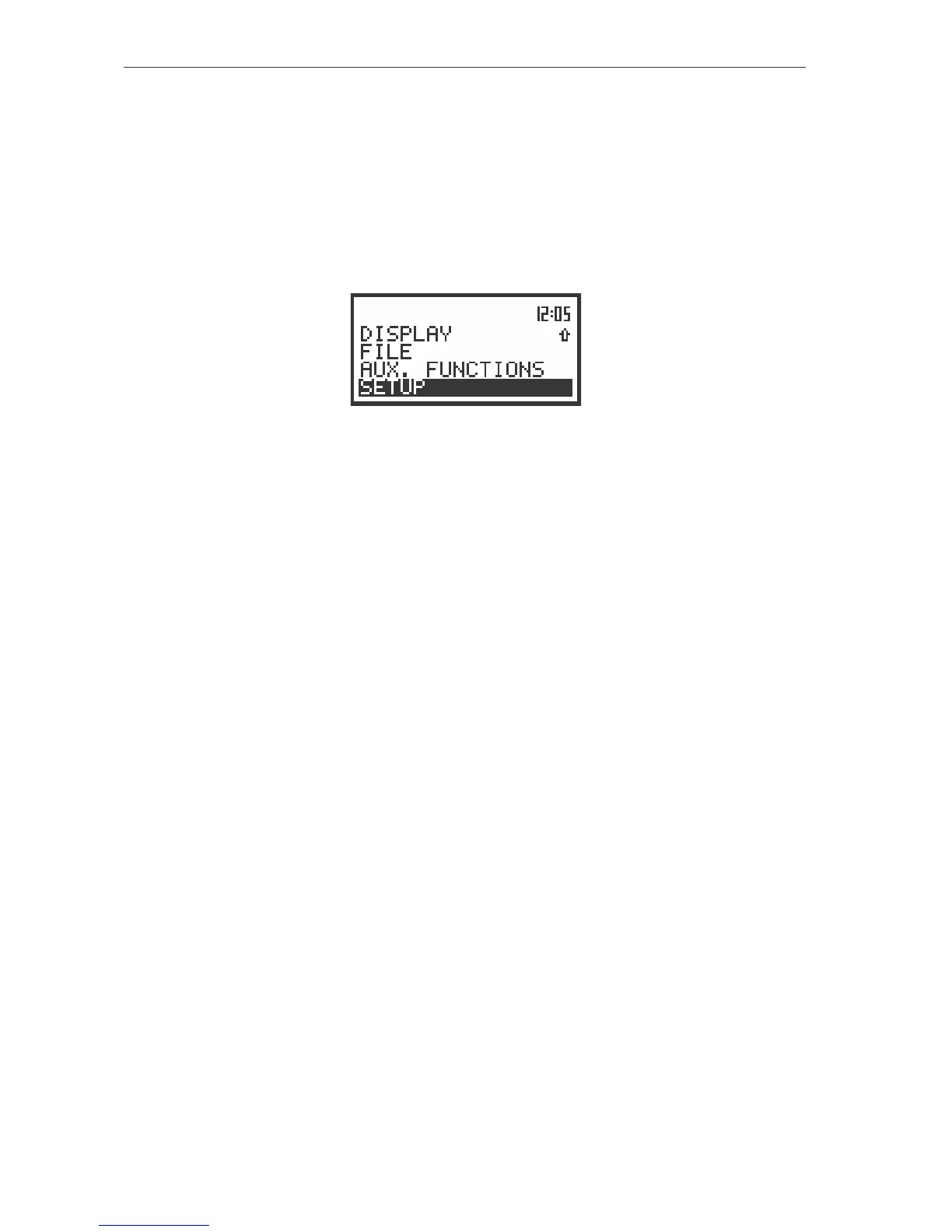
The SETUP (path: MENU / SETUP) list contains different sub-lists and positions. Some of them are
directly related with sound measurements, some of them depend on the mode of the instrument (sound or
vibration meter) and some are related with the settings of the instrument’s hardware components. In order
to open the SETUP list the user has to:
• press the <MENU> push-button,
• select from the main list, using the <
>, <
> (or <
>, <
>) push-buttons, the SETUP text (highlight
it inversely),
• press the <ENTER> push-button.
The view of the display in the main list; the SETUP text highlighted (displayed inversely)
In the SETUP list the following items are available:
TIMER position which enables the user to set the Timer function;
RTC position which enables the user to set the Real Time Clock;
FIELD CORRECTION position which enables the user to switch on the weighting filter for the
measurements performed in the conditions of the diffuse or free field; this position
is available only in the case of sound measurements;
USER FILTERS sub-lists which enables the user to select, switch on or off and set the correcting
values for all 1/1 and 1/3 octave filters in the case of sound measurements; in the
case of vibration measurements the weighting filters are always switched on, the
user can set the correcting coefficients;
STAT. LEVELS (sub-list) position available only in the sound meter mode. It enables the user to
select ten statistics results to be saved in a file together with the main results (cf.
the description of the files in App. B). This position is taken off from the menu in the
vibration meter mode.
EXT. I/O SETUP enables to connect meter with other device;
SHIFT MODE sub-list which enables the user to set the operating mode of the <SHIFT> and the
<START / STOP> push-buttons;
CLEAR SETUP position which enables the user to return to the producer’s set up, except the
coefficients set in the USER FILTERS;
RMS INTEGRATION position which enables the user to select the way of integration for the RMS
measurement in the case of vibration meter or the LEQ measurement in the case
of sound level meter;
REFERENCE LEVEL position which enables the user to select the reference level for the vibration
measurements and which informs the user about the reference level in the sound
measurements;
VIBRATION UNITS position which enables the user to select the vibration units in which the results of
the measurements are to be given;
WARNINGS sub-list which enables the user to switch on or off the warnings which can be
displayed during the operation of the instrument;
VECTOR DEF. sub-list which enables the user to select coefficients needed to calculate vibration
vector, which is taken into account during the calculation of the measurement
results;
HAV/WBV DOSE sub-list which enables the user to select parameters presenting the EXPOSURE
and VIBRATION DOSE measurements.



 To Next Page