SVAN 948 USER MANUAL _
5 - 12
The view of the displays with the selected file from the buffer containing spectra; the change between time
history and spectra after pressing <ENTER> push-button for 500 Hz filter
Additionally, during the presentation of the results saved in the buffer, the dynamic of the drawing
can be changed. The required value has to be set in the DYNAMIC position of the DISPLAY SCALE sub-
list of the DISPLAY list.
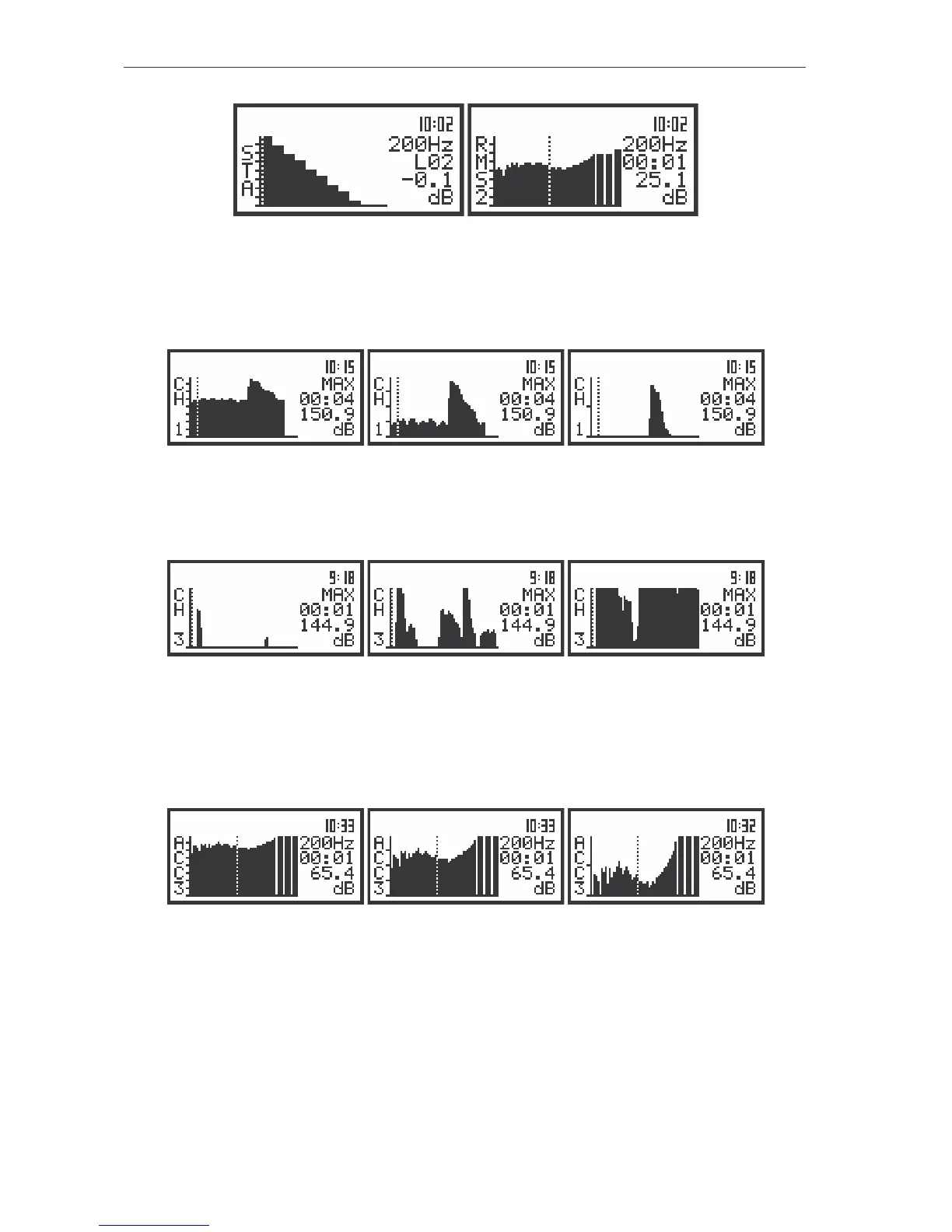
The view of the displays with the selected file from the buffer containing spectra; the time history of the MAX
value from the third profile displayed with 80 dB, 40 dB and 20 dB dynamic (set in the DISPLAY SCALE)
Also in this case (the different values of DYNAMIC) it is possible to change the relation of the axis
(after pressing the <SHIFT> and <
> or <SHIFT> and <
> push-buttons).
The view of the displays with the selected file from the buffer; the change of the axis relation
The change of the axis relation for the time histories of the octave and third octave filters (after
pressing the <SHIFT> and <
> or <SHIFT> and <
> push-buttons) and the change of the dynamic of
the presentation (the DISPLAY SCALE sub-list of the DISPLAY list) is also available. Below the time
history for 250 Hz filter is presented with the 80 dB, 40 dB and 20 dB dynamic after the change of the axis
relation.
The view of the displays with the selected file from the buffer containing spectra; the time histories for 250 Hz
filter displayed with 80 dB, 40 dB and 20 dB dynamic and with the different relation of the axis
The window is closed and the instrument returns to the BUFFER VIEW sub-list after pressing the
<ESC> push-button the required number of times (this number depends on the displayed result).
Checking the state of the internal battery - BATTERY
The BATTERY (path: MENU / DISPLAY / BATTERY) position enables the user to check the
internal battery condition. The current battery voltage is displayed together with its approximate state (in



 To Next Page