SVAN 948 USER MANUAL
5 - 11
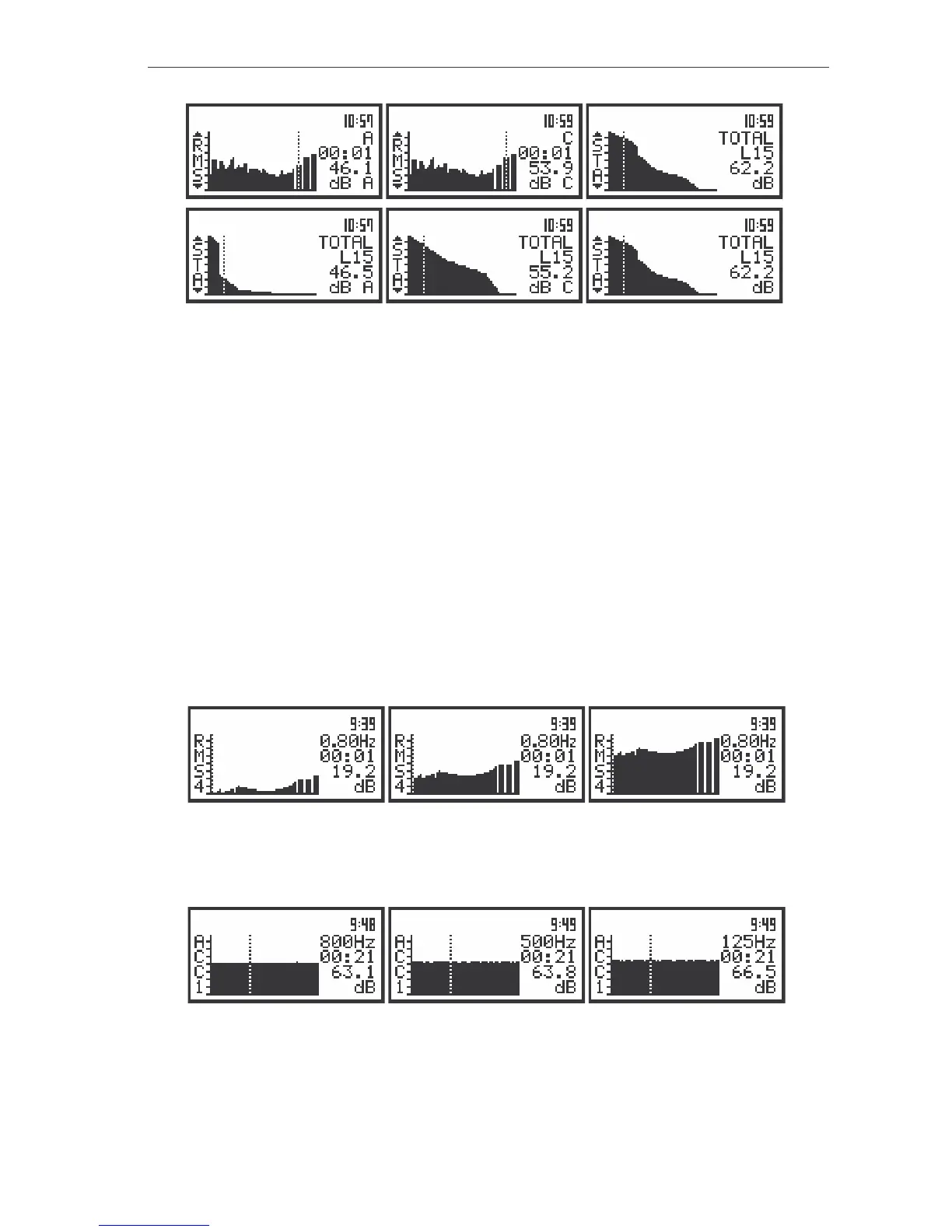
The view of the displays with the selected file from the buffer containing spectra; the TOTAL values and
their time histories
Settings of the meter: DISPLAY SCALE: LOGarithmic (path: MENU / DISPLAY / DISPLAY SETUP /
CHANNEL x / DISPLAY SCALE / LOG), TOTAL 1: HP (path: MENU / DISPLAY / DISPLAY SETUP /
CHANNEL x / TOTAL VALUES / TOTAL 1); TOTAL 2: CH: HP1 (path: MENU / DISPLAY / DISPLAY SETUP /
CHANNEL x / TOTAL VALUES / TOTAL 2); TOTAL 3: CH: VUSR1 (path: MENU / DISPLAY / DISPLAY SETUP
/ CHANNEL x / TOTAL VALUES / TOTAL 3); SPECTRUM TYPE:ACCELERATION (path: MENU / DISPLAY /
DISPLAY SETUP / CHANNEL x /SPECTRUM TYPE)
In the case of the vibration measurement results the ACC and VEL filters are always switched on.
The values presented in the BUFFER VIEW, in the case when the VIBR. METER is selected, contain one
TOTAL value calculated for the whole band with the HP filter and the values calculated with the ACC and
VEL filters respectively. In the case when the user wants to examine the contents of the buffer with the
vibration measurements but the SOUND METER is active, the values for the ACC and VEL filters are not
available. In this case only one TOTAL value is presented.
As it was mentioned above, the user can observe the time history for all 1/1 and 1/3 octave filters as
well as TOTAL values after pressing the <ENTER> push-button on a required filter. In order to observe
the time history for another filter (while being in time history window) the user has to press the <
> or
<
> push-buttons. After pressing the <
> push-button the time history for the higher frequency filter can
be seen.
The view of the displays with the selected file from the buffer containing spectra; the change of the time
histories of the filters (and the filters) after pressing the <
> push-button
After pressing the <
> push-button the time history for the lower frequency filter can be seen.
The view of the displays with the selected file from the buffer containing spectra; the change of the time
histories of the filters (and the filters) after pressing the <
> push-button
After pressing the <ESC> (or <ENTER>) push-button in time history the display presents the
spectra corresponding to the previously seen view.



 To Next Page