SVAN 948 USER MANUAL
5 - 19
enter this position the user has to select the FIELD CORRECTION text in the SETUP list, using the <
>,
<
> (or <
>, <
>) push-buttons, and press the <ENTER>.
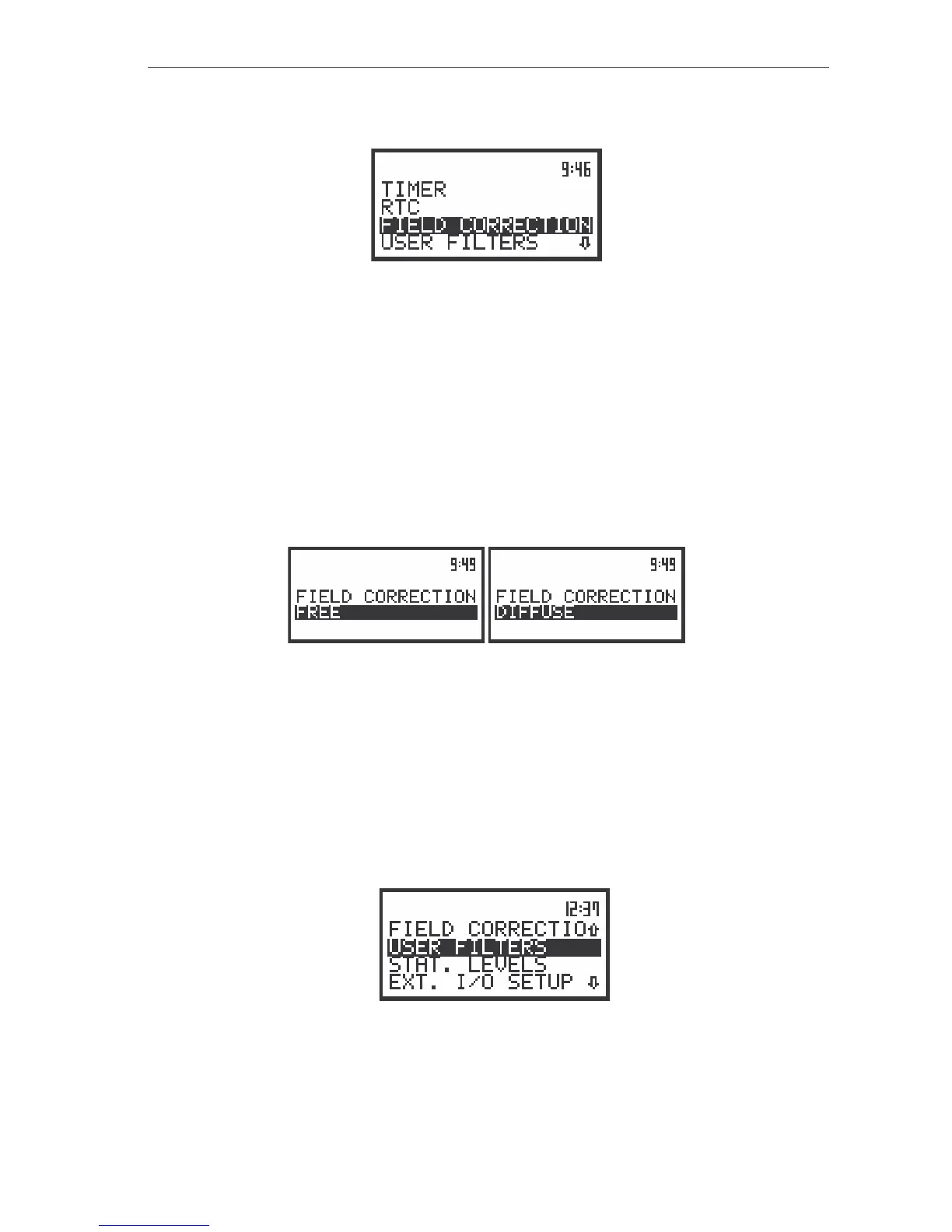
The view of the display in the SETUP list in sound measurements, the FIELD CORRECTION text
highlighted (displayed inversely)
In the FIELD CORRECTION position two options are available: FREE (for the measurement
performed in the free field conditions) and DIFFUSE (for the measurement performed in the diffuse field
conditions). The microphone supplied with the SVAN 948 instrument (SV 22) is designed for the
measurement performed in the free field conditions. In order to make the measurements in the diffuse
field conditions the user has to switch on an additional correcting filter. The frequency characteristic of this
filter is given in App. D. The FREE option selection means that the correcting filter for the diffuse field
conditions is switched off. For the measurements performed with the use of the microphones for the
diffuse field conditions the option DIFFUSE should never be used.
In order to select the filter the user has to press the <
>, <
> push-buttons. The position is closed
and the instrument returns to the SETUP list after pressing the <ENTER> (with the confirmation of a
change made in the position) or <ESC> push-button (ignoring a change made in the position).
The displays in the FIELD CORRECTION position, the field conditions selection for sound measurements
Introduction the filter coefficients for 1/3 (1/1) OCTAVE analysis - USER FILTERS
The USER FILTERS (path: MENU / SETUP / USER FILTERS) sub-list enables the user to introduce
the values of the correcting coefficients taken into account in 1/1 OCTAVE or 1/3 OCTAVE analysis. The
results of the analysis can be modified by the introduced factors and so calculated TOTAL values for one
or two active (set to On) sets of the filters presented on the display. In order to enter this sub-list the user
has to select the USER FILTERS text in the SETUP list, using the <
>, <
> (or <
>, <
>) push-
buttons and press the <ENTER>. The texts which appear after pressing <ENTER> depends on the
position set in the MODE sub-list.
a)
The view of the display in the SETUP list the USER FILTERS text highlighted (displayed inversely)
USER FILTERS (sub-list) contains 2 sub-lists:
VIBR. FILTERS



 To Next Page