SVAN 948 USER MANUAL
5 - 37
Selection of the file’s operation - FILE
Storing the sound measurement results as files in the instrument’s FLASH DISC can be done by
means of the FILE list. In order to open this list the user has to:
• press the <MENU> push-button,
• select from the main list, using the <
>, <
> (or <
>, <
>) push-buttons, the FILE text (highlight it
inversely),
• press the <ENTER> push-button.
The view of the display in the main list; the FILE text highlighted (displayed inversely)
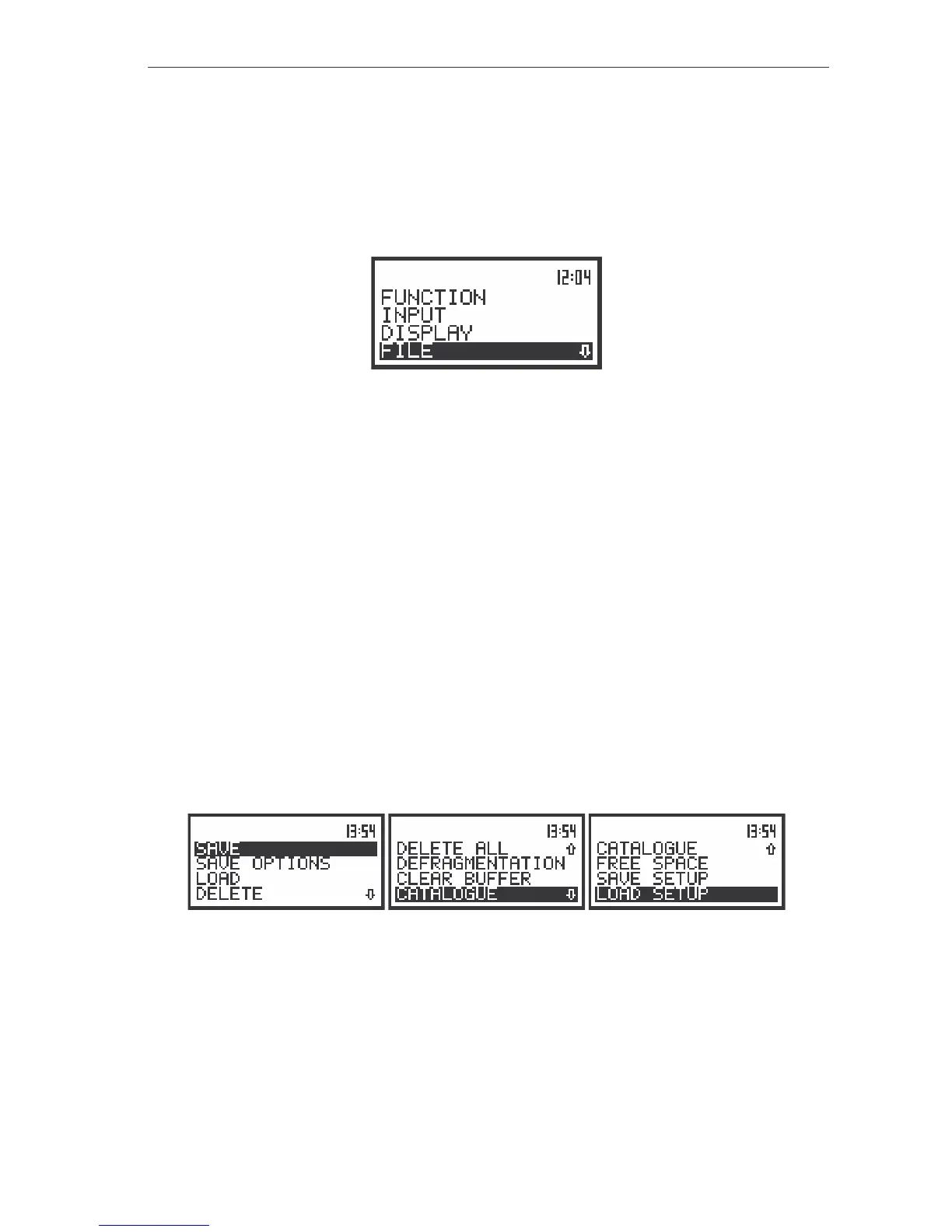
The FILE list contains the following items:
SAVE enables one to save the measurement results as a file in the instrument memory;
SAVE OPTIONS enables one to set the options of the measurement result savings;
LOAD enables one to load to the working space of the instrument’s memory the
measurement results saved in a file;
DELETE enables one to delete a selected file from the instrument’s memory;
DELETE ALL enables one to delete all files from the instrument’s memory;
DEFRAGMENTATION enables one to recover the memory which was used by the deleting files;
CLEAR BUFFER enables one to delete all files from the buffer of the instrument;
CATALOGUE enables one to overview the catalogue of the files saved in the instrument’s
memory;
FREE SPACE informs the user about the capacity of the instrument’s memory still available for
storing the measurement results;
SAVE SETUP enables one to set the configuration of the meter;
LOAD SETUP enables one to load to the configuration saved in a file;
Pressing the <SHIFT> and <
> (or <SHIFT> and <
>) results in a movement to the first position
of the opened list and pressing the <SHIFT> and <
> (or <SHIFT> and <
>) results in a movement to
the last position of the opened list.
The view of the displays with the FILE list of the instrument
In each available position any change is performed by means of the <
>, <
> push-buttons. In
order to confirm the selection the <ENTER> push-button has to be pressed. After this confirmation the
opened window or list is closed. In order to ignore any changes made in the opened window or list the
user has to press the <ESC> push-button.



 To Next Page