SVAN 948 USER MANUAL
5 - 13
the graphical form). The position is opened after pressing the <ENTER> push-button on the highlighted
(displayed inversely) BATTERY text.
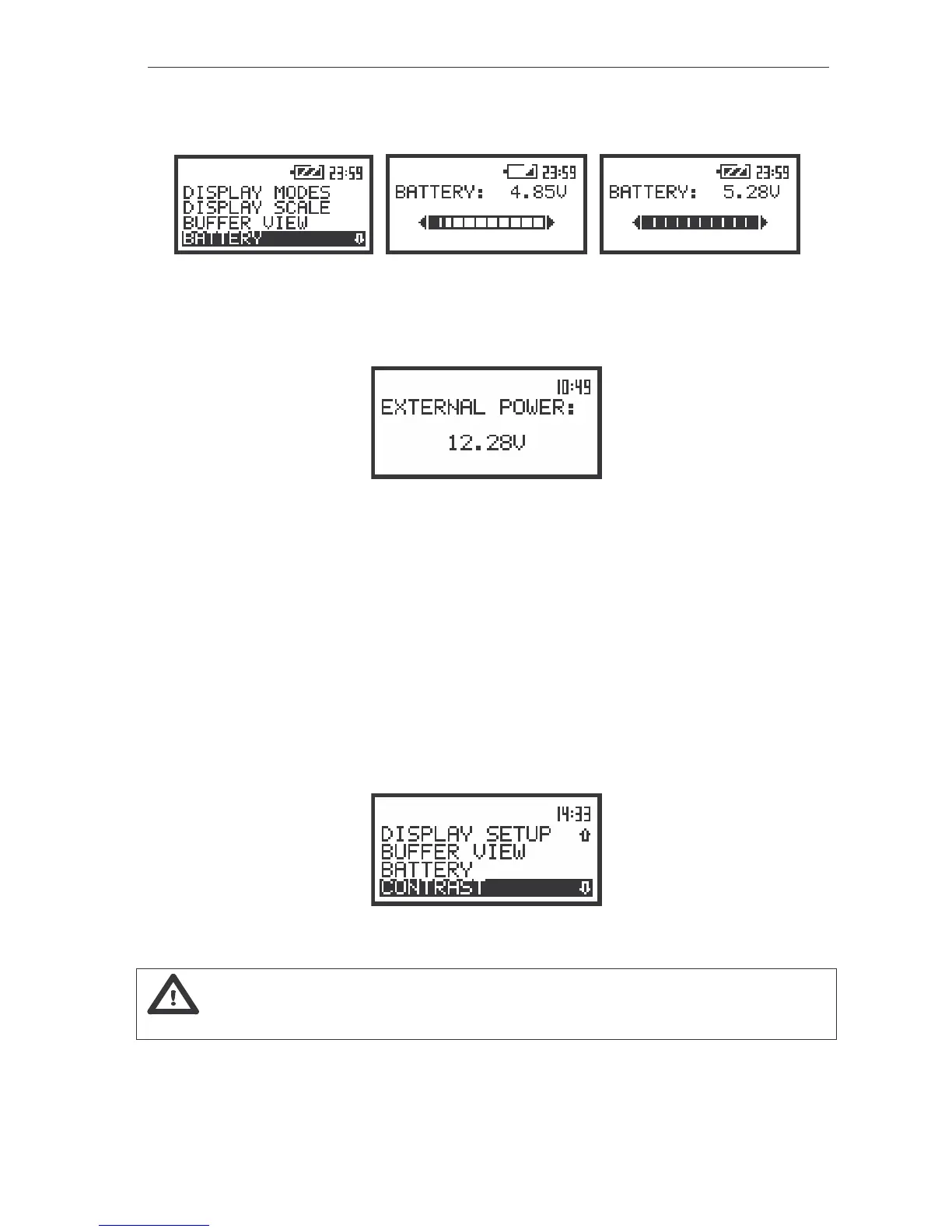
The view of the displays with the BATTERY position when the external supplier is not connected
If the instrument is switched on when the external supplier is connected the special message is
displayed in the BATTERY position.
The view of the BATTERY (path: MENU / DISPLAY / BATTERY) position when the external supplier is connected
to the instrument
The position is closed and the instrument returns to the DISPLAY list after pressing the <ESC> or
<ENTER> push-button.
Setting the contrast of the display - CONTRAST
The CONTRAST (path: MENU / DISPLAY / CONTRAST) position enables the user to set the
proper contrast of the display (by means of the <
>, <
> push-buttons). The position is opened after
pressing the <ENTER> push-button on the highlighted (displayed inversely) CONTRAST text. The user
can select 11 different values of this parameter.
The view of the display with the DISPLAY list, the CONTRAST text highlighted
Notice: The new value of the contrast is confirmed after each pressing of the <
> or <
>
push-buttons (new value is selected without any confirmation from the <ENTER> push-button).
The position is closed and the instrument returns to the DISPLAY list after pressing the <ESC> or
<ENTER> push-button.



 To Next Page