SVAN 948 USER MANUAL _
5 - 42
the same name if the position is active ([√
√√
√]). The message is displayed that such operation is not available
in the case when this position is not active ([ ]) – cf. the description of the SAVE position. The activation
or deactivation of the REPLACE position is done by pressing the <
>, <
> push-buttons.
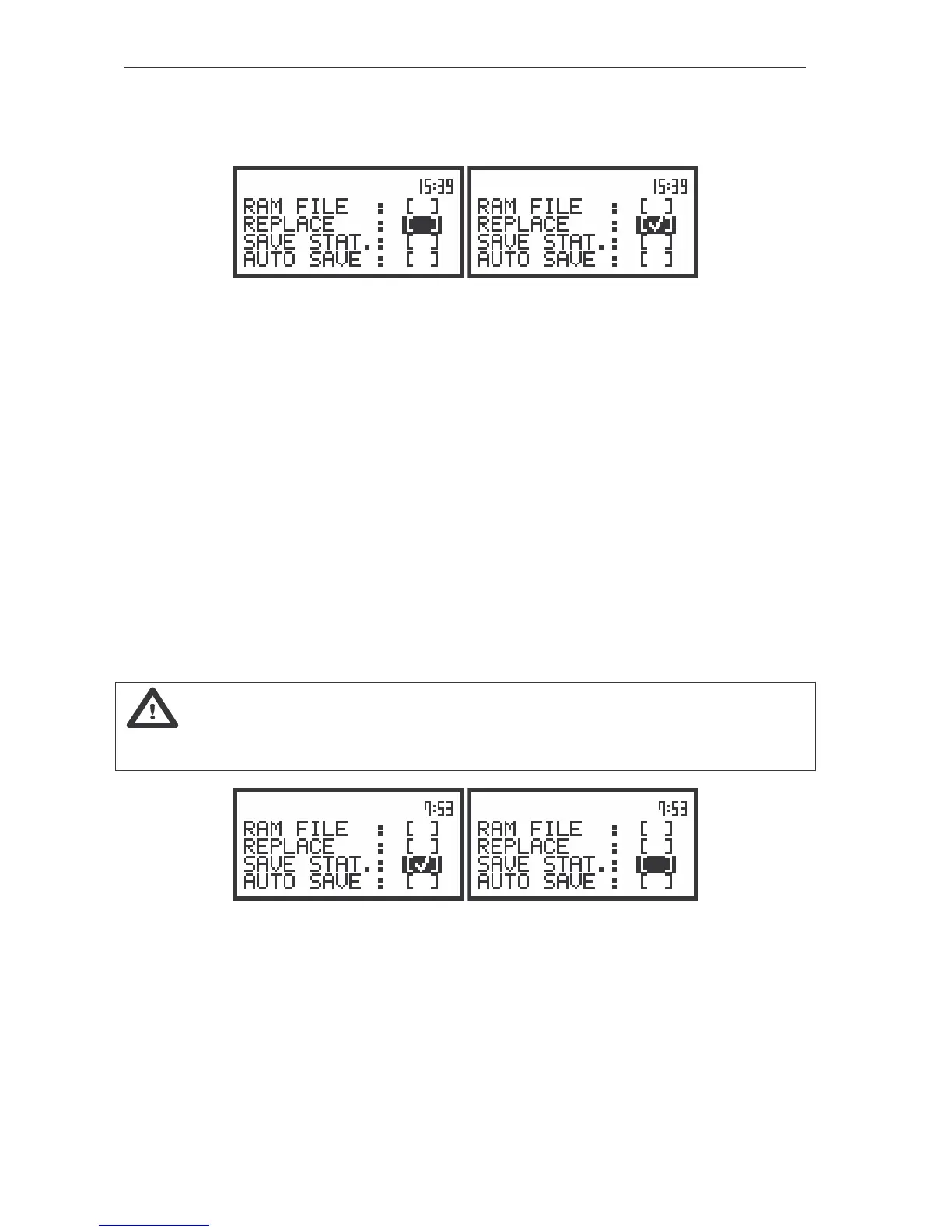
The displays during the execution of the SAVE OPTIONS – the selection of the REPLACE parameters
After pressing the <ENTER> push-button the selections made in any position of the sub-list (in
particular also in the REPLACE position) are confirmed and the sub-list is closed. In the case when the
AUTO SAVE option was active ([√
√√
√]), after pressing the <ENTER> push-button the FILE NAME window is
opened for editing the names for AUTO SAVE files.
The SAVE OPTION sub-list is closed ignoring all settings made in it after pressing the <ESC>
push-button.
The next position from the SAVE OPTIONS sub-list becomes available after pressing the <
>
push-button.
Controlling of the measurement statistics savings - SAVE STAT.
The SAVE STAT. position is used to set self saving, together with the sound measurement results,
the statistics of the measurements ([√
√√
√]) or to switch off ([ ]) this possibility. Together with the sound
measurements 100-class statistics is performed (the values named from L01 to L99). The statistics are
not calculated for the vibration measurements. The activation or deactivation of the SAVE STAT. position
is done by pressing the <
>, <
> push-buttons.
Notice: This position was created to save the memory of the instrument in the case when the
knowledge of the statistics is not necessary. Each registration of the statistics requires 600 bytes of
the memory!
The displays during the execution of the SAVE OPTIONS – the selection of the SAVE STAT. parameters
After pressing the <ENTER> push-button the selections made in any position of the sub-list (in
particular also in the SAVE STAT. position) are confirmed and the sub-list is closed.
Controlling of the measurement results savings - AUTO SAVE
Using the AUTO SAVE position one can set the self saving of the measurement results ([√
√√
√]) or to
switch off ([ ]) this possibility. The activation or deactivation of the AUTO SAVE position is done by



 To Next Page