SVAN 948 USER MANUAL
5 - 25
In order to select a desired mode of the <START / STOP> push-button the <
>, <
> should be
pressed. In order to confirm the selection the <ENTER> push-button has to be pressed. Such pressing
closes the sub-list. After pressing the <ESC> push-button the sub-list is also closed but all changes which
were made are ignored.
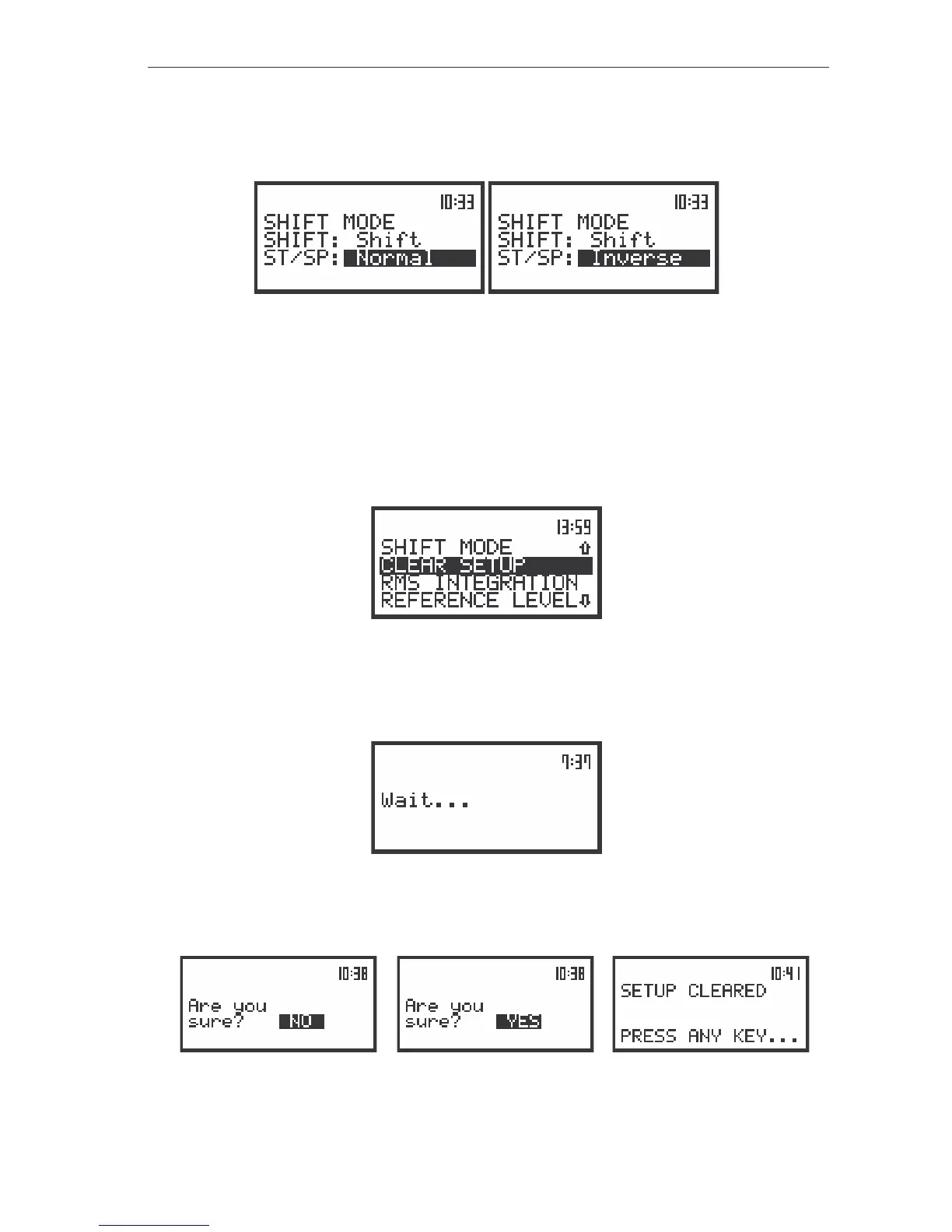
The view of the displays in the SHIFT MODE sub-list; the available settings in the ST/SP position
Return to the factory made settings - CLEAR SETUP
The CLEAR SETUP (path: MENU / SETUP / CLEAR SETUP) position enables the user to return to
the producer’s set up of the instrument. In order to enter this position the user has to select the
CLEAR SETUP text in the SETUP list, using the <
>, <
> (or <
>, <
>) push-buttons and press the
<ENTER>. After entering this position the request for the confirmation is displayed. The position is closed
without any action and the instrument returns to the SETUP list after pressing the <ESC> push-button.
The view of the display in the SETUP list, the CLEAR SETUP text highlighted (displayed inversely)
The proper answer for the request is selected by means of the <
>, <
> push-buttons. The
instrument returns to the default set up after pressing the <ENTER> push-button in the case when the
answer YES was chosen. During the process of the resetting the message is displayed:
The view of the display during the execution of the CLEAR SETUP operation
The following message is displayed after the return to the default settings and the instrument waits
for the user’s reaction.
a)
b) c)
The displays with the request for the confirmation for the CLEAR SETUP position execution (a), (b)
and after the execution of the function (c)



 To Next Page