SVAN 948 USER MANUAL
5 - 3
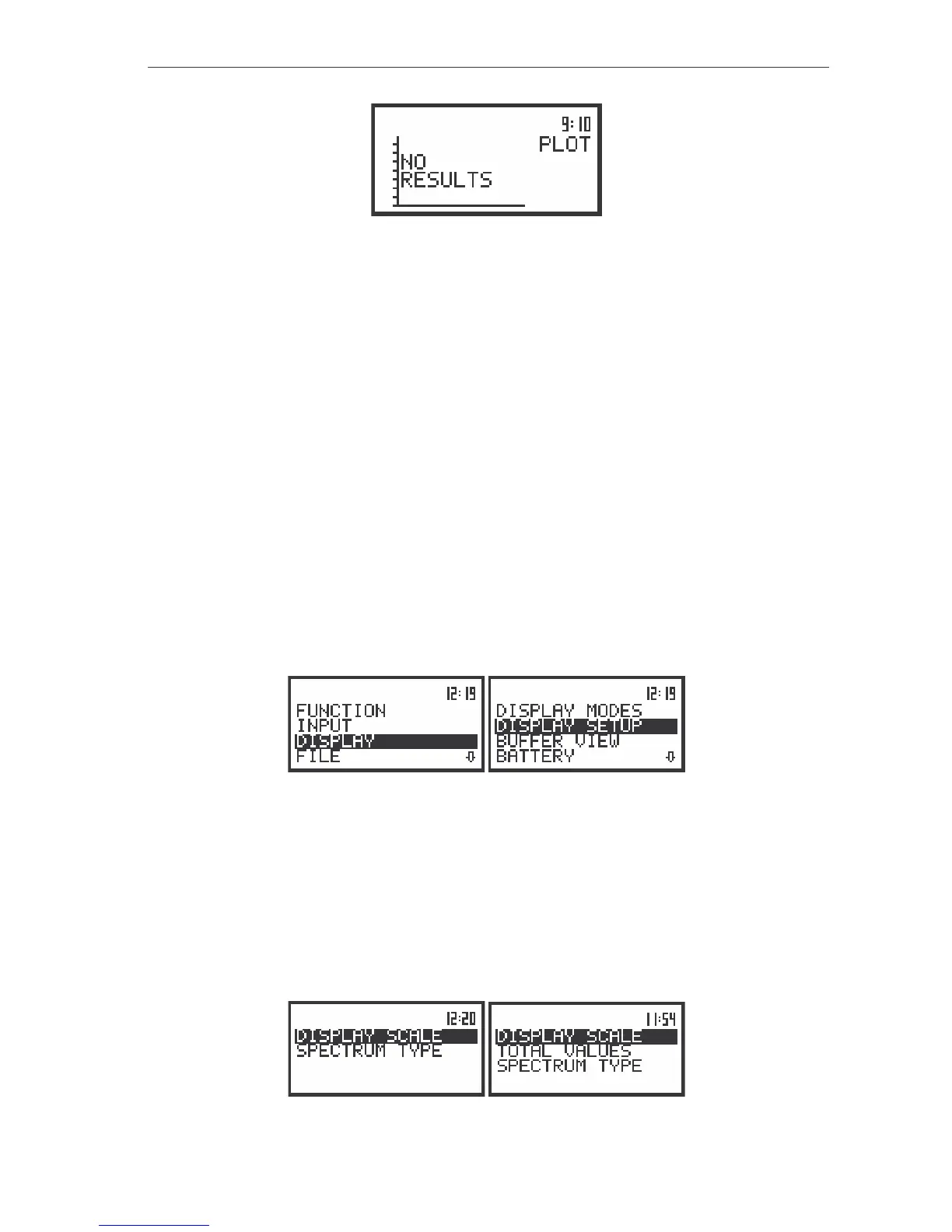
The view of the display in the PLOT mode when there is nothing in the buffer to be displayed (after setting
PLOT as active)
Each position of the DISPLAY MODES sub-list can be switched on or off independently. The sub-
list is closed and the instrument returns to the DISPLAY list after pressing the <ESC> or <ENTER> push-
button (in the first case without taking into account any changes made in the DISPLAY MODES sub-list
and in the latter case - confirming all changes done in the sub-list).
Selection of the parameters in graphical results presentations - DISPLAY SETUP
The DISPLAY SETUP (path: MENU / DISPLAY / DISPLAY SETUP) sub-list enables the user to
change several parameters of the graphical results presentations for each channel separately. Namely
one can select, using the DISPLAY SCALE sub-list, the scale in the available modes of graphical
presentation of the measurement results (time history in the PLOT and so-called spectra in the
SPECTRUM). Using the TOTAL VALUES sub-list it is possible to select the weighted filters used in the
calculation of the Total values. This sub-list appears on the display only in the case of 1/1 OCTAVE or
1/3 OCTAVE analyser. Using the SPECTRUM TYPE sub-list it is possible to select the type of the
spectrum which has to be presented during vibration measurements. This sub-list appears on the display
only in the case of the VIBR. METER mode selection. In order to enter the DISPLAY SETUP list one has
to press the <ENTER> push-button on the inversely displayed DISPLAY SETUP text of the DISPLAY list.
The DISPLAY SETUP sub-list is closed and the instrument returns to the DISPLAY list after pressing the
<ESC> push-button, which ignores any changes in the positions of the sub-list or the <ENTER> push-
button, which confirms the changes.
The view of the display with the DISPLAY list, the DISPLAY SETUP text highlighted
The DISPLAY SCALE (path: MENU / DISPLAY / DISPLAY SETUP / CHANNEL x / DISPLAY SCALE)
sub-list enables the user to change the scale in the available modes of graphical presentation of the
measurement results (time history in the PLOT and so-called spectra in the SPECTRUM). It can be done
in the SCALE position of the DISPLAY SCALE sub-list. The user can set the parameters for each channel
separately. It is also possible to change the “dynamics” of the vertical axis by means of the DYNAMIC
position. In order to enter this list one has to press the <ENTER> push-button on the inversely displayed
DISPLAY SCALE text of the DISPLAY SETUP/ CHANNEL x list. The DISPLAY SCALE sub-list is closed
and the instrument returns to the CHANNEL x list after pressing the <ESC> push-button, which ignores
any changes in the positions of the sub-list or the <ENTER> push-button, which confirms the changes.
The view of the display with the DISPLAY SETUP list, the DISPLAY SCALE text highlighted



 To Next Page