SVAN 948 USER MANUAL
4 - 53
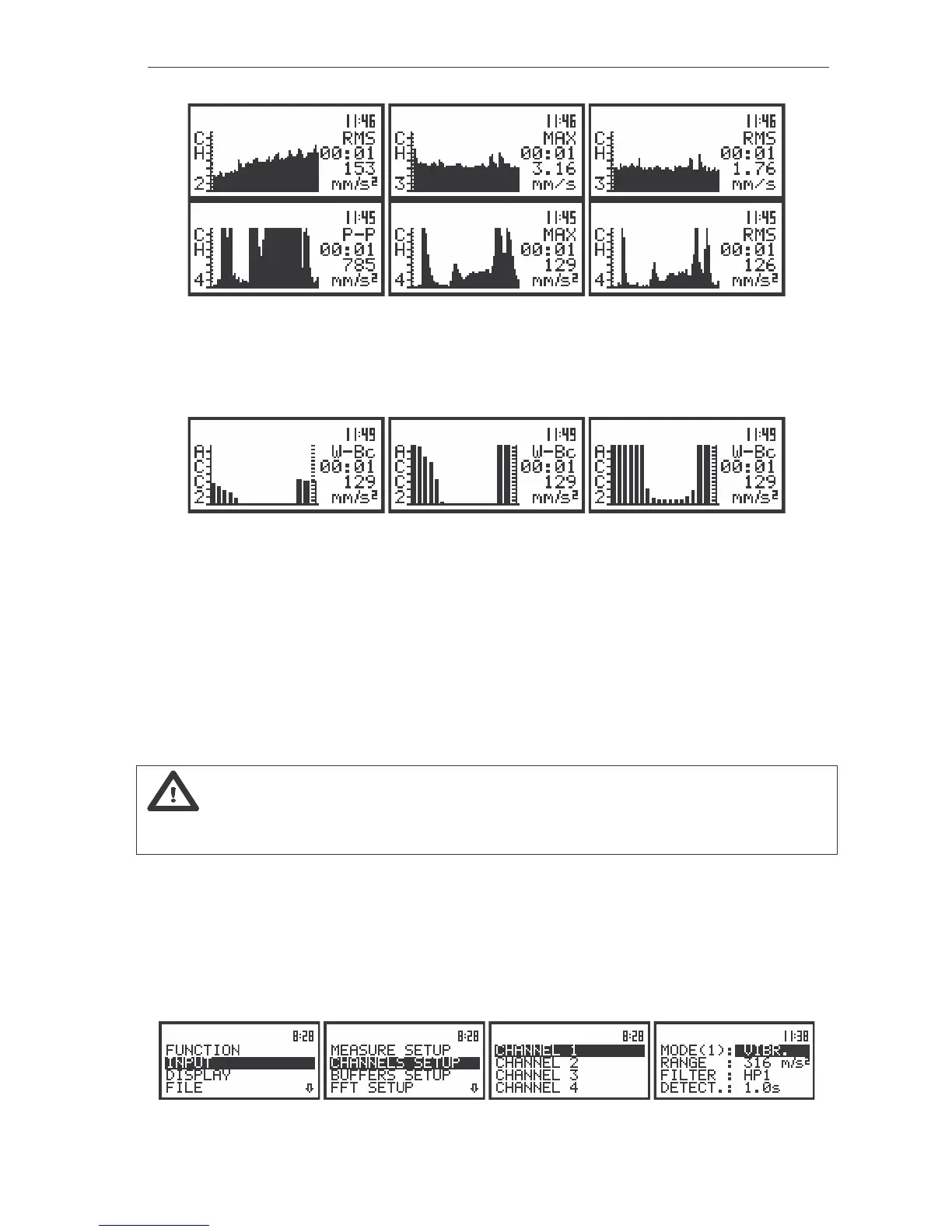
The view of the displays in 1/1 OCTAVE analysis in the PLOT mode; the registered results from all profiles
In the SPECTRUM mode it is possible to shift the horizontal axis in relation to the vertical one of the
presented results using the <SHIFT> and <
> or <SHIFT> and <
> push-buttons. After each pressing
of these buttons the presented picture moves 10 dB down or up - respectively.
The view of the displays in 1/1 OCTAVE analysis with the shifted horizontal axis in relation to vertical one
The spectra registered in the buffer’s file can be presented on the display in the BUFFER VIEW
sub-list of the DISPLAY list (path: MENU / DISPLAY / BUFFER VIEW). These spectra are saved with the
same step as selected in the SLM profiles (see the description of the BUF. STEP position of the
MEASURE SETUP sub-list).
In order to display the registered in the buffer’s file spectra the user has to:
- press the <
> push-buttons for the spectra stored later;
- press <
> push-buttons for the spectra saved earlier.
In the BUFFER VIEW sub-list it is also possible to examine the time history for 1/1 OCTAVE filter
selected by the cursor (cf. the description of the BUFFER VIEW sub-list in Chapter 5).
Notice: Many time histories can be saved in the buffer’s file of the instrument during the
measurements performed in different sessions. The presentation of these results is possible using the
BUFFER VIEW window of the DISPLAY list (cf. Chapter 5).
Measurement range selection in 1/1 OCTAVE analysis of vibration signal - RANGE
The selection of the input range is possible after entering the RANGE position (path: MENU / INPUT/
CHANNEL x/ RANGE) (from the INPUT/ CHANNEL x list by means of the <
>, <
> (or <
>, <
>) push-
buttons and pressing the <ENTER> one. The input ranges specified in Appendix C. The return to the
CHANNEL x list is made after pressing the <ESC> push-button (ignoring the changes) or <ENTER>
push-button (confirming the selection).
The view of the displays with the RANGE (path: MENU / INPUT / CHANNEL x / RANGE) position selected



 To Next Page