SVAN 948 USER MANUAL
5 - 15
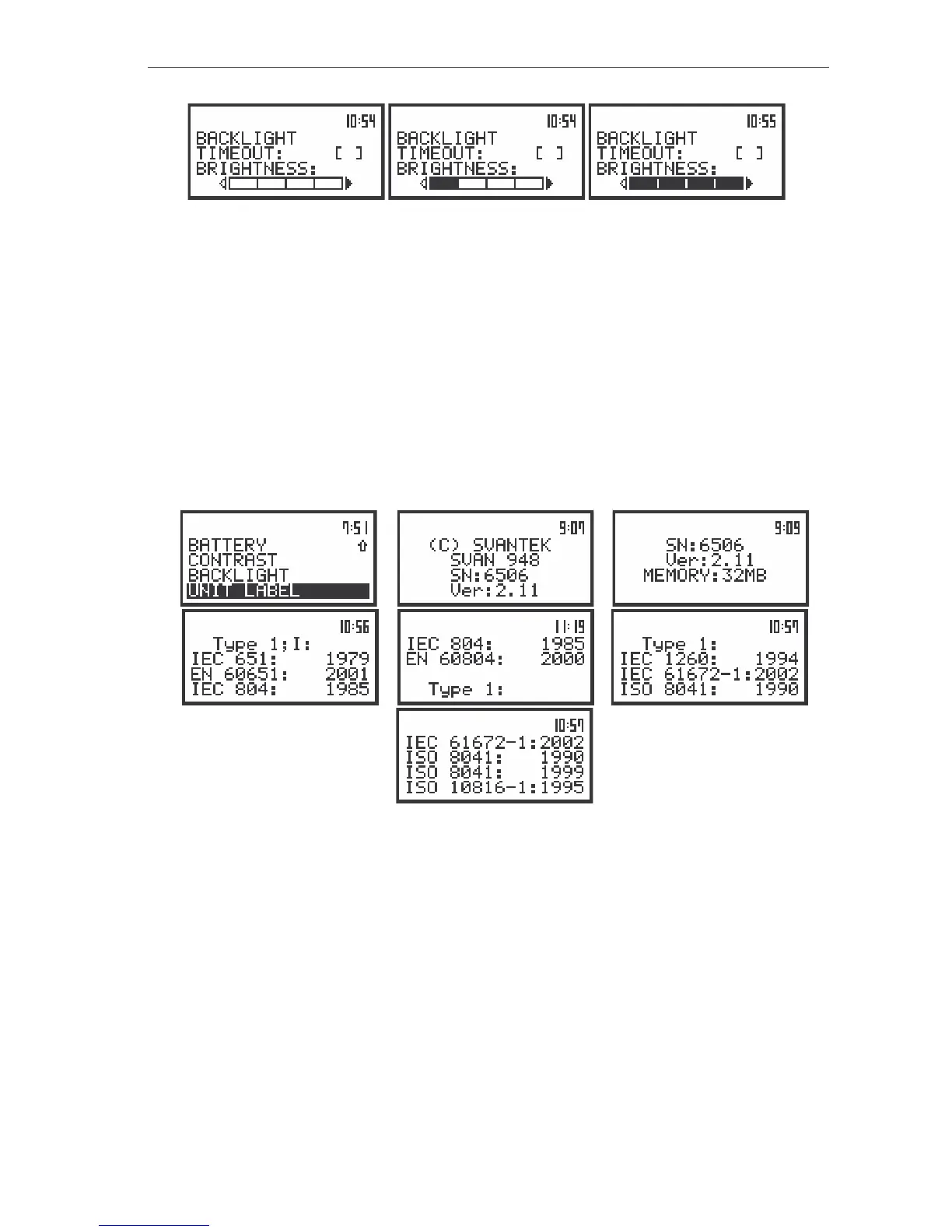
The view of the displays in the BACKLIGHT sub-list; the BRIGHTNESS position active
The position is closed and the instrument returns to the DISPLAY list after pressing the <ESC> or
<ENTER> push-button.
Checking specification of the instrument - UNIT LABEL
The UNIT LABEL position (path: MENU / DISPLAY / UNIT LABEL) displays the type of the
instrument, its serial number and the current software version installed in it. After pressing the <>,
<> or <
>, <
> push-buttons the displayed text is scrolled on the display and the user can check the
total size of internal memory and the number of standards fulfilled by the instrument. The position is
closed and the instrument returns to the DISPLAY list after pressing the <ESC> or <ENTER> push-
button.
a)
b) c)
d) e) f)
g)
The view of the displays with the UNIT LABEL position selected (a) and entered (b) and after scrolling with
the <
>, <
> or <
>, <
> push-buttons (c), (d), (e), (f) and (g)



 To Next Page