SVAN 948 USER MANUAL _
5 - 18
Notice: The new value of a parameter is confirmed after each pressing of the <
> or <
>
together with the <SHIFT> push-buttons (new value is selected without any confirmation from the
<ENTER> push-button).
The position is closed and the instrument returns to the SETUP list after pressing the <ENTER> or
<ESC> push-button.
Programming of the instrument’s internal Real Time Clock - RTC
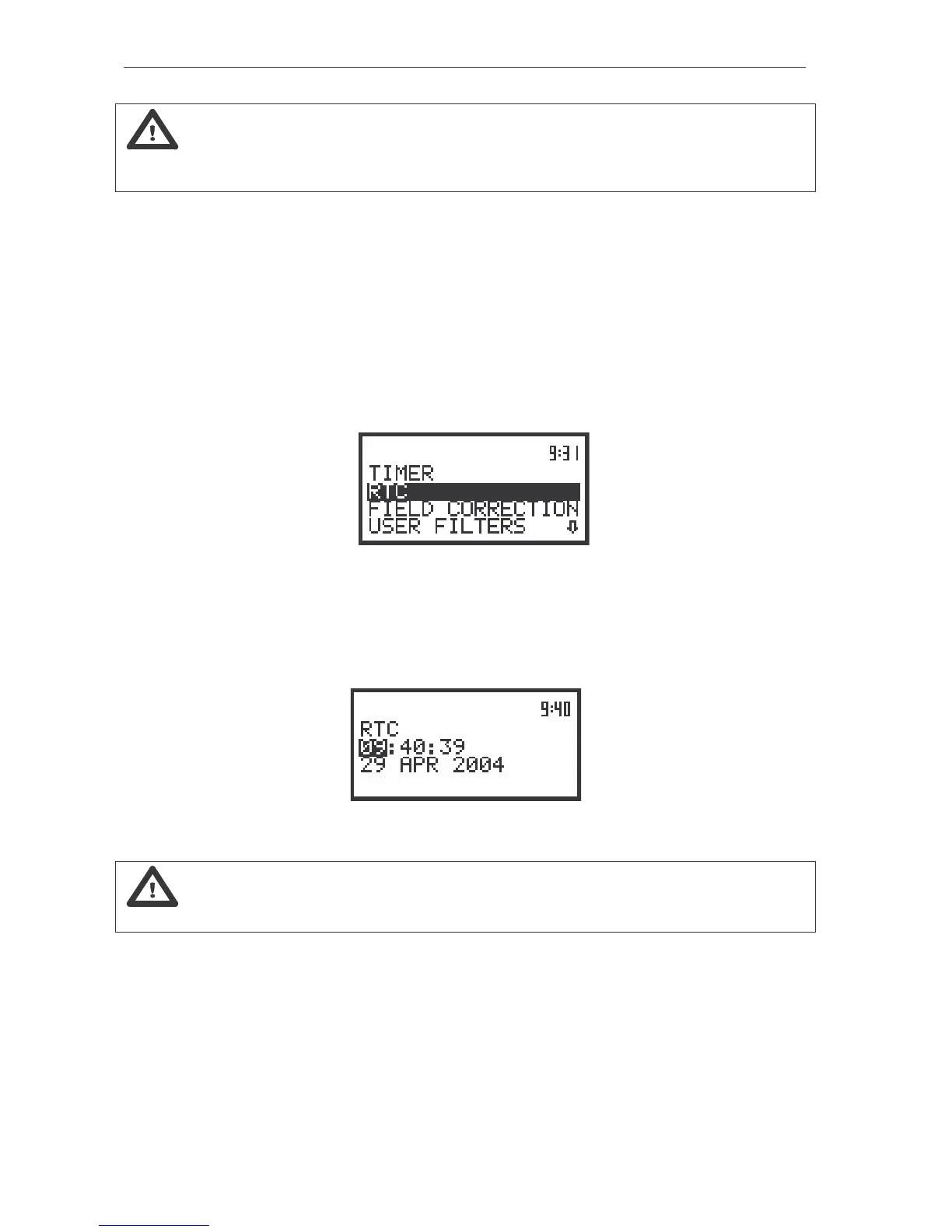
The RTC (path: MENU / SETUP / RTC) position enables one to programme the internal Real Time
Clock. This clock is displayed in the top right corner of the instrument’s display. In order to enter this
position the user has to select the RTC text in the SETUP list, using the <
>, <
> (or <
>, <
>) push-
buttons and press the <ENTER>.
a)
The view of the display in the SETUP list in the RTC text highlighted (displayed inversely)
The operation of the RTC setting is performed in the same way as it was described in the case of
the FILE NAME window. The selection of the setting parameter is performed using the <
>, <
> push-
buttons and the change of its value – using the <
>, <
> push-buttons. The parameter, which value has
to be changed, is flashing.
The view of the RTC position
Notice: The new value of a parameter is confirmed after each pressing of the <
>, <
>
(new value is selected without any confirmation from the <ENTER> push-button).
The position is closed and the instrument returns to the SETUP list after pressing the <ENTER> or
<ESC> push-button.
Setting the conditions for the diffuse field measurements - FIELD CORRECTION
The FIELD CORRECTION (path: MENU / SETUP / FIELD CORRECTION) position is available only in
the case of the sound measurements (in the MODE sub-list SOUND METER position is selected). It
enables the user to set the proper conditions for making the measurements in the diffuse field. In order to



 To Next Page