SVAN 948 USER MANUAL
5 - 9
The contents of the selected file from the buffer is displayed after pressing the <ENTER> push-
button. The cursor position is changed after pressing the <
>, <
> push-buttons. The type of the
registered result, the number of the channel the result is coming from, the related time from the beginning
of the registration, the value with the units and the indicator of the filter are presented on the right side of
the display.
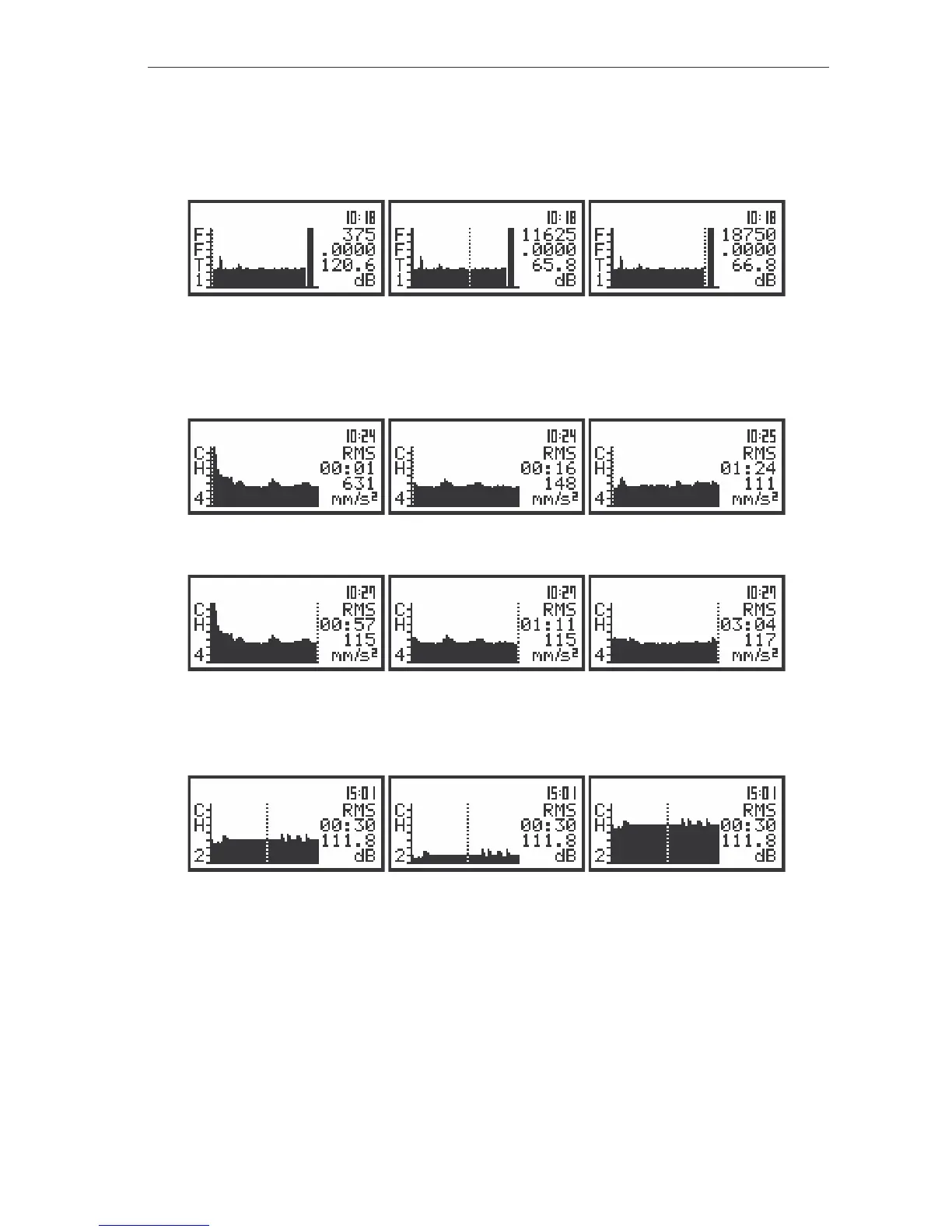
The view of the displays with the selected file from the buffer; the change of the cursor position
The scrolling of the display is made when the cursor is at one of two limits of the graphical
presentation space and the <
>, <
> push-buttons are still pressed and in the file there are still the
results.
The view of the displays with the selected file from the buffer; the scrolling to the right
The view of the displays with the selected file from the buffer; the scrolling to the left
The position of the horizontal axis in relation to the vertical one can be changed after pressing the
<
>, <
> push-buttons together with the <SHIFT> one.
The view of the displays with the selected file from the buffer; the change of the axis relation
The selected file in the buffer can contain the measurement results from up to 4 channels (i.e.
PEAK1, MAX1, PEAK3, MIN3, PEAK4, MAX4, MIN4, RMS4, PEAK1, MAX1) and the spectra. The
change of the displayed result is possible after pressing the <
> or <
> push-button. The results on the
display are in this case changed in the cycle (i.e. CH1: PEAK -> CH1: MAX -> CH3: PEAK -> CH3: MIN
-> CH4: PEAK -> CH4: MAX -> CH4: MIN -> CH4: RMS-> CH1: PEAK and so on).



 To Next Page