SVAN 948 USER MANUAL
5 - 35
is introduced by pressing the <SHIFT> and <
> or <SHIFT> and <
> push-buttons. In the case of WB
limits, the user can change the units too.
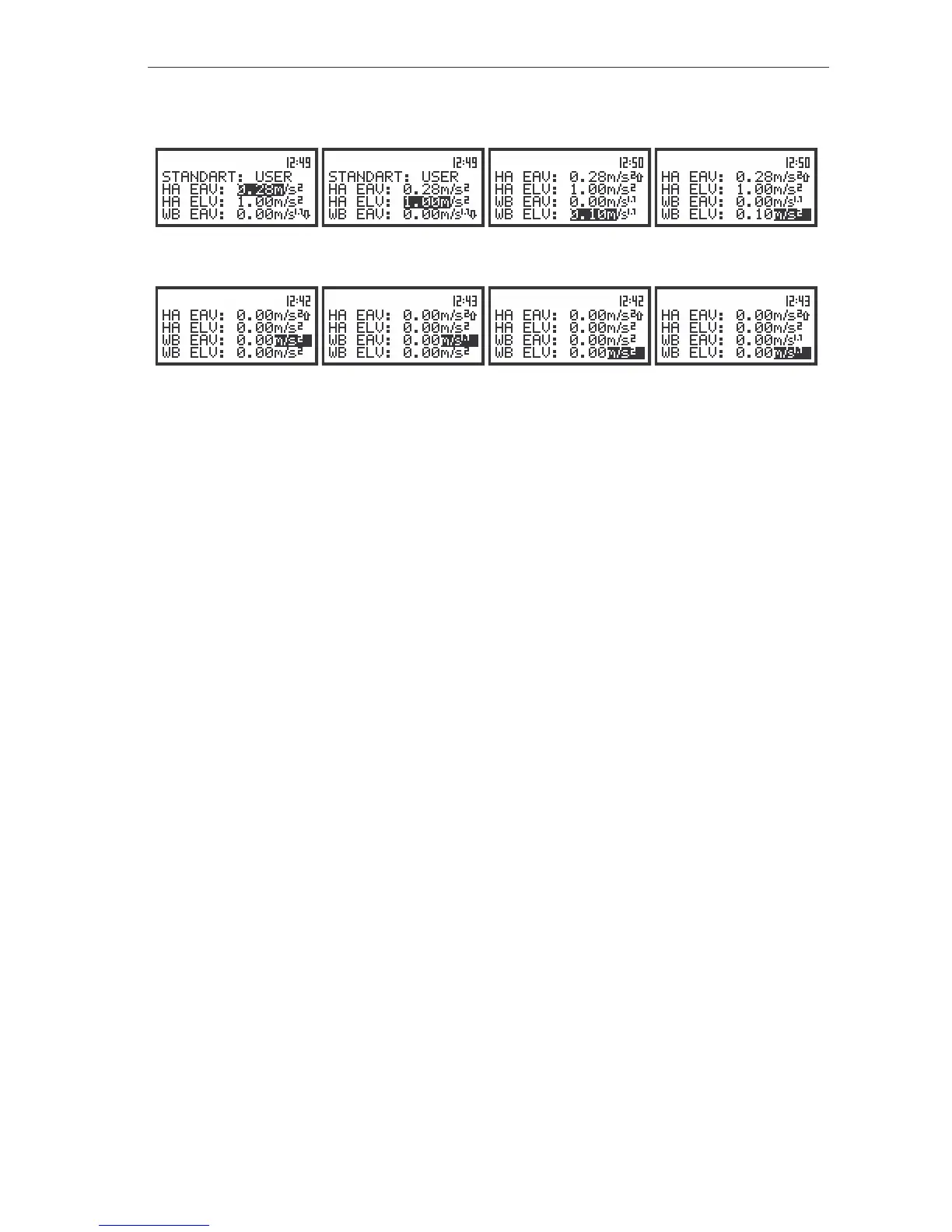
The view of the displays in the STANDARDS window for USER standard, the selection of the limits value
The view of the displays in the STANDARDS window for USER standard, the selection of the unit’s position
The selection of the units position in the set is performed by means of the <
>, <
> push-buttons.
The sub-list is closed and the instrument returns to the SETUP sub-list after pressing the <ENTER> (with
the confirmation of all settings made in the sub-list) or <ESC> push-button (ignoring all settings made in
the sub-list).



 To Next Page