SVAN 948 USER MANUAL
5 - 63
The user can select available position select from the main list, using the <
>, <
> (or <
>,
<
>) push-buttons, the display text is highlight inversely, In order to confirm the selection the <ENTER>
push-button has to be pressed. After this confirmation the opened window or list is closed. In order to
ignore any changes made in the opened window or list the user has to press the <ESC> push-button.
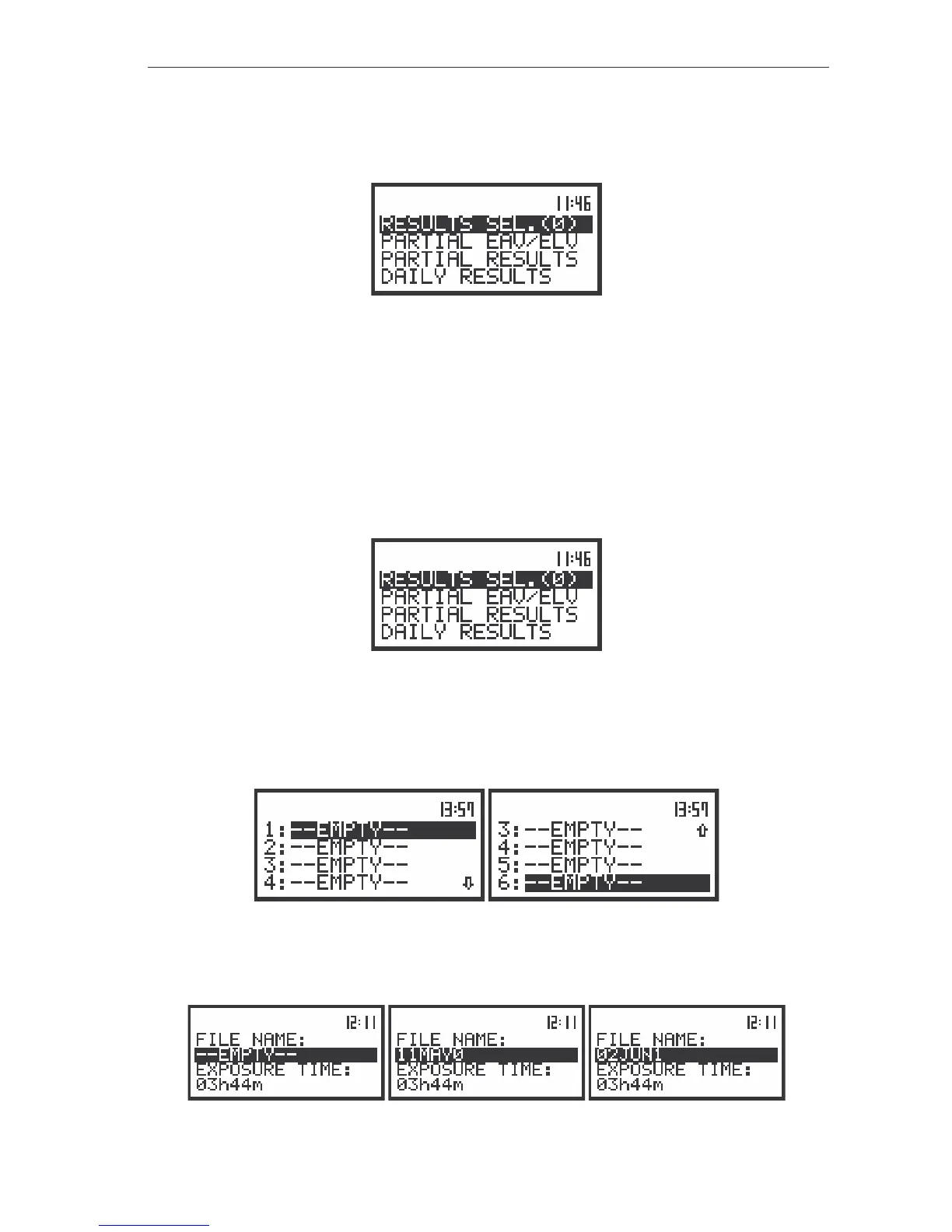
The view of the displays with the WBV CALCULATOR list
Selection of the file with result of measurement - RESULT SEL.
The RESULT SEL. position (path: MENU / AUX. FUNCTIONS / HAV/WBV CALC. /
WBV CALCULATOR / RESULTS SEL.) is used to load data file from the FLASH DISC. User selects which
files of measurement should be used to determine results of measurements. It is possible to select at
most 6 files, which include measurement’s results with WBV data. The position is opened after pressing
the <ENTER> push-button when the RESULTS SEL. text in the WBV CALCULATOR list is displayed
inversely (selected using the <
>, <
> (or <
>, <
>) push-buttons). The return to the
AUX. FUNCTIONS list is possible after pressing the <ESC> push-button.
The view of the display in the WBV CALCULATOR sub-list the RESULT SEL text highlighted (displayed
inversely)
After pressing the <ENTER> push-button the position is closed and the instrument opens new sub-
list. It consists of six positions. The user can rewind the list using the <
>, <
> (or <
>, <
>) push-
buttons and select the position after pressing <ENTER>.
The view of the display in the RESULTS SEL. list
In order to enter the file the user has to select position using the <
>, <
> (or <
>, <
>) push-
buttons and press the <ENTER>.
The view of the displays during the execution of the selected file operation



 To Next Page