SVAN 948 USER MANUAL .
4 - 16
If in each channel a selected result is saved, in order to view time history in all channels the user
has to press the <
> and <
> push-buttons.
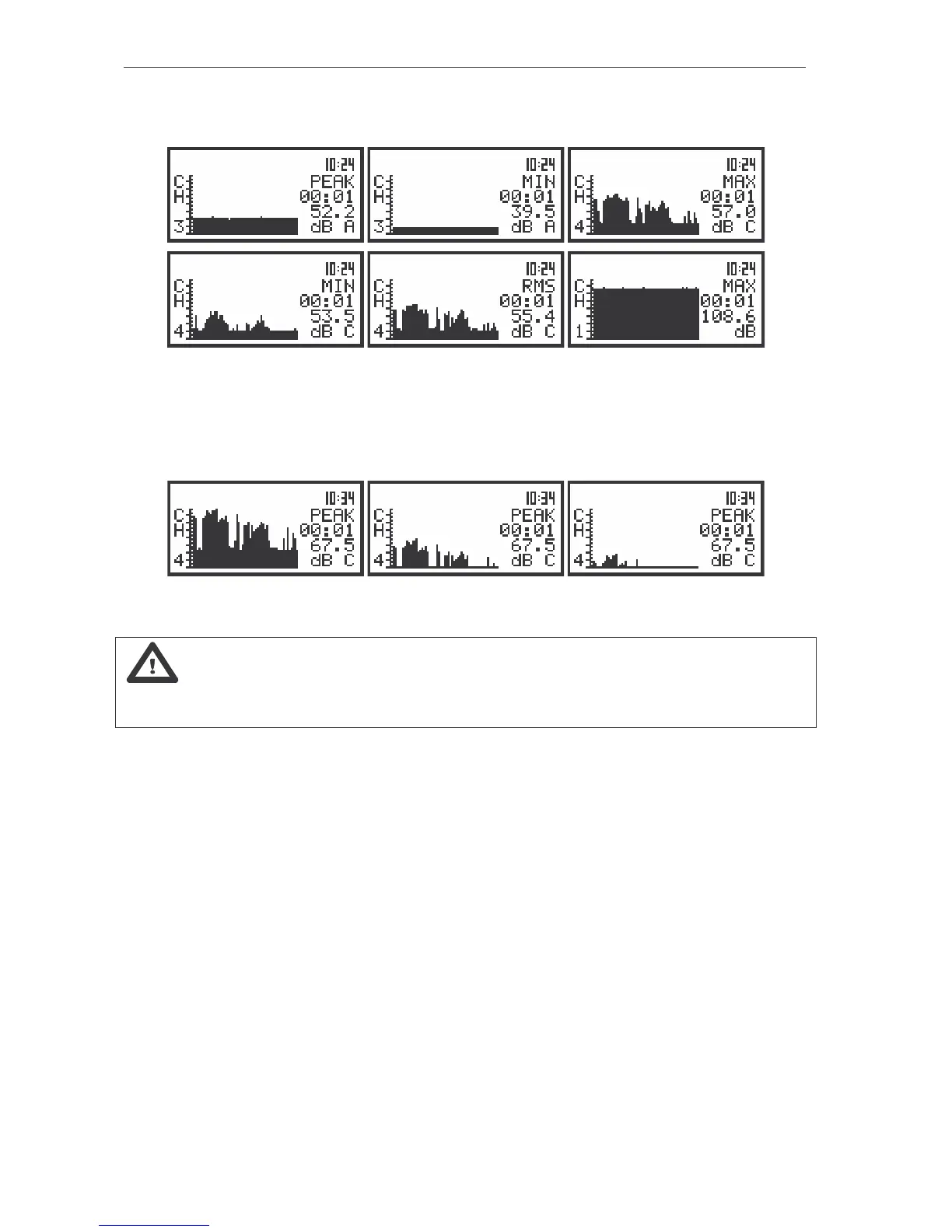
The displays in the PLOT presentation mode; the change of the profile and channels
In the PLOT it is possible to shift the horizontal axis in relation to the vertical one using the <SHIFT>
with <
> or <SHIFT> with <
> push-buttons. Each pressing of the <SHIFT> and <
> push-buttons
results in 10 dB shifting down of the presentation and each pressing of the <SHIFT> and <
> push-
buttons - 10 dB shifting up.
The view of the displays in the PLOT presentation mode with the shifted axes
Notice: In the buffer many time histories can be stored, registered during the
measurements. The user can select for the presentation the required time history in the BUFFER VIEW
window available in the DISPLAY list (see Chapter 5 for details).



 To Next Page