SVAN 948 USER MANUAL .
4 - 24
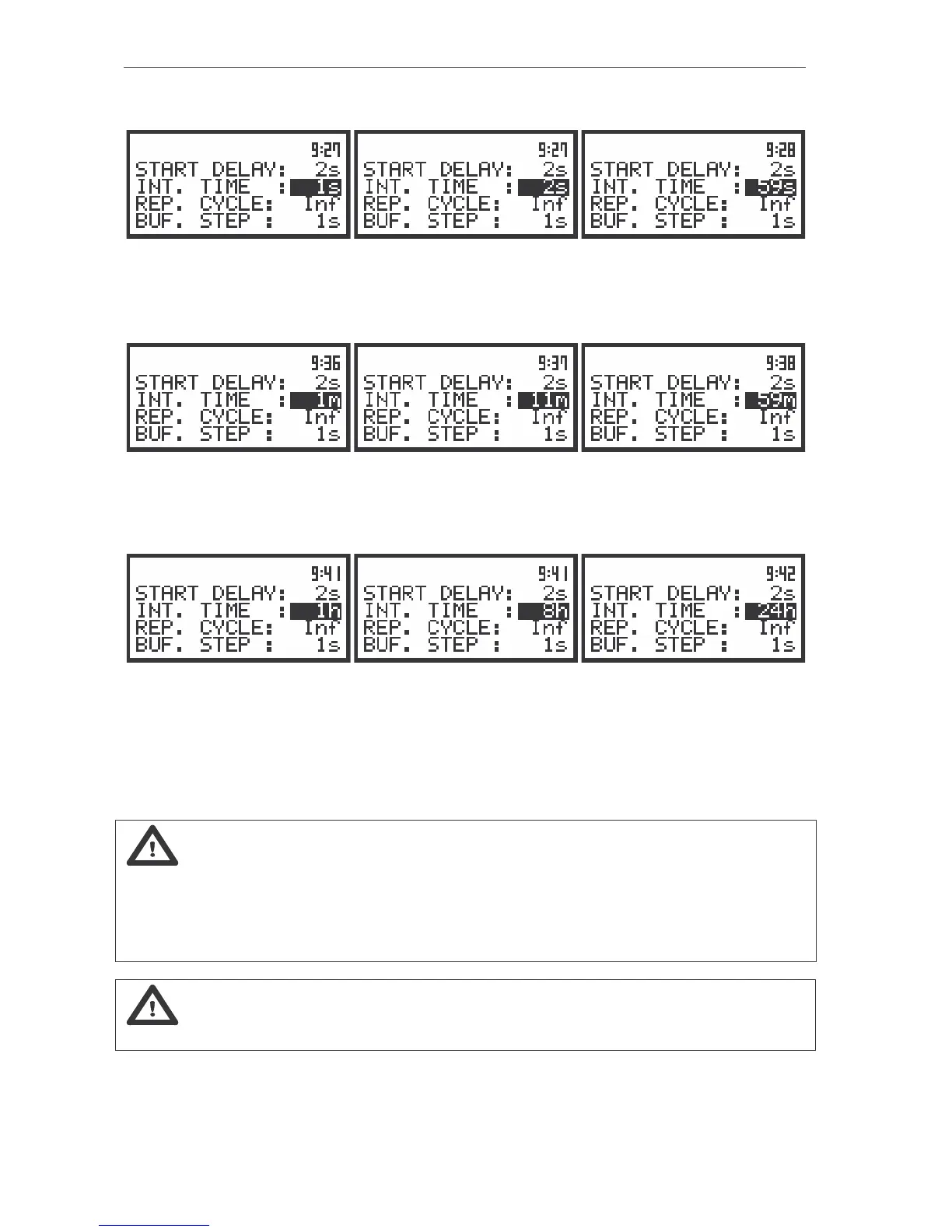
- from 1 s to 59 s (with 1 second or 10 seconds step),
The view of the displays during the setting of the INT. TIME (path: MENU / INPUT / MEASURE SETUP); time
expressed in seconds
- from 1 m (min) to 59 m (with 1 minute or 10 minutes step) and
The view of the displays during the setting of the INT. TIME (path: MENU / INPUT / MEASURE SETUP); time
expressed in minutes
- from 1 h to 24 h (with 1 hour or 10 hours step).
The view of the displays during the setting of the INT. TIME (path: MENU / INPUT / MEASURE SETUP); time
expressed in hours
Additionally, the predefined periods: 1 m, 5 m, 15 m, 1 h, 8 h and 24 h, which are enumerated in
the standards, are also available (by pressing the <
> push-button or <
> with <SHIFT>; these values
are placed in the mentioned above sequence on the left in relation to 1 s).
Notice: The measurement can also be temporary stopped by pressing the <PAUSE> push-
button. It inserts an arbitrary long PAUSE. The measurements can be continued after pressing the
<PROCEED> push-button (the <PAUSE> together with the <SHIFT>). The cancellation of the last second
of the measurement is caused by the subsequent pressing of the <PAUSE> push-button. This procedure
can be repeated up to fifteen times (last 16 seconds of the measurement can be cancelled and erased
from the memory).
Notice: In the case of switching on the AUTO SAVE (path: MENU / FILE /SAVE OPTIONS /
AUTO SAVE) function the minimum value of the integration time is equal to 10 seconds.



 To Next Page