SVAN 948 USER MANUAL
4 - 35
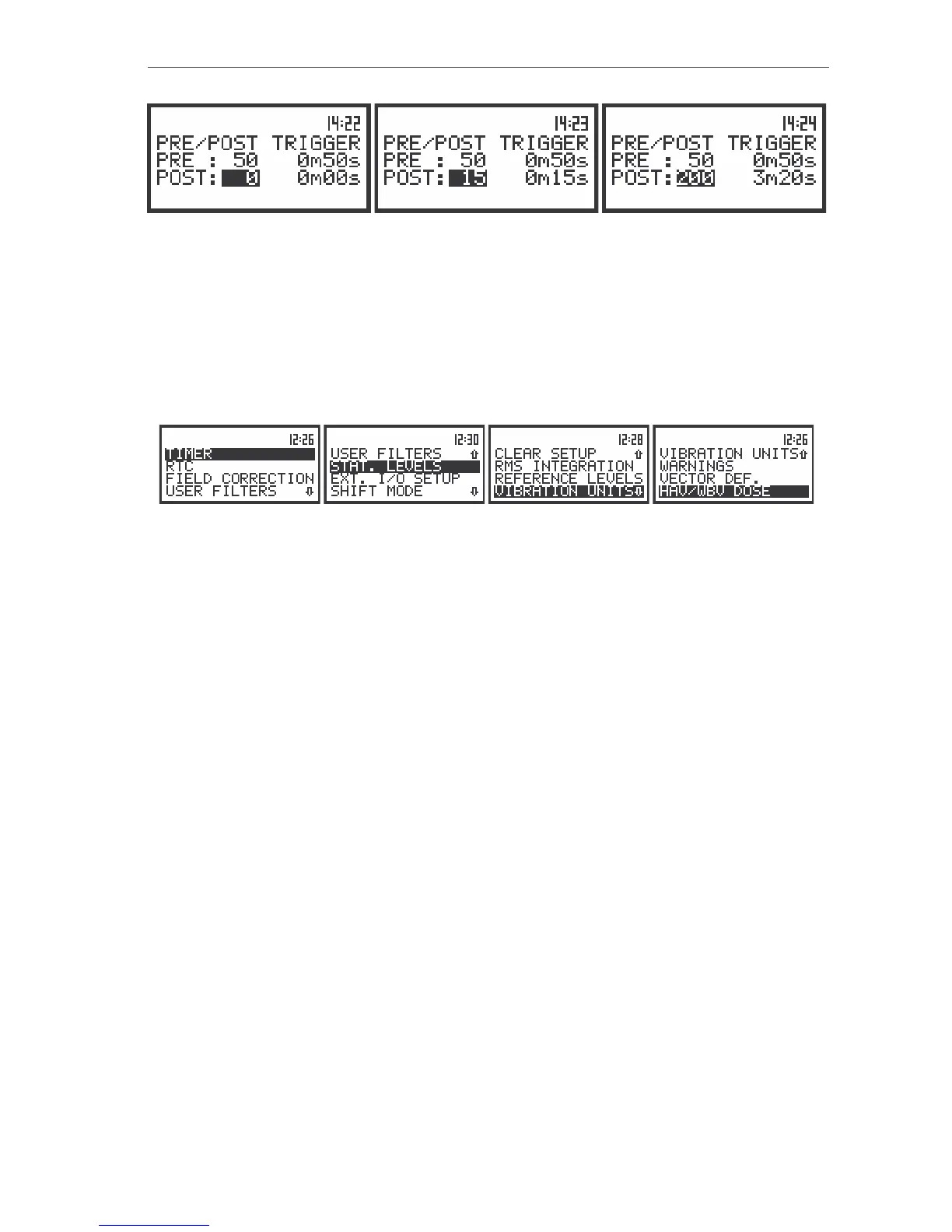
The view of the displays in the TRIGGER SETUP sub-list (path: MENU / INPUT / TRIGGER SETUP); the setting
of the POST TRIGGER
The value set in the PRE / POST are confirmed and the sub-list is closed after pressing the
<ENTER> push-button. After pressing the <ESC> push-button the sub-list is closed ignoring the settings
made in the PRE / POST.
The other parameters important for the sound measurements can be set by means of the SETUP
list after pressing the <MENU> push-button, selecting by means of the <
>, <
> (or <
>, <
>) push-
buttons the SETUP text and pressing the <ENTER> one.
The view of the displays with the SETUP (path: MENU / SETUP) list
In the SETUP list the following items are available:
• position which enables the user to set the Timer function (TIMER);
• position which enables the user to set the Real Time Clock. (RTC);
• position which enables the user to switch on the weighting filter for the measurements performed in the
conditions of the diffuse field (FIELD CORRECTION); this position is available only in the case of
sound measurements;
• sub-list which enables the user to select, view, set and clear the correcting values for all 1/1 octave and
1/3 octave filters (USER FILTERS);
• (STAT. LEVELS) this position is available only in the case of sound measurements;
• (EXT. I/O SETUP) this position enables to connect meter with other device;
• sub-list which enables the user to set the operating mode of the push-buttons (SHIFT MODE);
• position which enables the user to return to the producer’s set up, except the coefficients set in the
(CLEAR SETUP);
• position which enables the user to select the way of integration for the LEQ, SEL and Ld(en)
measurements in the case of sound and the RMS measurement in the case of vibration
(RMS INTEGRATION);
• position which enables the user to select the reference level for the vibration measurements and which
informs the user about the reference level in the sound measurements (REFERENCE LEVEL);
• position which enables the user to select the vibration units in which the results of the measurements
are to be given (VIBRATION UNITS);
• sub-list which enables the user to switch on or off the warnings which can be displayed during the
operation of the instrument (WARNINGS);
• (VECTOR DEF.) sub-list which enables the user to select coefficient needed to calculate vibration
vector, which is taken into account during the calculations of the measurement results;
• (HAV/WBV DOSE) sub-list which enables the user to select parameters presenting the EXPOSURE
and VIBRATION DOSE measurements.



 To Next Page