98
www.teejet.com
MATRIX
®
Pro 570GS
•
MATRIX
®
Pro 840GS
HOME SETUP GUIDANCEFULL SCREEN IMPLEMENTINTRODUCTION GNSS RATE CONTROL APPENDIX
APPENDIX D SETTING RANGES
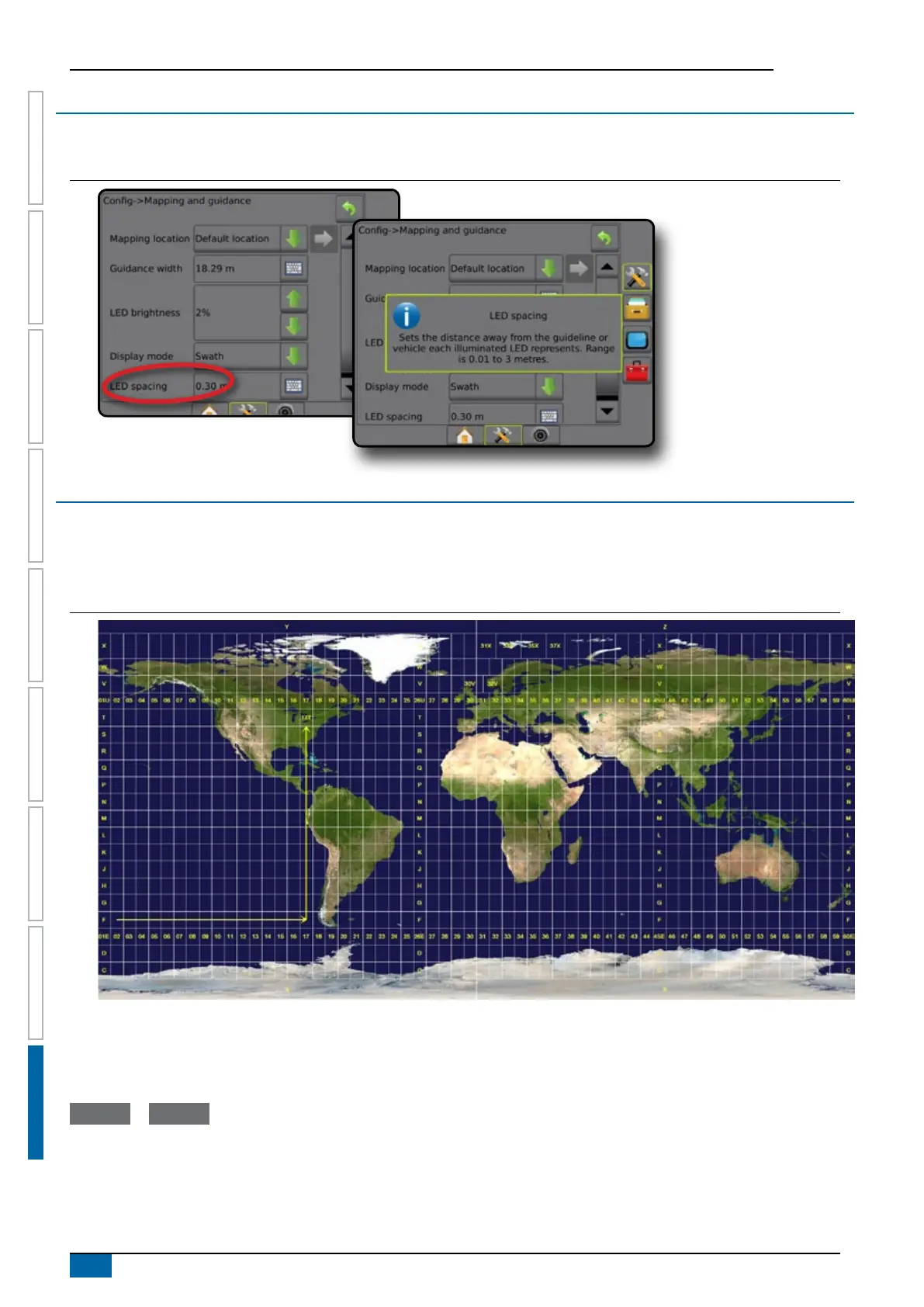
Press the option’s name of any menu item to display a denition and range values of that item.
Figure A-3: Example of information text box
APPENDIX E UTM COORDINATES AND ZONES
The Matrix Pro 570GS and Matrix Pro 840GS use the Universal Transverse Mercator (UTM) coordinate system to track job locations.
The UTM coordinate system divides the surface of the Earth into sixty numbered north-south zones, which are further divided into
latitude zones designated by letters, as shown below.
Figure A-4: UTM Coordinate System – Global
The Matrix Pro GS console then tracks the UTM zones in which each product application job is performed. This zone information is then
used to determine whether a job can be started/continued or to nd the saved job that is closest to the vehicle’s current position.
If a selected job is in a UTM zone other than the current or adjacent UTM zone, “Out of Range” will be displayed next to Distance, and
Start Job or Continue will be disabled.
If a selected job has no recorded information, Distance will show “No Data”.



 To Next Page