44
www.teejet.com
MATRIX
®
Pro 570GS
•
MATRIX
®
Pro 840GS
HOME SETUP GUIDANCEFULL SCREENINTRODUCTION GNSS RATE CONTROL APPENDIXIMPLEMENT
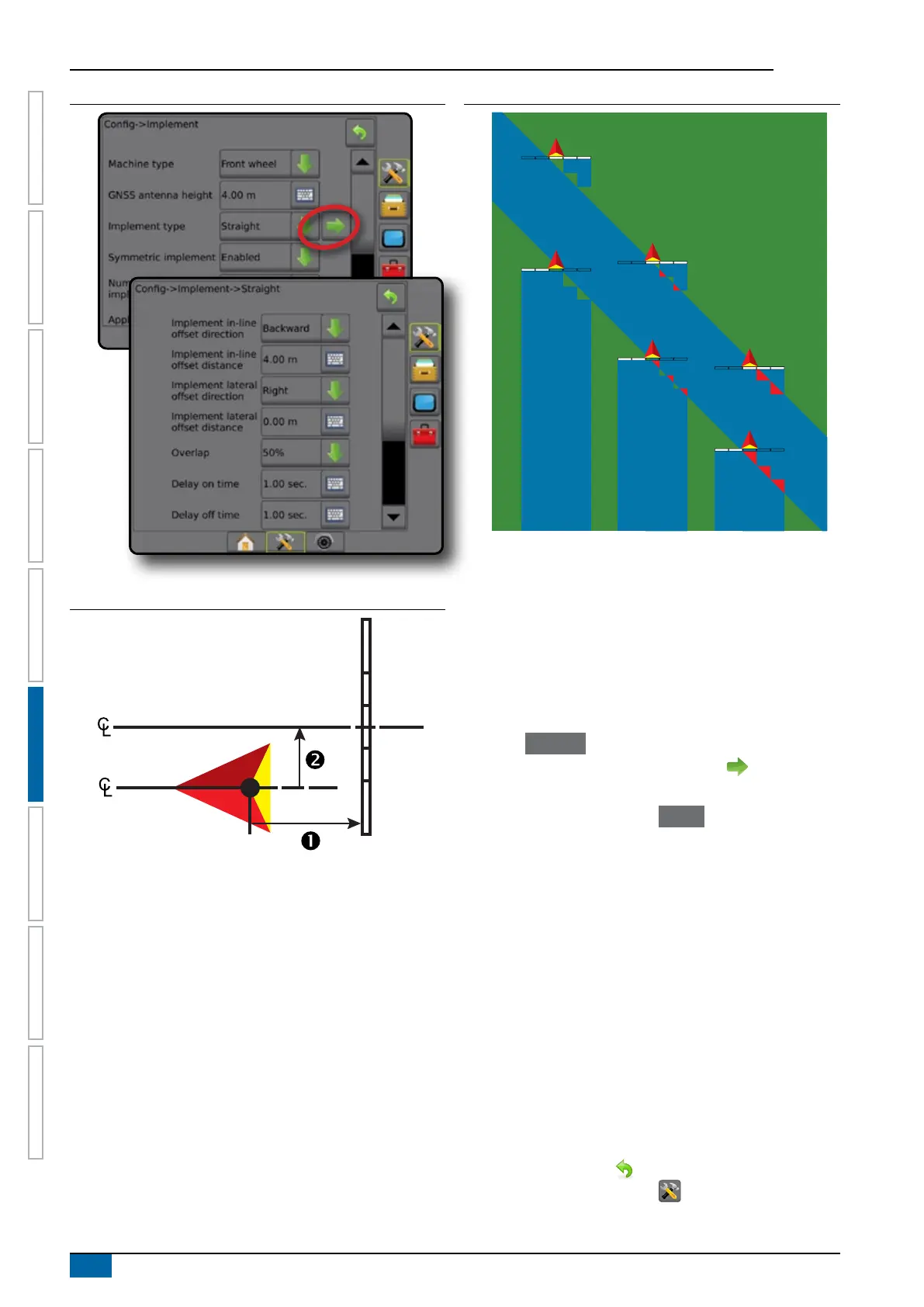
Figure 6-6: Multiple Sections
Figure 6-7: Offset Directions and Distances
Figure 6-8: Overlap
100%50%0%
Spreader – TeeJet
A virtual line is created in line with the delivery disks from which
the application section or sections can vary in length and can be at
different distances from the line (availability depends on the specic
equipment in the system).
Single section
No section control is available on the system.
1. Select Spreader implement type on Implement screen.
2. Press Implement Type NEXT PAGE arrow .
3. Select from:
►Setup type – used to select TeeJet spreader type
►Antenna to Disks Distance – used to dene the
distance from the GNSS antenna to the disks or dispersal
mechanism
►Implement lateral offset direction – denes the lateral
direction, either left or right, from the centerline of the
machine to the center of the implement while facing in the
machine's forward direction
►Implement lateral offset distance – denes the lateral
distance from the centerline of the machine to the center of
the implement in decimal meters
►Spread Offset Distance – used to set the distance
between the disks or dispersal mechanism and where
product initially hits the ground for the section
►Spread length – used to set the length of application for
the section
4. Press RETURN arrow to return to the Implement screen
or CONFIGURATION side tab to return to the main
Conguration screen.



 To Next Page