63
98-05273-EN R7
MATRIX
®
Pro 570GS
•
MATRIX
®
Pro840GS
HOMESETUP FULL SCREENIMPLEMENT INTRODUCTIONGNSSRATE CONTROLAPPENDIX GUIDANCE
GUIDANCE BAR
The Guidance bar keeps you informed of your choice of selectable information, navigation activity, and section status.
Navigation activity & boom status
GNSS status – displays “No GNSS” when GNSS is unavailable, or
“Slow GNSS” when GNSS is receiving GGA data at less than 5Hz
Cross track error – displays the distance from your desired
guideline
Current activity – displays activities such as mark an A or B point,
approaching the end of a row, indicating to turn now, and distance
to return to a marked point
Section status – one dot is displayed for each section
programmed: a green dot indicates the section is active, and a red
dot indicates the section is not active
Figure 7-3: Navigation activity/section status
10.0
km/h
27.00
ha
0.0
Metres [1.5]
Centimetres [15]
Metres [1.5]
Cross track error
The distance around the guideline that is perceived as zero error
can be adjusted using Conguration-> Guidance-> Guidance
sensitivity.
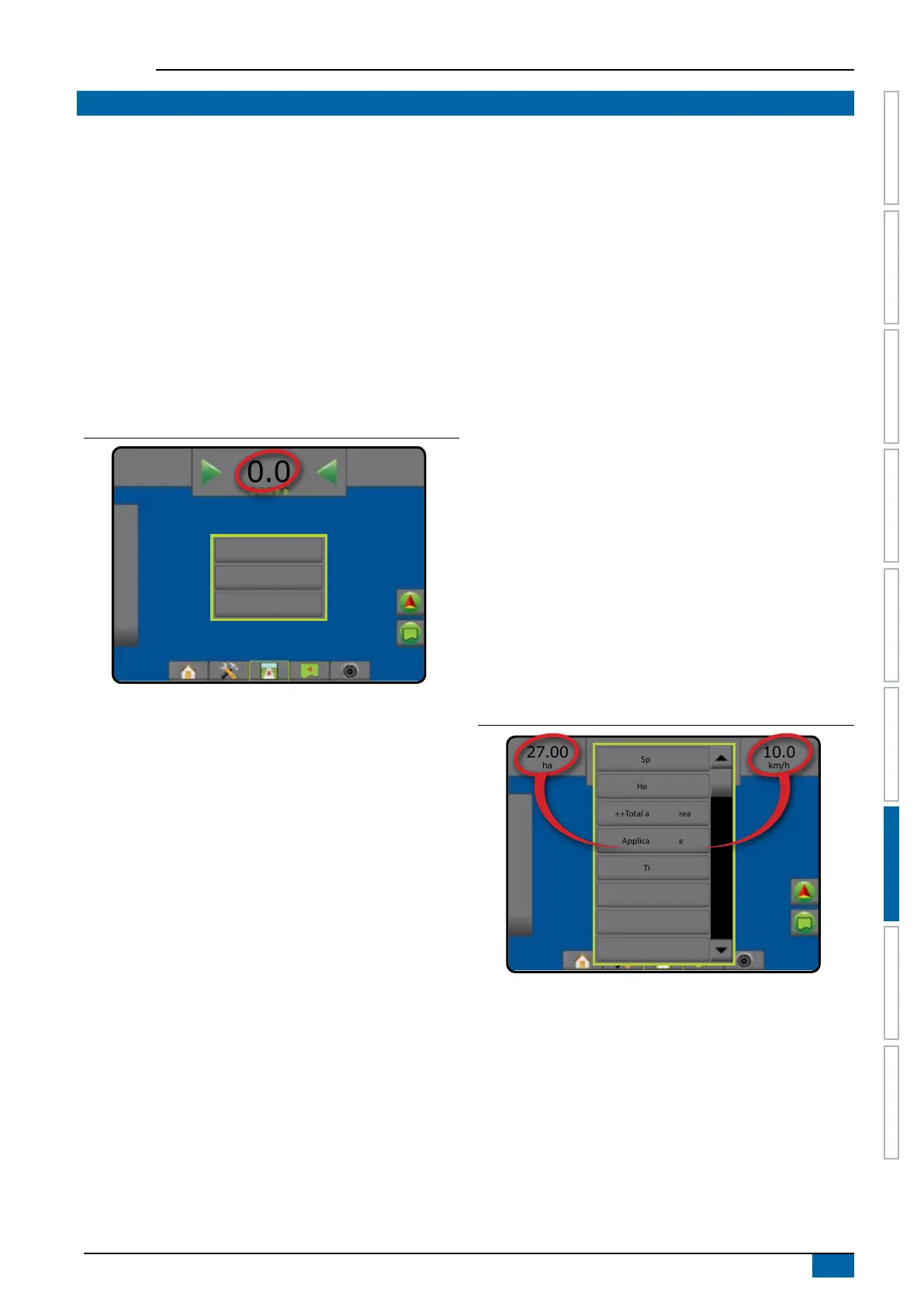
To change the format in which the distance is displayed:
1. Press the Navigation Activity box on the guidance bar.
2. Select the measurement format.
Selectable information
Speed – displays the current speed of travel
Heading – displays the course of travel based clockwise from
a true north baseline. North = 0°, East = 90°, South = 180°,
West = 270°.
Total applied area – displays the total accumulated area that has
had product applied, including double-coverage areas
Application time – displays the total time application is active
during the current job
Time – displays the current time based on the selected time zone
Swath number – displays the current swath number in reference
to the initial AB guidance line, facing in the direction from A to
B. Number will be positive when the vehicle is to the right of the
AB baseline, or negative when the vehicle is to the left of the AB
baseline.
System pressure – displays the current system pressure (available
only when an Input/Output Module is on the system)
Droplet size – displays the current nozzle droplet size (available
only when an Input/Output Module is on the system)
Actual application rate – displays the current application rate
(available only when a third-party rate controller is on the system)
Target application rate – displays the target application rate
(available only when a third-party rate controller is on the system)
Figure 7-4: Selectable information
10.0
km/h
27.00
ha
Mark A
Speed
++Total applied area
Time
System pressure
Droplet size
Heading
Application time
Swath number



 To Next Page