82
www.teejet.com
MATRIX
®
Pro 570GS
•
MATRIX
®
Pro 840GS
HOME SETUPFULL SCREEN IMPLEMENTINTRODUCTION GNSS RATE CONTROL APPENDIXGUIDANCE
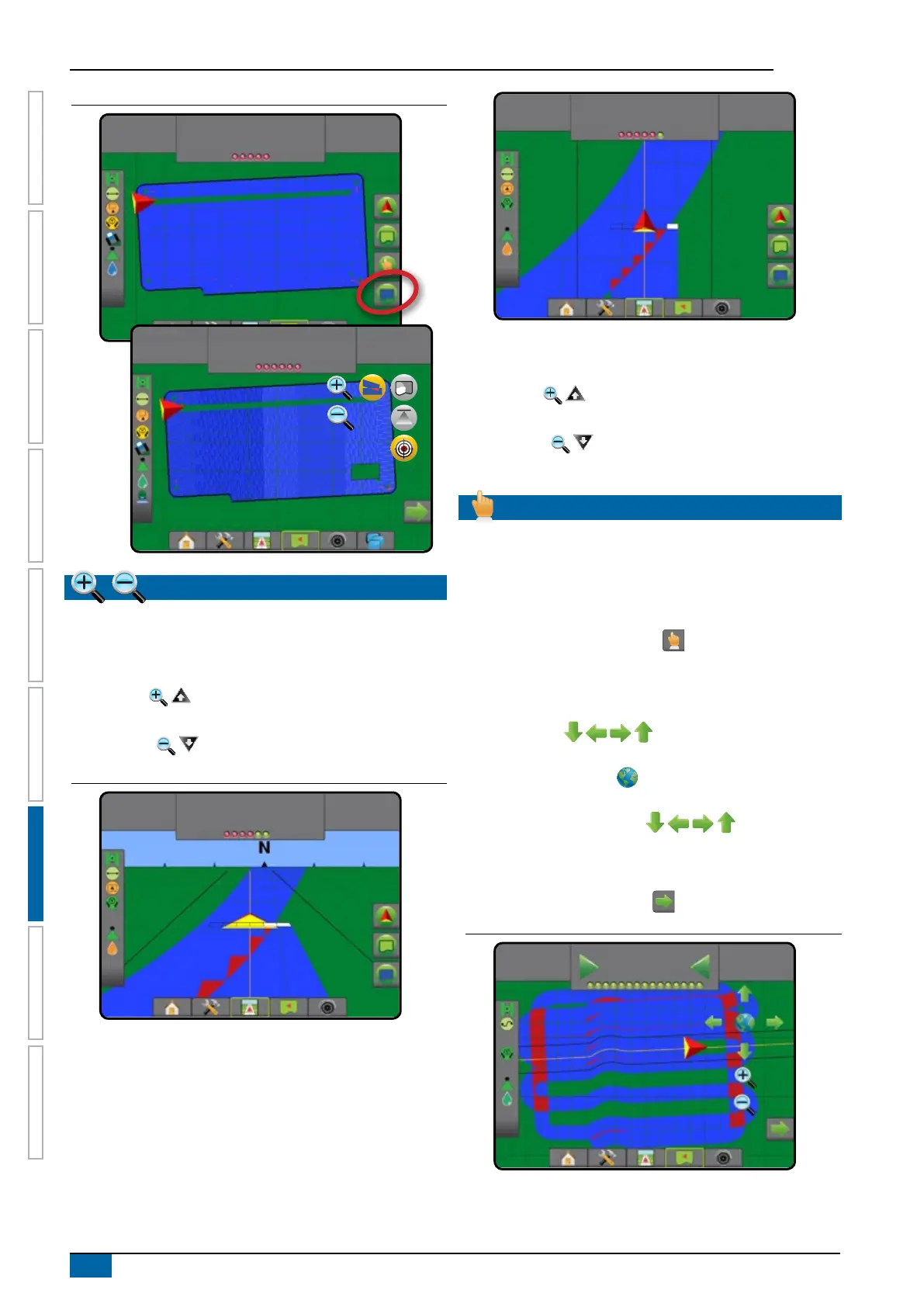
Figure 7-33: Coverage map with rate control mapping
27.00
ha
10.0
km/h
Mark A
27.00
ha
10.0
km/h
Mark A
ZOOM IN/OUT
Vehicleview
Zoom in/out & perspective is used to adjust the vehicle’s view or
perspective to the horizon from vehicle view to bird’s-eye view.
• Zoom in will adjust view to vehicle view displaying a
compass on the horizon
• Zoom out will adjust view to bird’s-eye view
Figure 7-34: Zoom in to zoom out
27.00
ha
7.2
km/h
0.0
27.00
ha
7.2
km/h
0.0
Fieldview
Zoom in/out is used to adjust the map’s visible area.
• Zoom in will decrease the amount of map area
visible.
• Zoom out will increase the amount of map area
visible.
PAN MODE
While in Field view guidance, the Pan mode allows the screen to
be positioned manually as desired. The off-centre position on the
screen will be retained until the World icon is pressed.
To enter Pan mode and pan across the screen:
1. Press SCREEN OPTIONS tab .
2. Press:
►AND DRAG SCREEN in the corresponding direction to
move the view on screen.
►ARROWS in the corresponding direction to
move the view on screen (down, left, right, up).
►WORLD VIEW icon to centre vehicle on screen and
extend the screen view to the widest area available.
NOTE: Press & hold ARROWS to quickly adjust
settings.
To close Pan mode options:
1. Press CLOSE OPTIONS tab .
Figure 7-35: Pan mode
-13
7.2
km/h
0.0



 To Next Page