Chapter 6 - Working With Image Files Finding Stored Images and Loops
Terason t3000 / Echo Ultrasound System User Guide 138
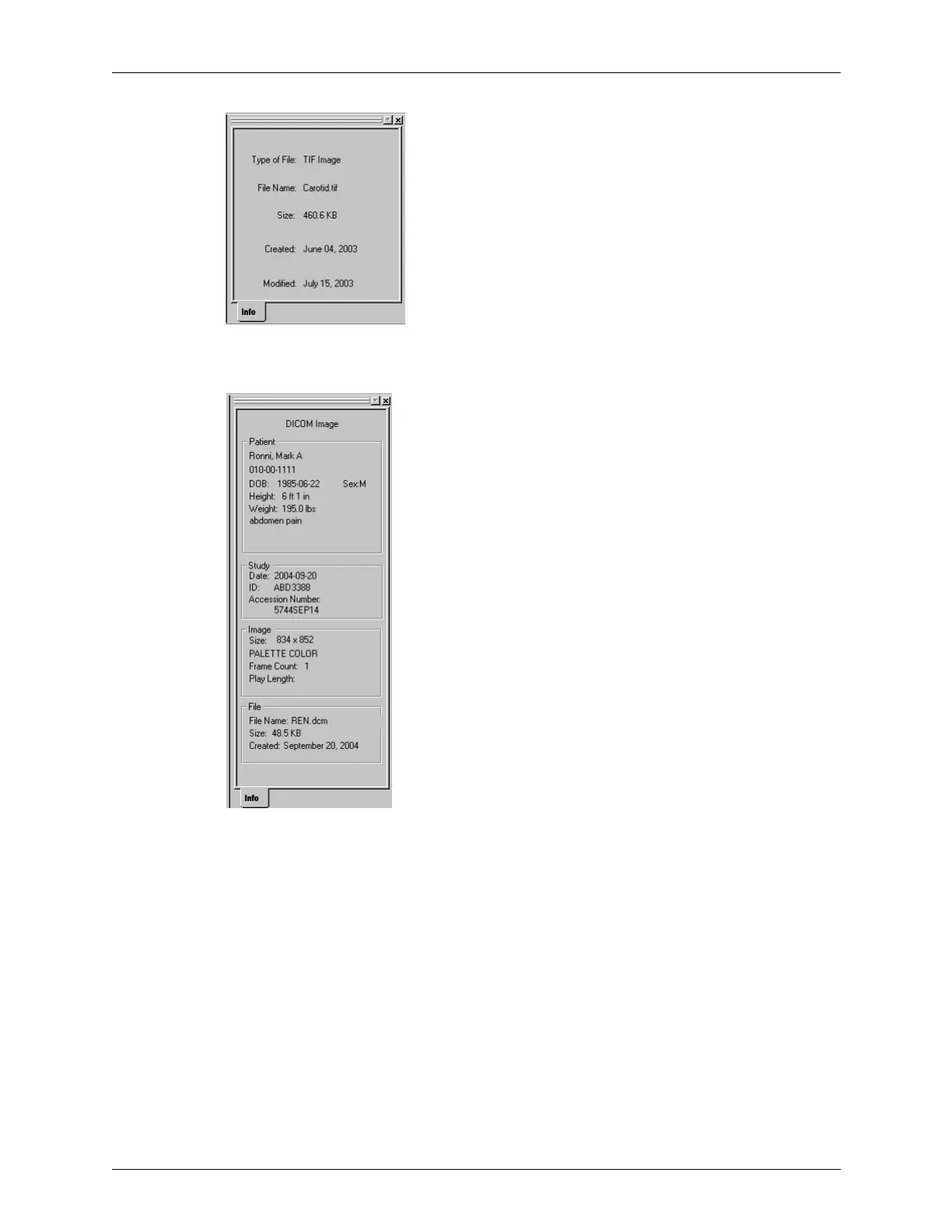
Info Tab for a Non-ULT Image
For DICOM files, the Info tab displays the data saved as part of the DICOM image.
Info Tab for a DICOM Image
If the image is larger than the Image Display window, the window includes scroll bars
along the right and bottom edges. These bars let you see the parts of the image that do not
fit within the window. Click and drag in a scroll bar to see a different part of the image.
For non-ULT files, the Terason software provides a shortcut menu that lets you use the
Playback functions (for AVI or DICOM loops), resize the image to a selected percentage,
or copy the image for pasting into an external application.



 To Next Page