Chapter 7 - Working With Measurements Measuring in the 2D Window
Terason t3000 / Echo Ultrasound System User Guide 159
See Setting Measurement Defaults on page 250 for instructions on setting with port on
your computer is connected to the other computer.
Making Obstetrical Measurements
When there are multiple fetuses, only the measurements for the selected fetus display on
the 2D image. For example, if you made three measurements for Fetus A and two
measurements for Fetus B, you only see the measurements for whichever Fetus is selected
in the 2D Measure tab.
All measurements use the distance tool (see Measuring Distances on page 151), except
that abdominal circumference (AC) and head circumference (HC) use the Ellipse or Trace
tools (see Measuring Elliptical Circumference and Area on page 154 or Tracing Areas on
the Image on page 155).
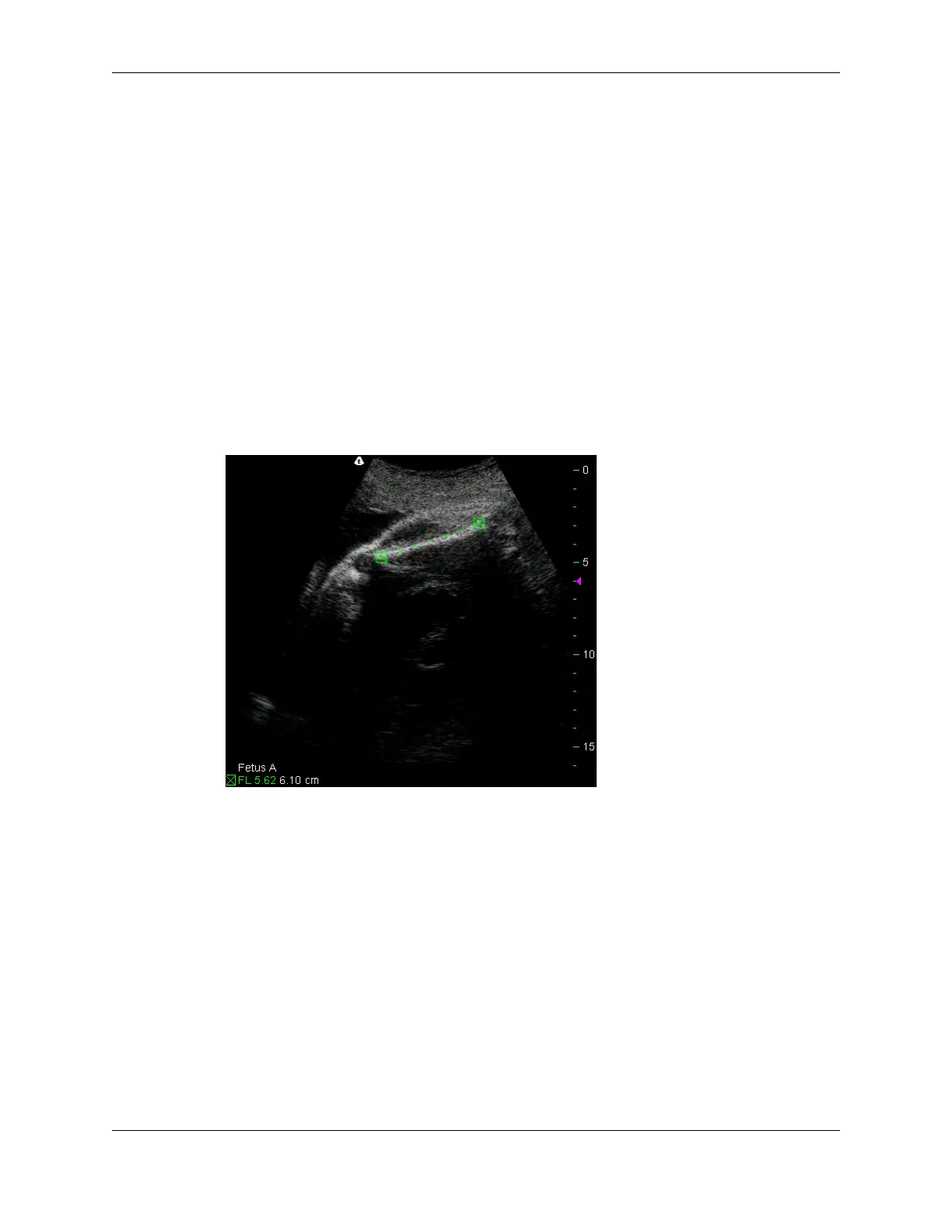
You can make multiple measurements of one type, on multiple scans, to acquire all the
needed measurements. For example, the following scan shows a femur length (FL)
measurement.
FL Measurement on an Image
In this example, the 6.10 cm FL measurement was made on a prior scan. If both
measurements are made on the same scan, you can click the value to highlight the
measurement.
The Terason software adds an OB information section to the 2D Measure tab when you
freeze an Obstetrical scan. When you make any of the measurements in the following list,
the software estimates the average ultrasound age (AUA), and from that, an estimated due
date (EDD), and displays them in the OB information section.



 To Next Page