Chapter 7 - Working With Measurements Measuring in the 2D Window
Terason t3000 / Echo Ultrasound System User Guide 160
The measurements that generate an AUA and an EDD are:
•AC
•BPD
• CRL
•FL
•HC
• A mean gestational sac measurement (See Calculating Gestational Sac Size and Age on
page 163.)
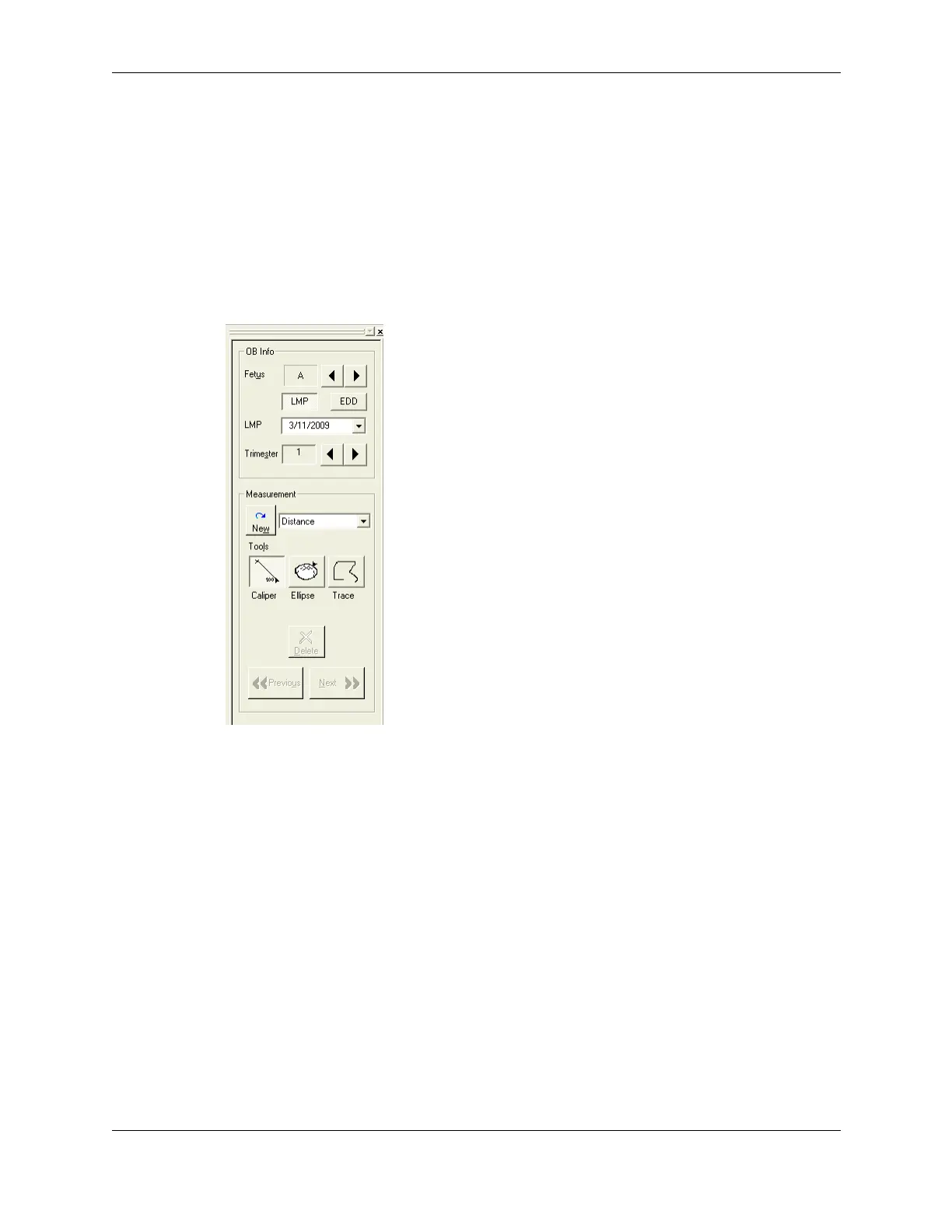
2D Measure Tab for the Obstetrical Exam
The OB Info section lets you select the Fetus (from A to F) and identify the trimester of the
fetus. You can directly set the trimester to 1, 2, or 3 using the right and left arrows, or you
can click either the
LMP (last menstrual period) or EDD (estimated due date) button and
enter the date. To choose the date, click the down arrow and use the calendar tool to click
the date of the LMP or EDD (depending on which button is selected. When you enter a
date, the Terason software updates the Trimester accordingly.
The trimester setting determines which measurements are available. When you select the
trimester (using
LMP, EDD, or the Trimester arrows), the Terason software updates the list
of measurements to show only those measurements applicable to that trimester.



 To Next Page