Chapter 7 - Working With Measurements Measuring Vascular Exams
Terason t3000 / Echo Ultrasound System User Guide 178
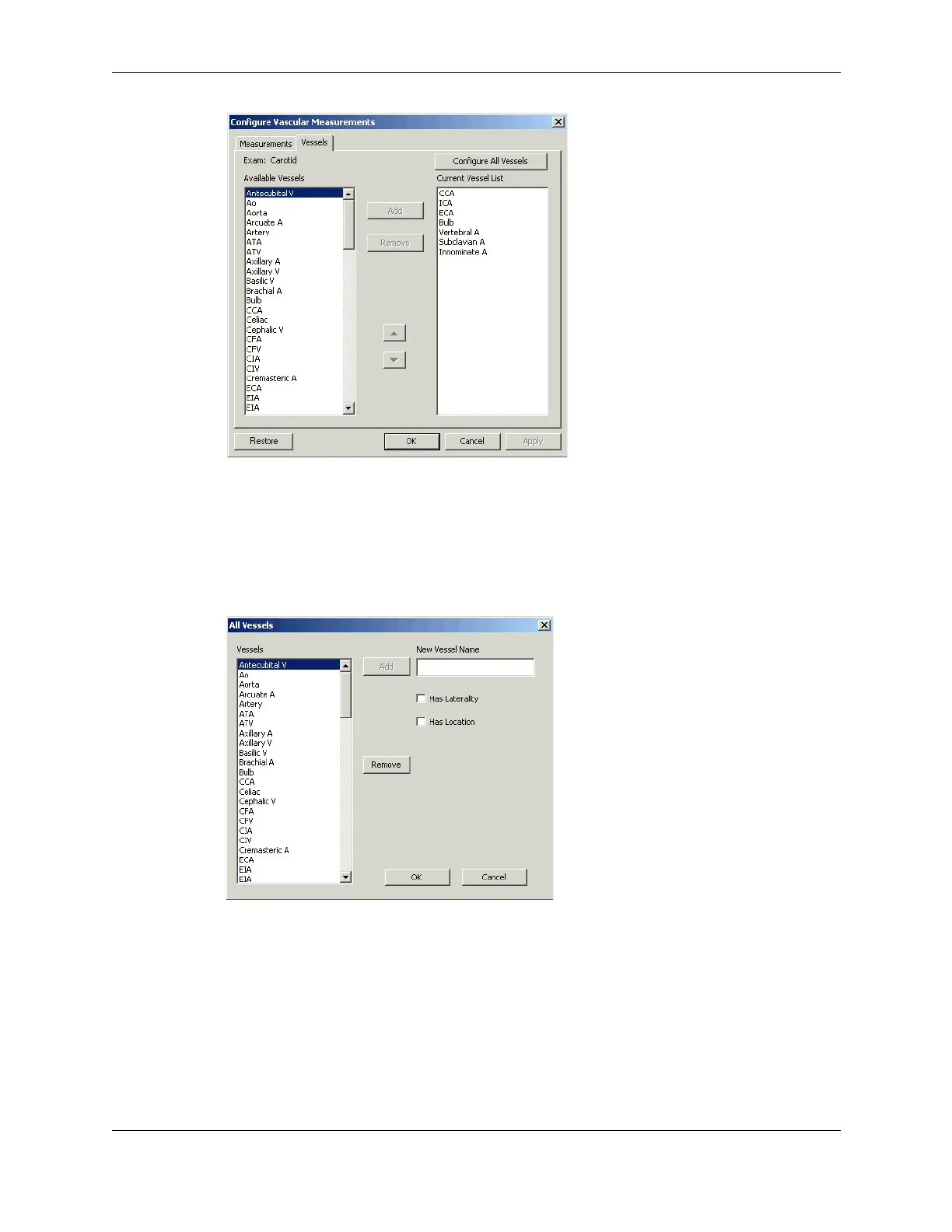
Vessels Tab on Vascular Measurements Window
5. Use the radio buttons to select the applicable scan mode (2D, M-Mode, or Spectral).
6. To create a new vessel:
a. Click
Configure All Vessels.
The All Vessels window opens.
All Vessels Window
b. Enter the name in the New Vessel Name field.
Each vessel name must be unique.
c. If the new vessel has laterality, check the
Has Laterality checkbox.
d. If the new vessel has location, check the
Has Location checkbox.
e. Click
OK to create the new vessel.
f. In the Configure Vascular Measurements window, click the Measurements tab.


 To Next Page
 Loading...