Chapter 7 - Working With Measurements Measuring Vascular Exams
Terason t3000 / Echo Ultrasound System User Guide 177
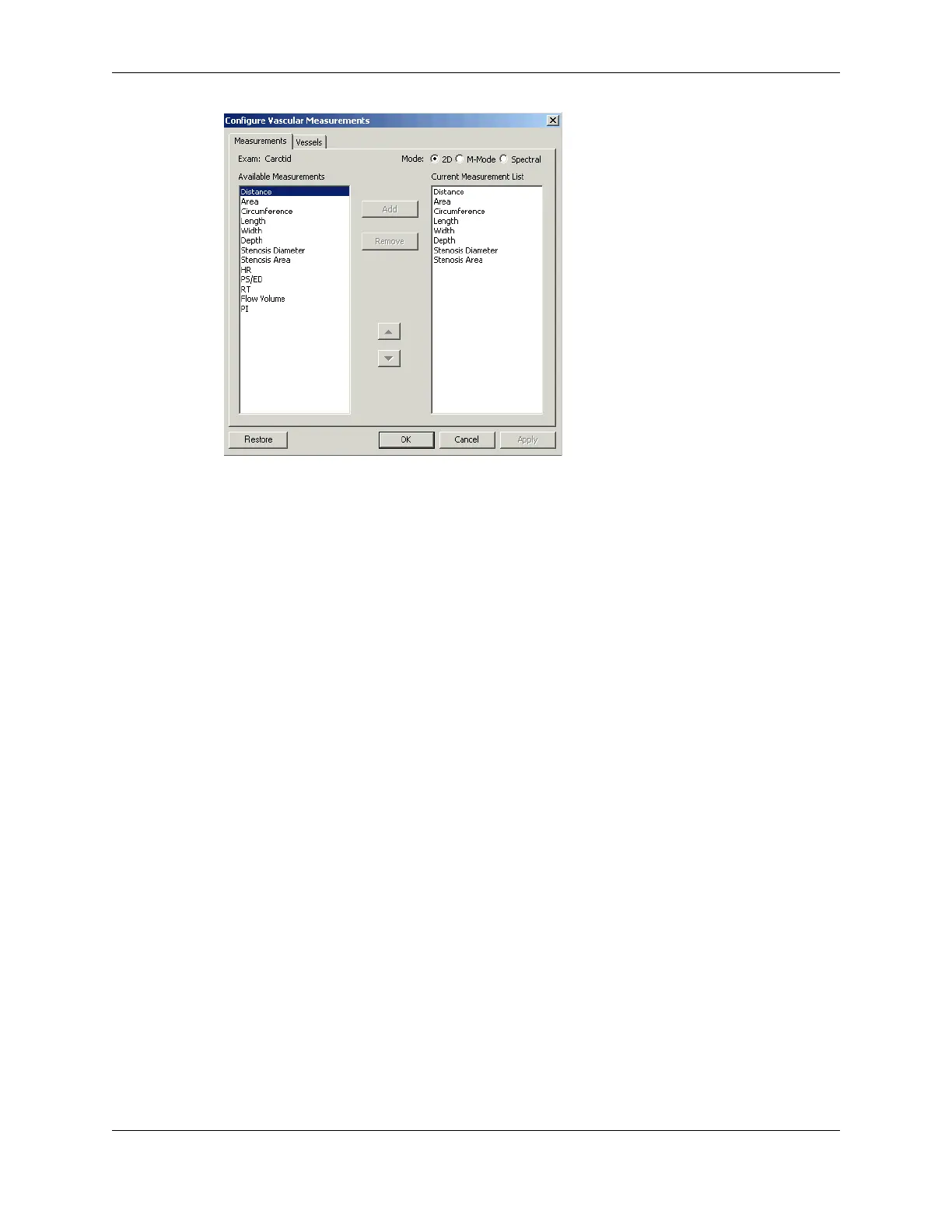
Configure Vascular Measurements Window
4. Use the radio buttons to select the applicable scan mode (2D, M-Mode, or Spectral).
5. To add a measurement to the Current Measurement list, click its name in the list at the
left, then click
Add.
6. To remove a measurement from the group, click its name in the Current Measurement
list, then click
Remove.
7. Click
OK.
Creating Vessel Labels
To create a vessel label:
1. Open the Options/Measurements window (
Tools > Options > Measurements).
2. In the Configuration pull-down menu, select the
exam type.
3. Click
Configure....
4. On the Configure Vascular Measurements window, click the Vessels tab.
The window changes to allow adding and removing vessels from the Current Vessel
List.


 To Next Page
 Loading...