Chapter 7 - Working With Measurements Measuring Vascular Exams
Terason t3000 / Echo Ultrasound System User Guide 176
Vascular Measurement List Options
The Configure Vascular Measurements windows include controls for several
configuration options:
• The Mode: radio buttons select which measurements display in the Available
Measurements and Vessels lists, and the Current Measurement and Vessel lists, based
on the selected scan mode.
• The Up and Down arrows move a selected measurement up or down the Current
Measurement and Vessel lists.
• You can modify existing lists. See Modifying Vascular Measurement Lists on page 176.
• You can create custom measurement labels, called vessels. See Creating Vessel Labels
on page 177.
• You can restore the system default groups. See Restoring Vascular Measurement List
Defaults on page 179.
Modifying Vascular Measurement Lists
To add or remove measurements in a list:
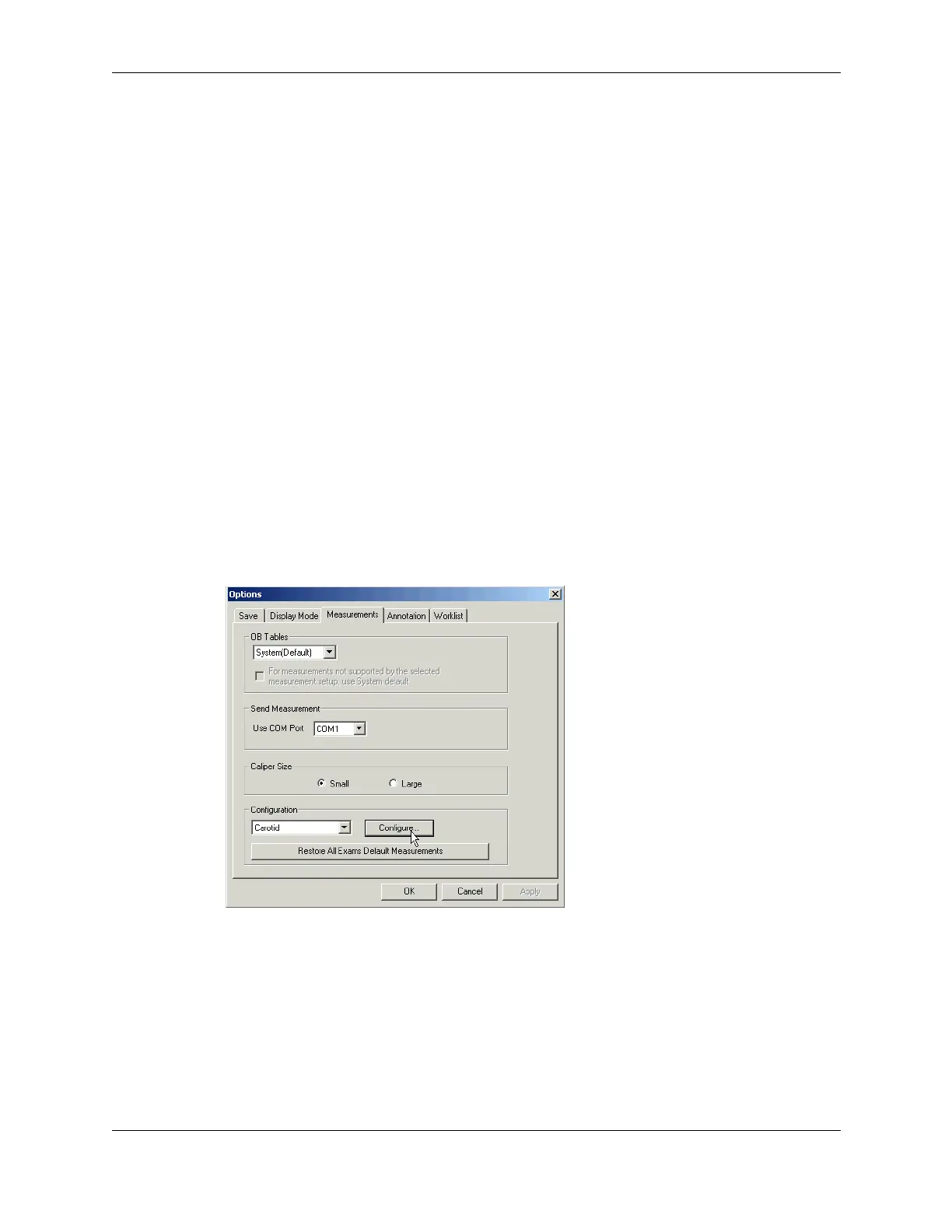
1. Open the Options/Measurements window (
Tools > Options > Measurements).
2. In the Configuration pull-down menu, select the type of exam you want to modify the
measurement list for.
3. Click
Configure....
Options/Measurements Window
The Configure Vascular Measurements window opens, and the Current Measurement
List field displays the measurements currently included in the selected exam’s list.



 To Next Page