Chapter 7 - Working With Measurements Stress Echo
Terason t3000 / Echo Ultrasound System User Guide 203
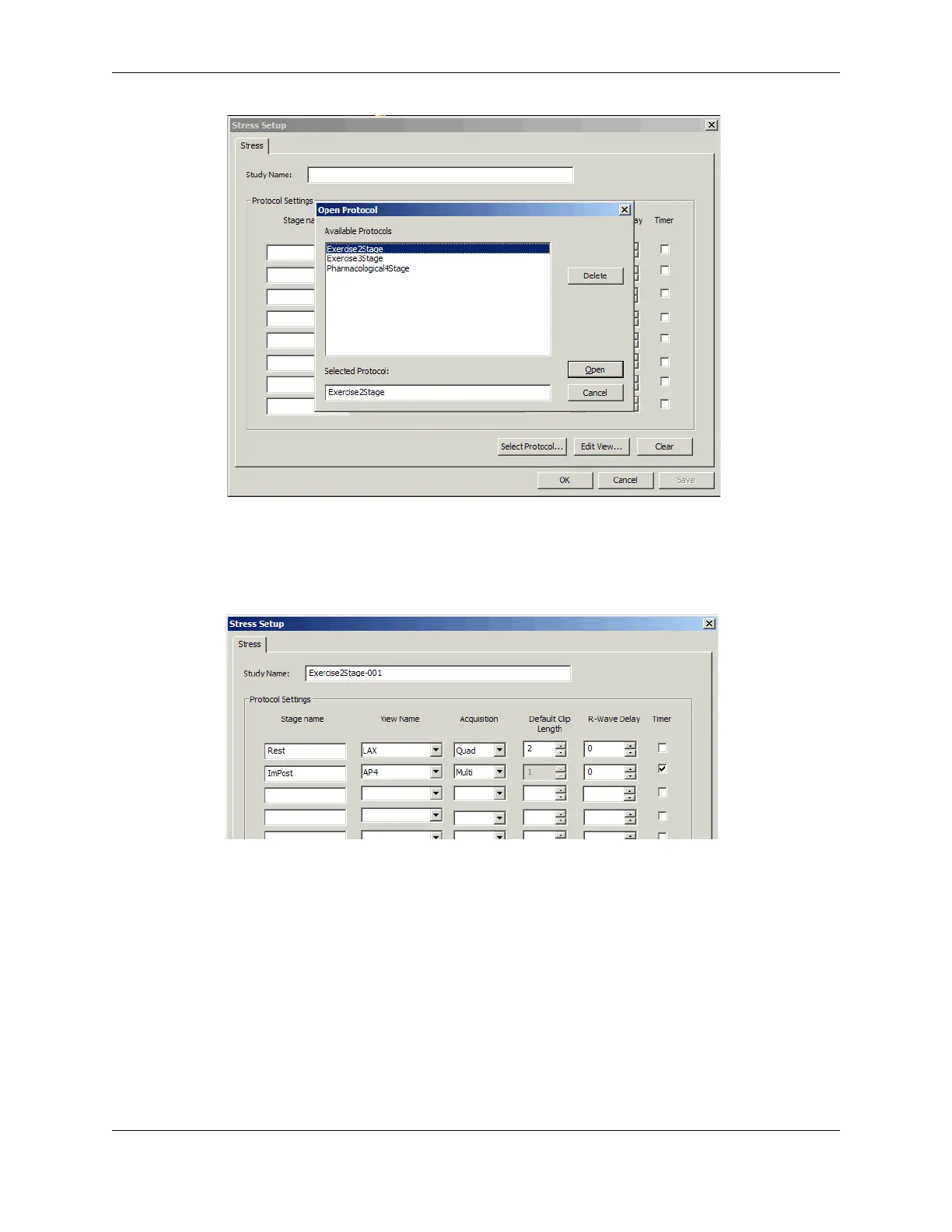
Open Protocol Window and Stress Setup Window
7. Click one of the protocols in the list to select it, then click Open.
The Open Protocol window closes, and the Stress Setup window displays the default
settings for the selected protocol.
Stress Setup Window With Settings Loaded
The default acquisition type is Quad. This records four complete heart-cycle loops.
8. Select
Multi to record more than four heart cycle loops.
When Multi is selected, the software continues to record heart cycles until it reaches
200, or until you stop the acquisition.
9. Open the View Name menu to select a different view name.



 To Next Page