Chapter 7 - Working With Measurements Stress Echo
Terason t3000 / Echo Ultrasound System User Guide 204
View Name Menu
10. To advance or delay the loop start relative to the R-wave peak, click the R-Wave
Delay up or down arrow.
R-Wave Delay Adjustment
•0 (zero) starts the loops at the R-wave peak.
• Entering a positive number delays the loop start by the entered number of
milliseconds.
• Entering a negative number advances the loop start by the entered number of
milliseconds.
11. When the study settings are correct, click
OK.
The Stress Setup window closes.
12. Click inside the ROI rectangle (or select it with the console), drag it to the left
ventricle, and click again.
13. Acquire the Rest loops.
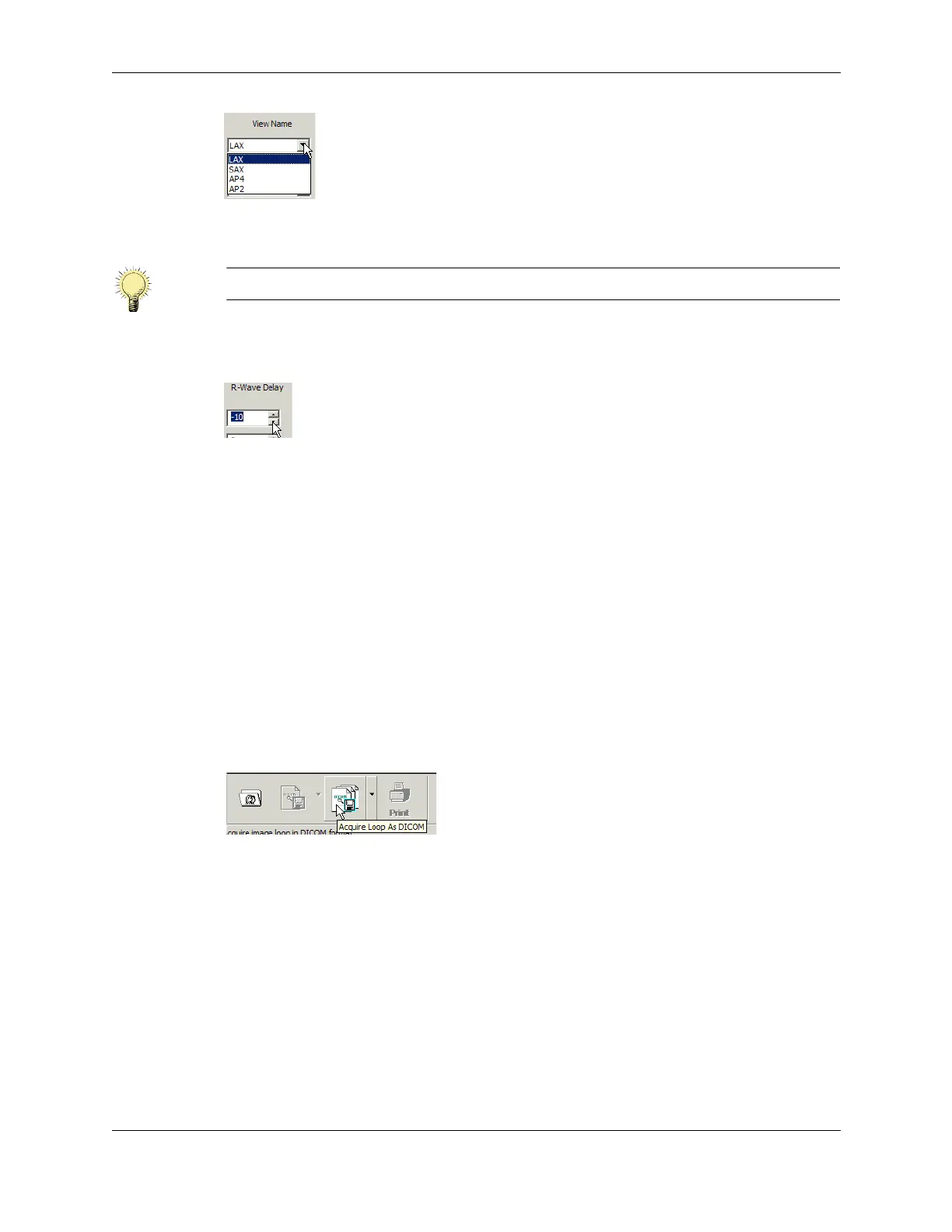
a. Click the Acquire button.
Acquire Button
The software captures loops of the heart cycle and displays them in the Review
screen. If
Multi is selected in the Stress Setup window, the software captures
consecutive heart cycle loops until the acquisition is stopped. If
Multi is not selected,
the software captures four loops.
Note: You can rename the views. See Editing Stress View Labels on page 208.



 To Next Page