Chapter 11 - Using System Tools Specifying Optional Settings
Terason t3000 / Echo Ultrasound System User Guide 245
If you change the default file type, you can use Export on the File menu to select the
Terason Image Type (or any other format) to save the file.
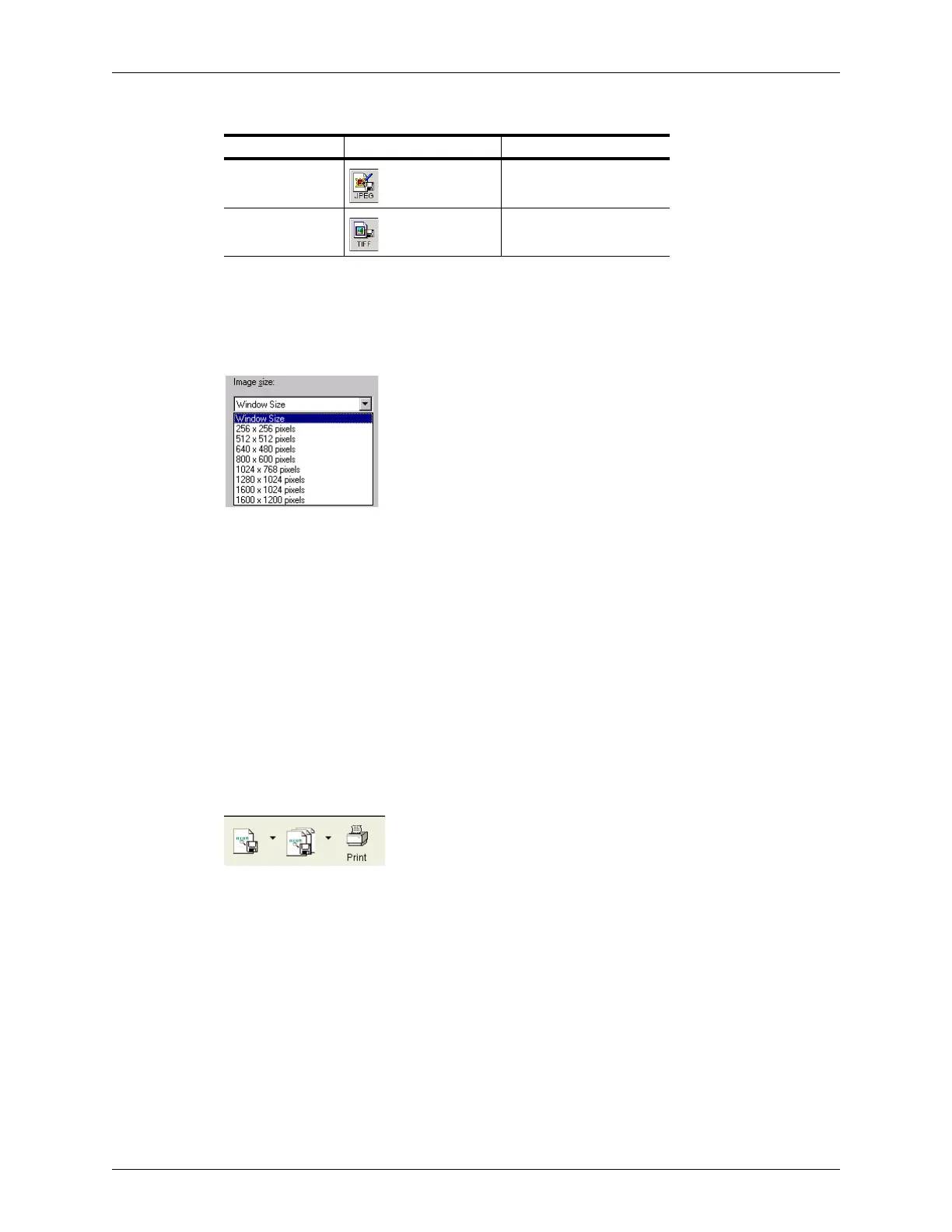
When you select a file type for image files other than ULT, you can choose the default
Image size from the Window Size menu.
Image Sizes for non-ULT File Types
Your choice becomes the new default. You can change the image size when you save the
file by using
Export on the File menu instead of the Save button.
Toolbar File and Print Handling Options
If you use the DICOM utility, you can replace the Save Image and Save Image Loop
buttons on the File toolbar with Send DICOM Image and Send DICOM Loop buttons, and
the Print button with a Print DICOM button. To save an image or loop to your computer in
a format other than DICOM or to print to a printer other than the DICOM printer when the
DICOM options are selected, use the File menu. The Toolbar File and Print handling
options are enabled only if the DICOM utility is installed on the computer.
If you choose to use the DICOM file and print buttons, the File toolbar shows the DICOM
buttons.
File Toolbar Setup with DICOM Buttons
See Using Images with a DICOM Printer or Server on page 227 for information on using
these buttons.
JPEG Not Available
TIFF Not Available
Available File Types for Saving Images and Loops
Image Format Save Image Button Save Loop Button



 To Next Page