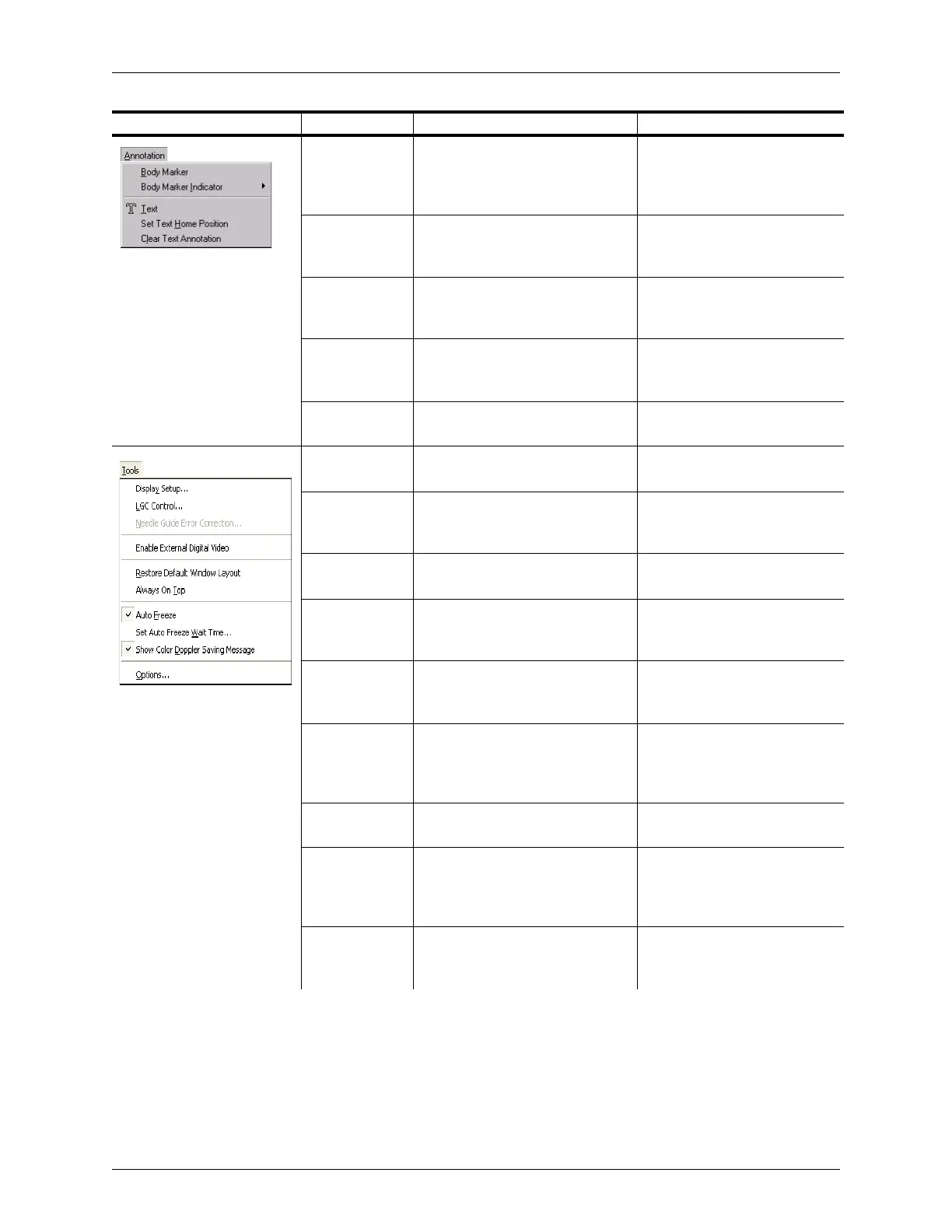
Appendix B - Menu and Toolbar Reference Menu Reference
Terason t3000 / Echo Ultrasound System User Guide 307
Body Marker Opens Annotation window
showing the Body Marker tab
where you can select a body
marker icon
Adding a Body Marker on
page 86
Body Marker
Indicator
Opens a submenu that lets you
choose to display the body marker
indicator horizontally or vertically
Changing the Indicator’s
Direction on page 87
Text Activates the Text tool and opens
the Annotation window showing
the Text tab
Adding Text to an Image on
page 81
Set Text Home
Position
Sets the home position for text at
the location where you click after
selecting this menu item
Setting the Text Home Position
on page 83
Clear Text
Annotation
Deletes all text on the Image
Display window
Deleting Text from an Image on
page 85
Display Setup Provides tools to adjust the display
characteristics of the monitor
Testing the Monitor Display on
page 237
LGC Control Displays a set of sliders that
control gain on lateral segments of
the scan display
Adjusting Lateral Gain
Compensation (LGC) on
page 97
Needle Gauge
Error Correction
Adjusts the guides for biopsy
applications
Setting the Error Correction on
page 224
Restore Default
Window Layout
Changes the location and visibility
(hidden or shown) for all windows
and toolbars to the default
Restoring the Default Layout on
page 241
Always on Top Prohibits other Windows
applications from obscuring the
Terason window
Keeping the Terason Software
on Top on page 242
Auto Freeze Stops sending power to the
transducer after the transducer is
not in use and the wait time
expires
Setting a Time-Out Value on
page 242
Set Auto Freeze
Wait Time
Sets the wait time for auto freeze Setting a Time-Out Value on
page 242
Show Color
Doppler Saving
Warning
Hides or shows the warning if you
try to save a color Doppler scan
with a high level of color
persistence
Adjusting the Color Persistence
on page 123
Options Sets options for Save functions,
Display Modes, Measurements,
and Annotations
Specifying Optional Settings on
page 243
Menu Menu Item Description Where Described in Guide



 To Next Page